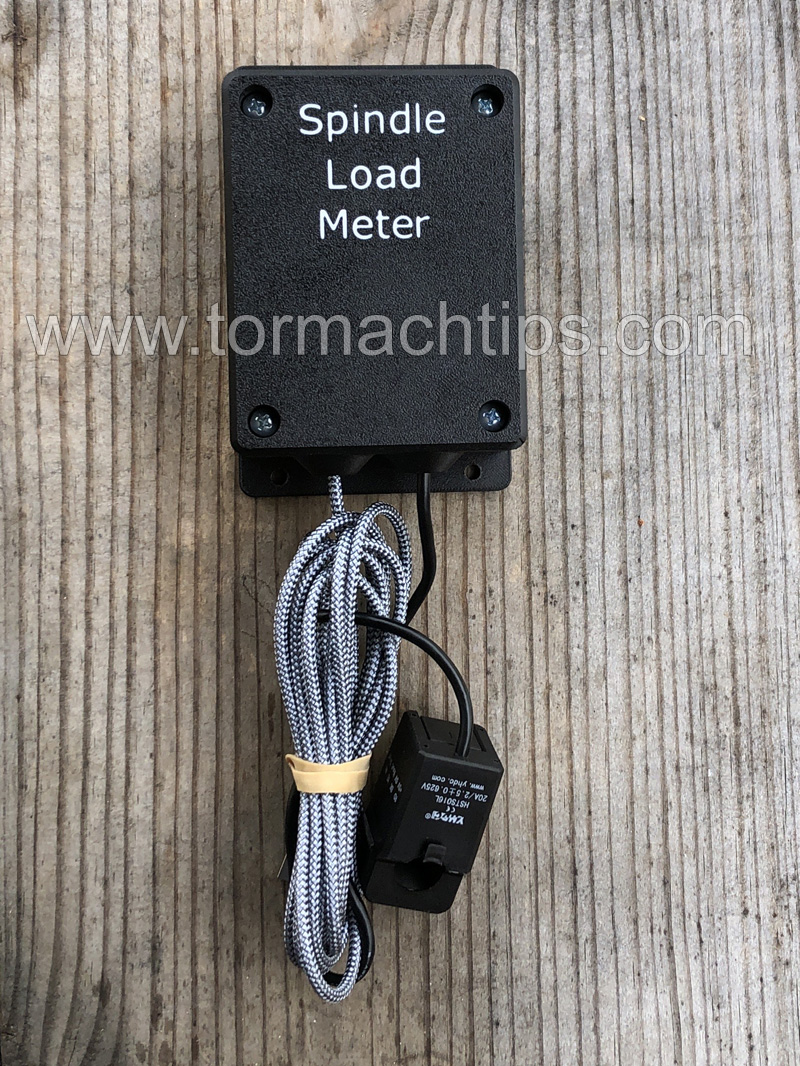
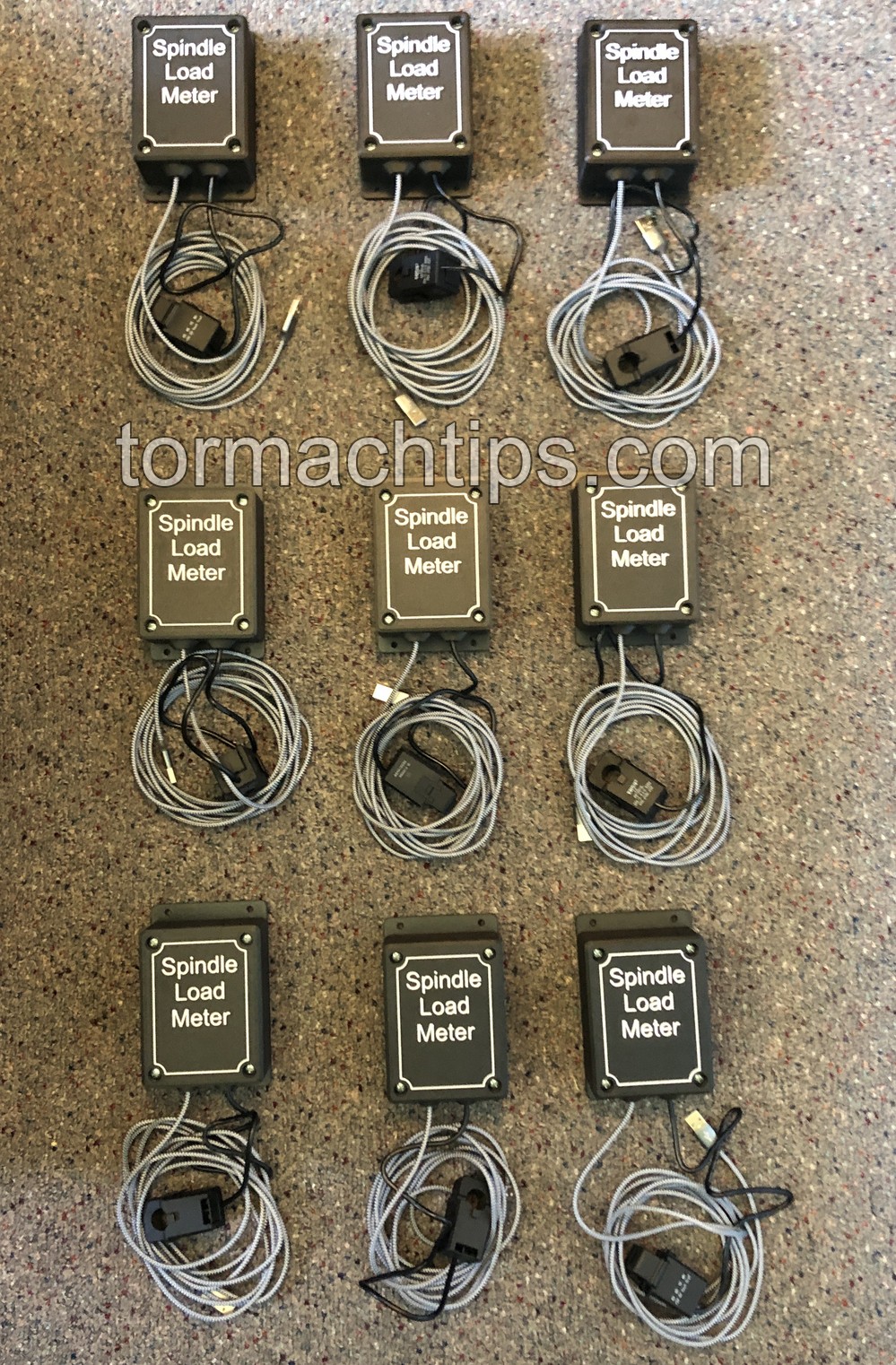
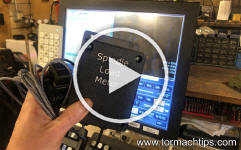
| I am pleased to
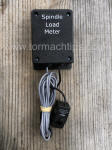
release a fully integrated spindle load meter for most Tormach CNC
machines running PathPilot.
Works on mills and lathes running
PathPilot (not Mach 3 or Mach 4) and is compatible with or without
the Operator's Console. |
 |
Mill Support
- 440
- 770 Early Series (1-3)
- 770M
- 770MX
- 1100 Early Series (1-3)
- 1100M
- 1100MX
- 1500MX
Lathe Support
|
|
Spindle Load Meter (Software
only)
Lifetime License - Includes Updates
$49.99

Pay via QuickBooks |
Spindle Load Meter (Hardware & Software)
Lifetime License - Includes Updates
$174.99 (free USA shipping)
Pay via QuickBooks
|
|
-
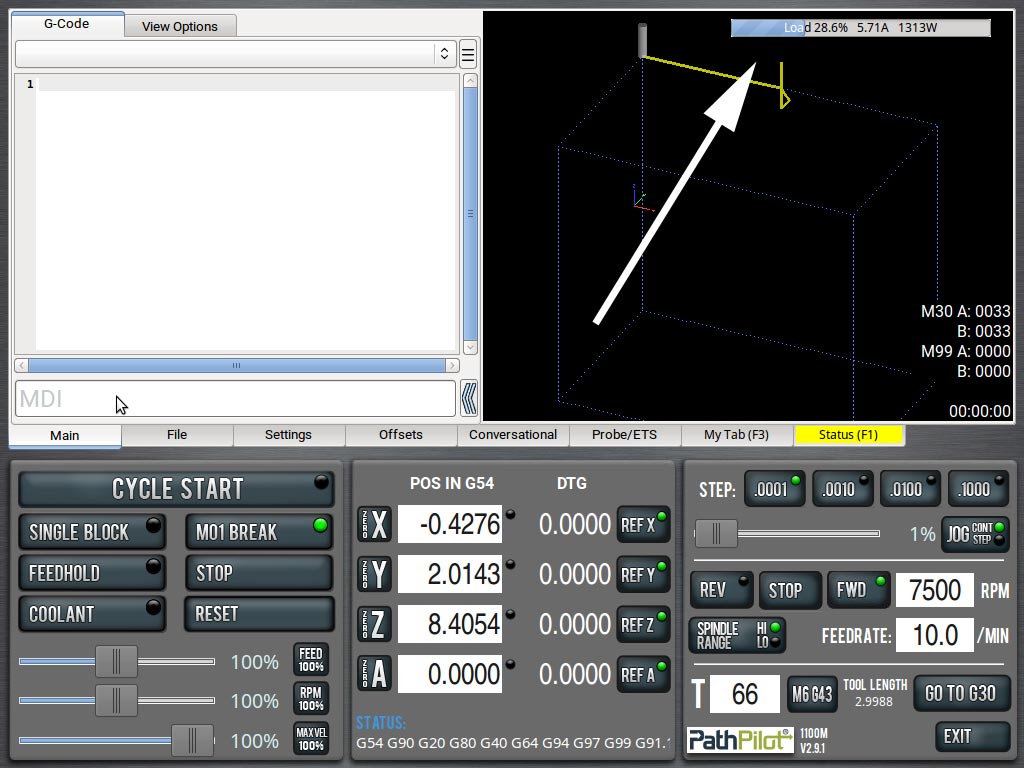
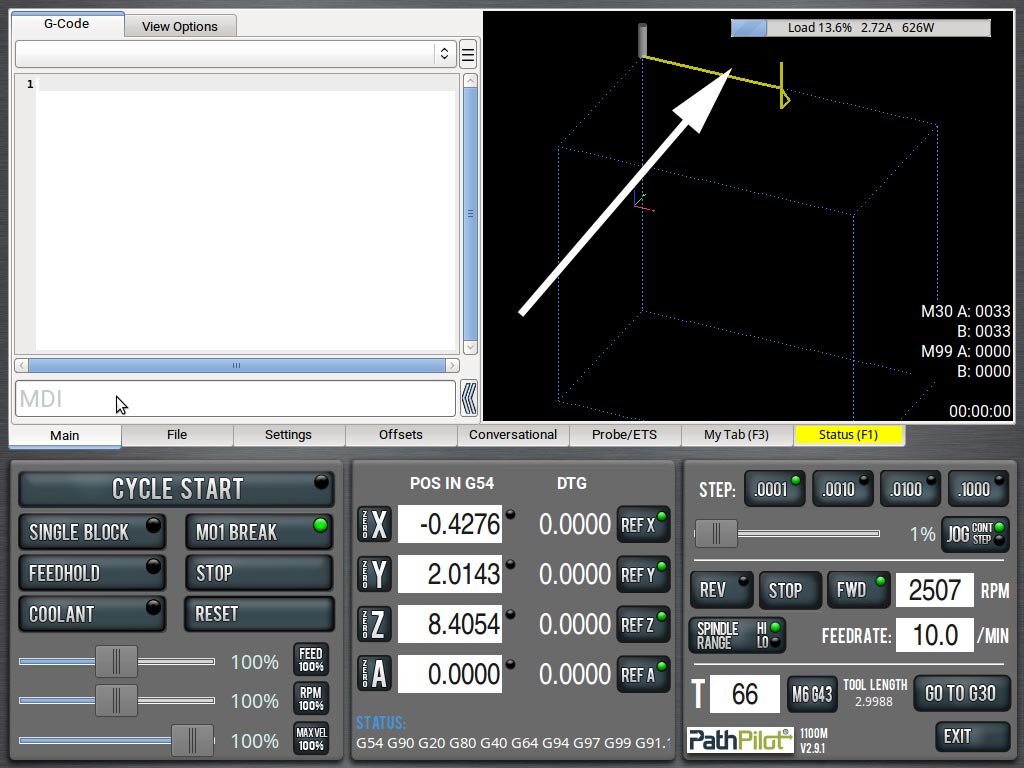
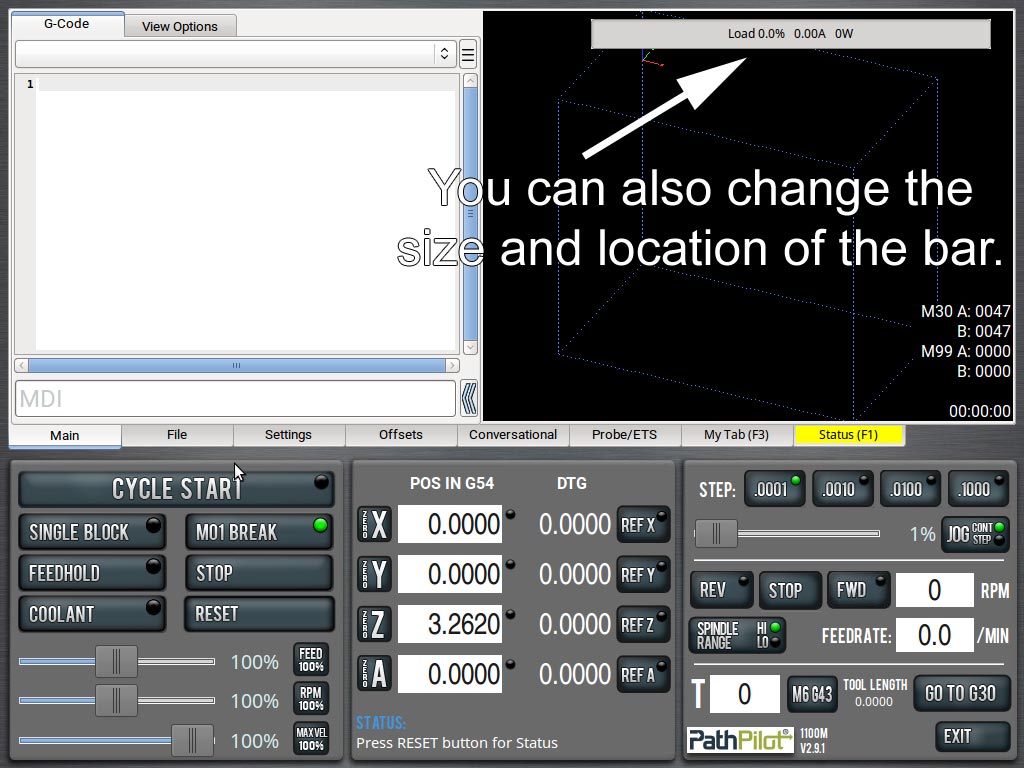
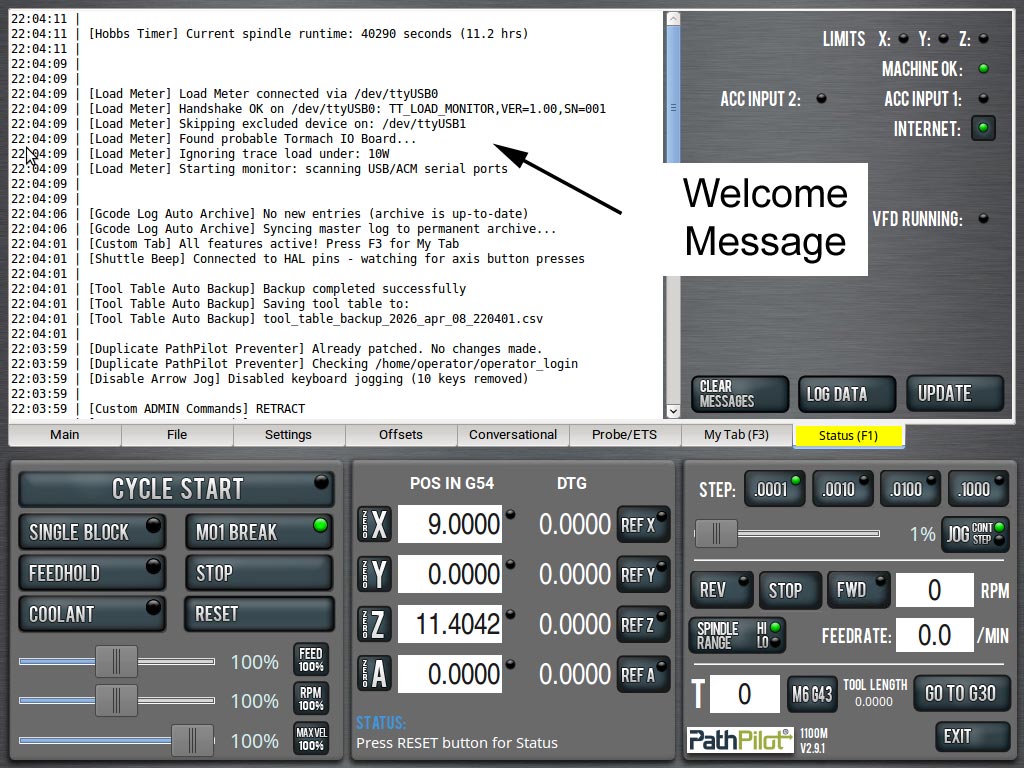
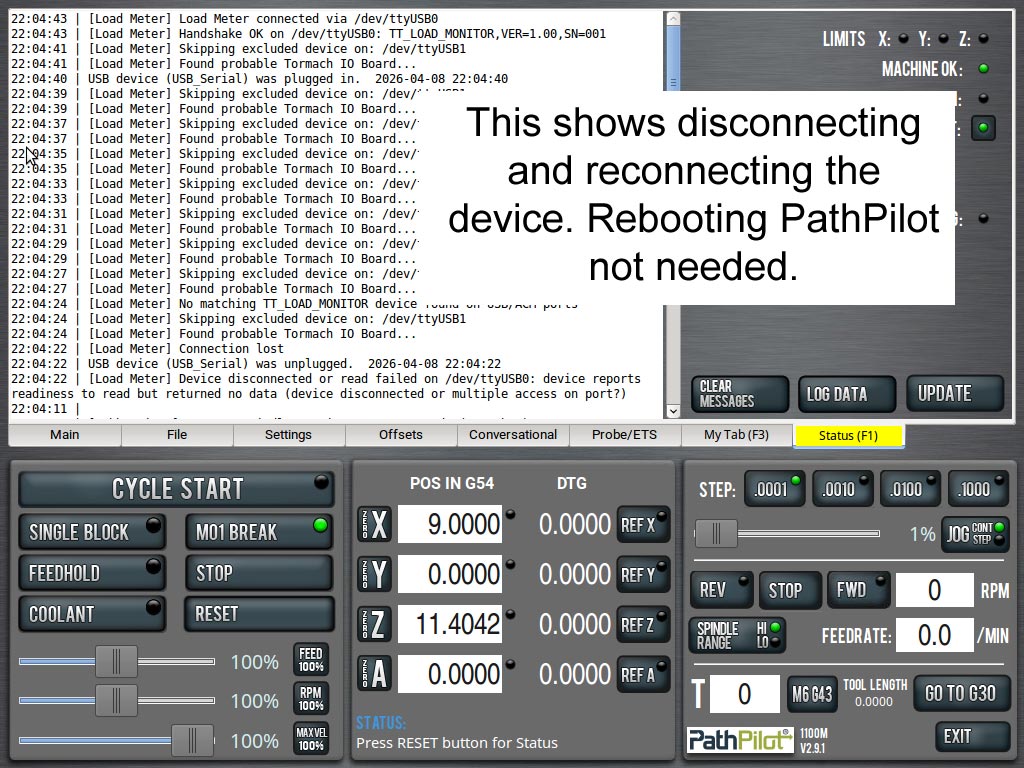
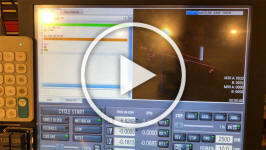
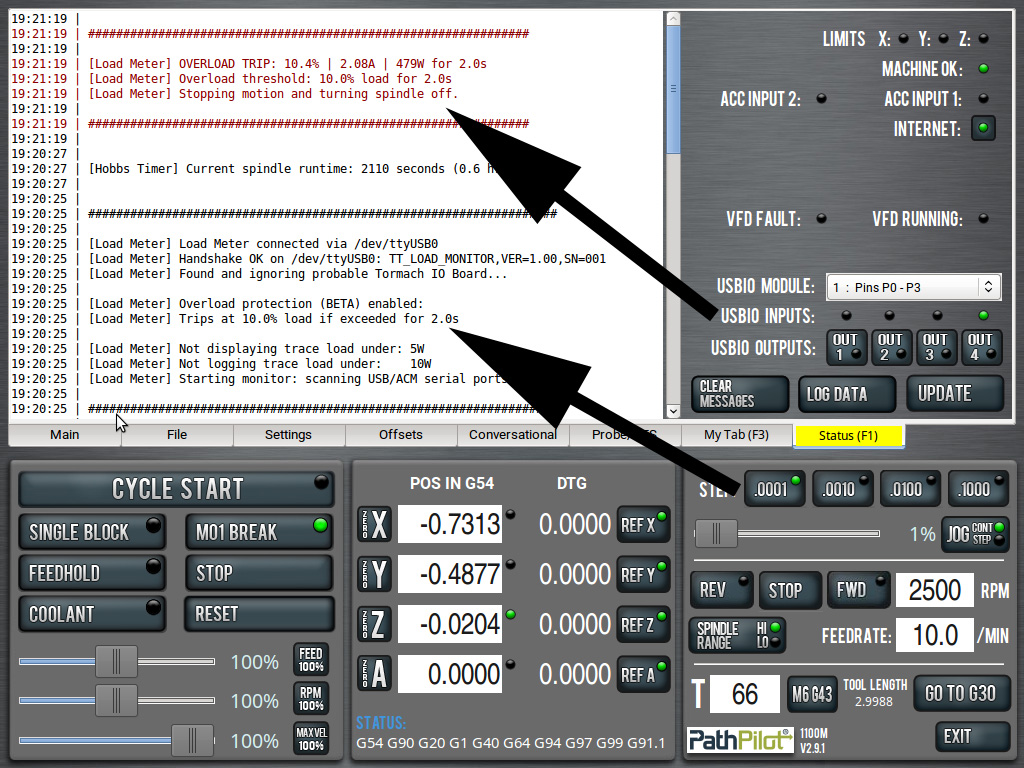
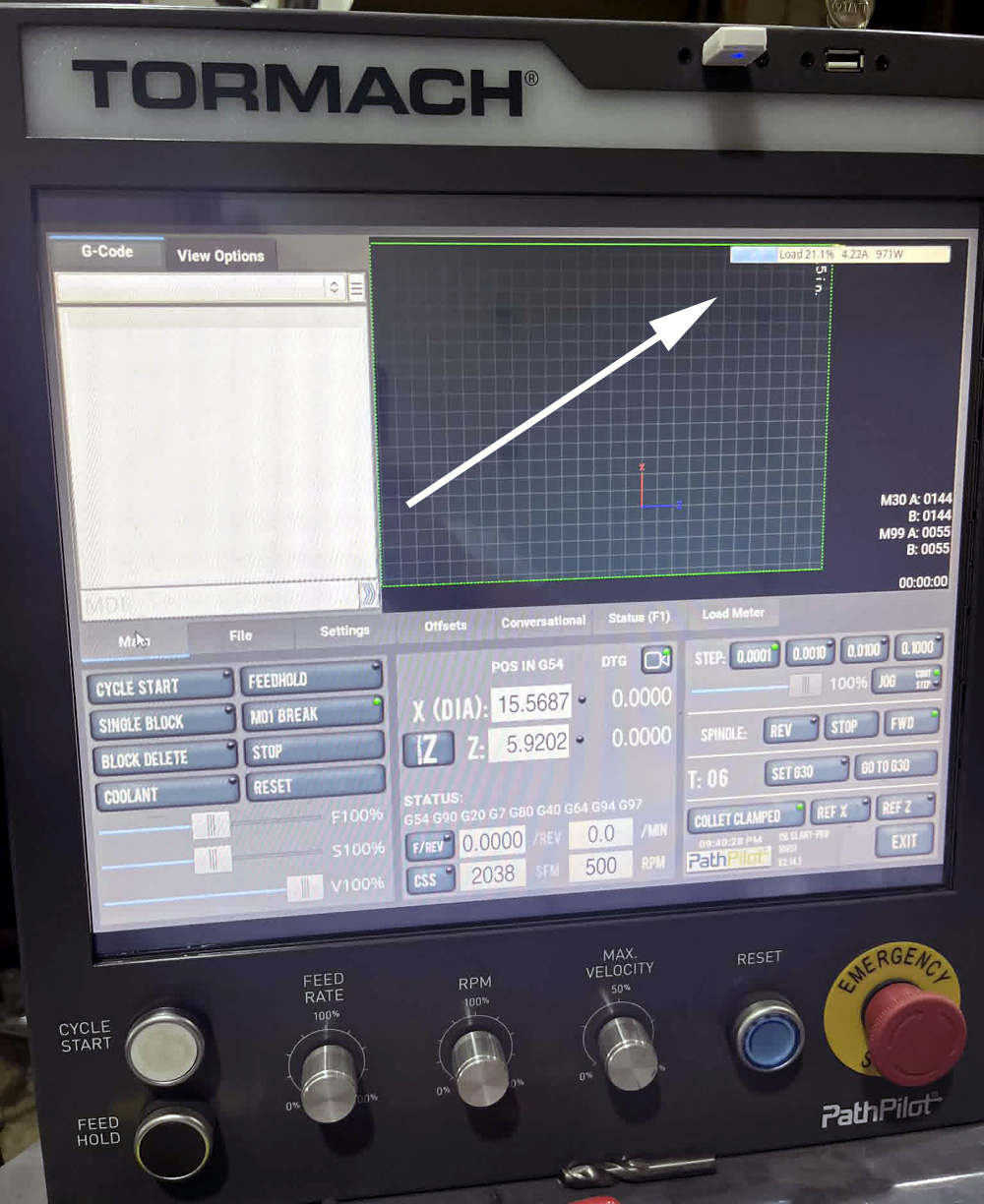
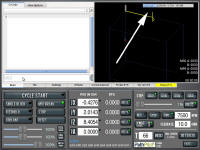
 This load meter displays right on your main
screen and shows calibrated Load, Amperage and Watts. This load meter displays right on your main
screen and shows calibrated Load, Amperage and Watts.
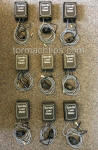
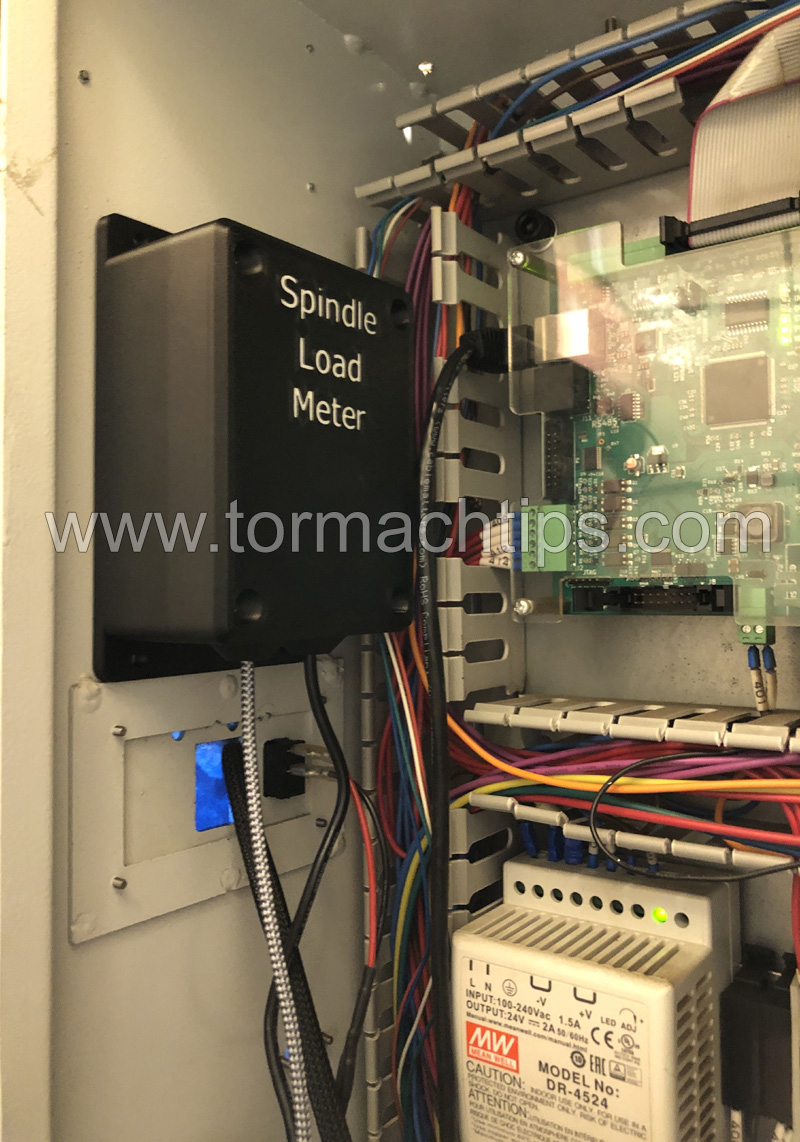
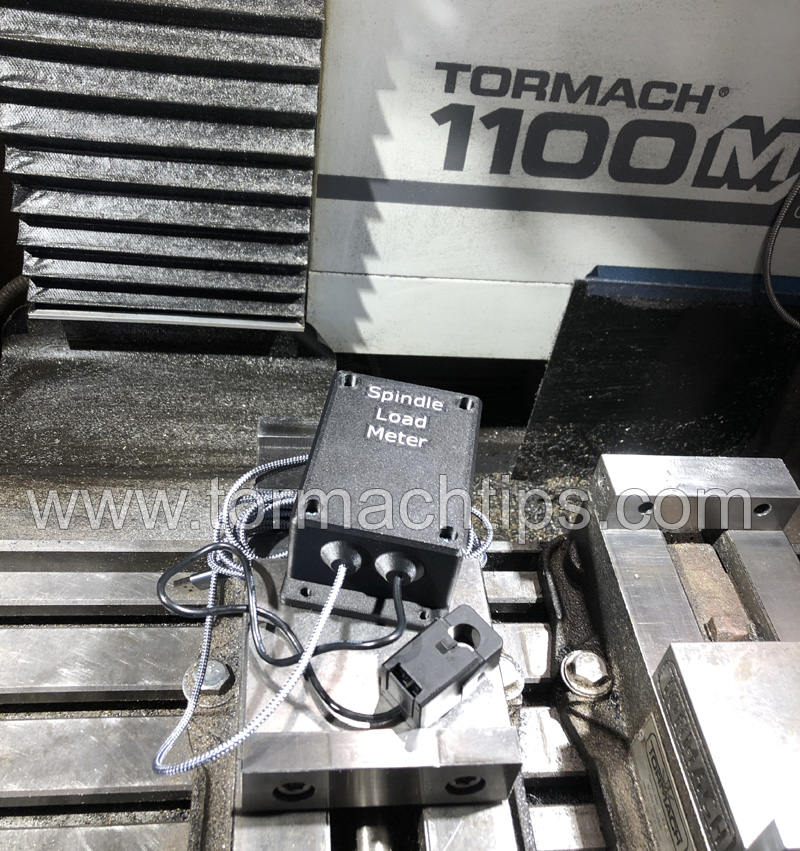
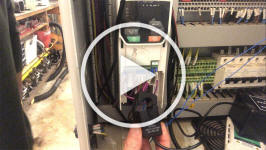
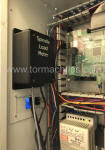
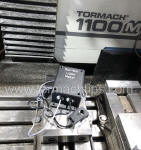
Hardware installation takes less than five
minutes, is completely non-intrusive and quickly removable.
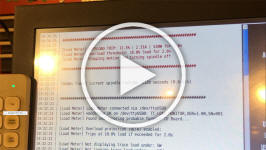
The software is copying less than five
files over and rebooting the machine.
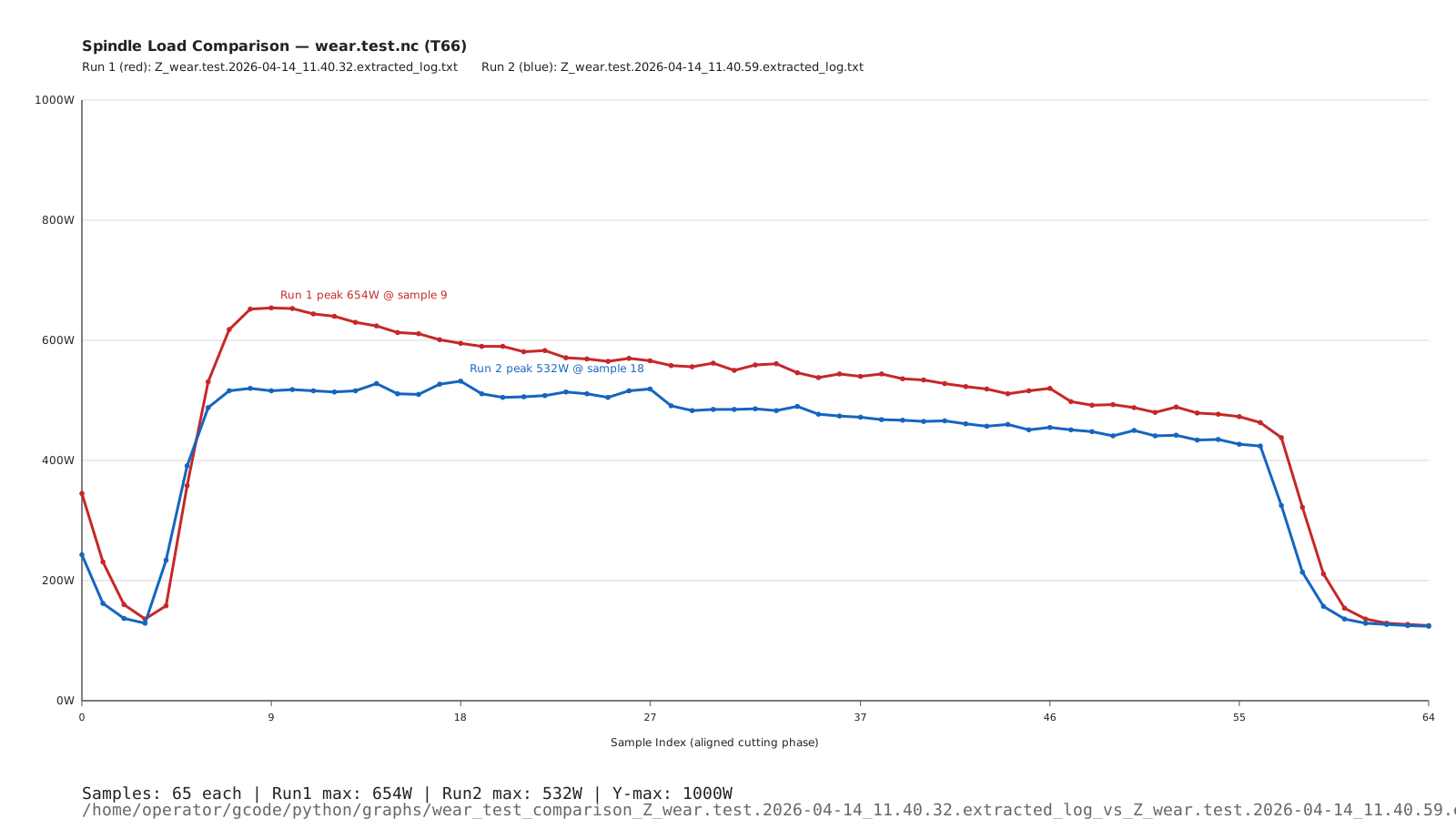
=== Check out my
new end mill vs old end mill load comparison. ===
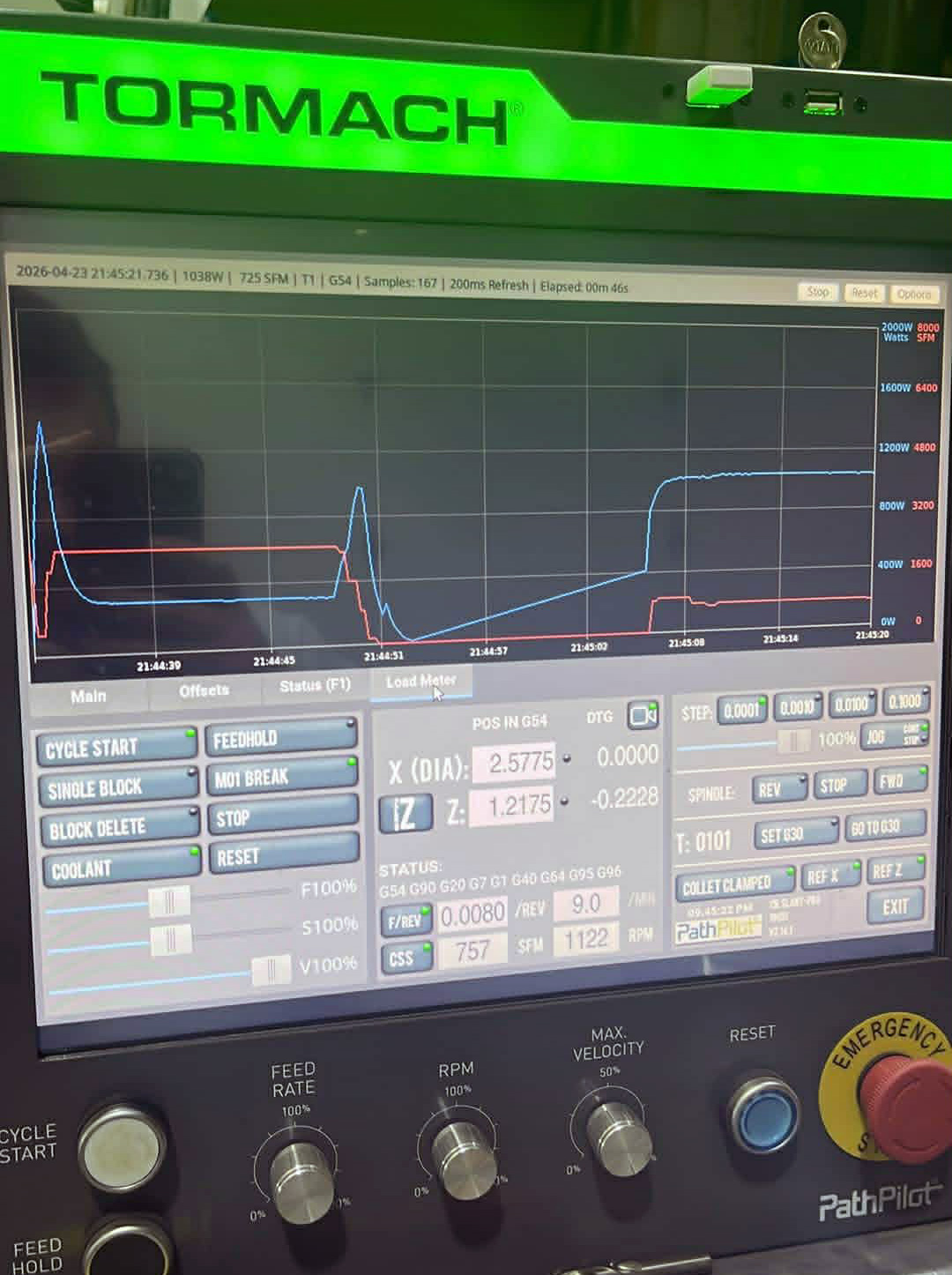
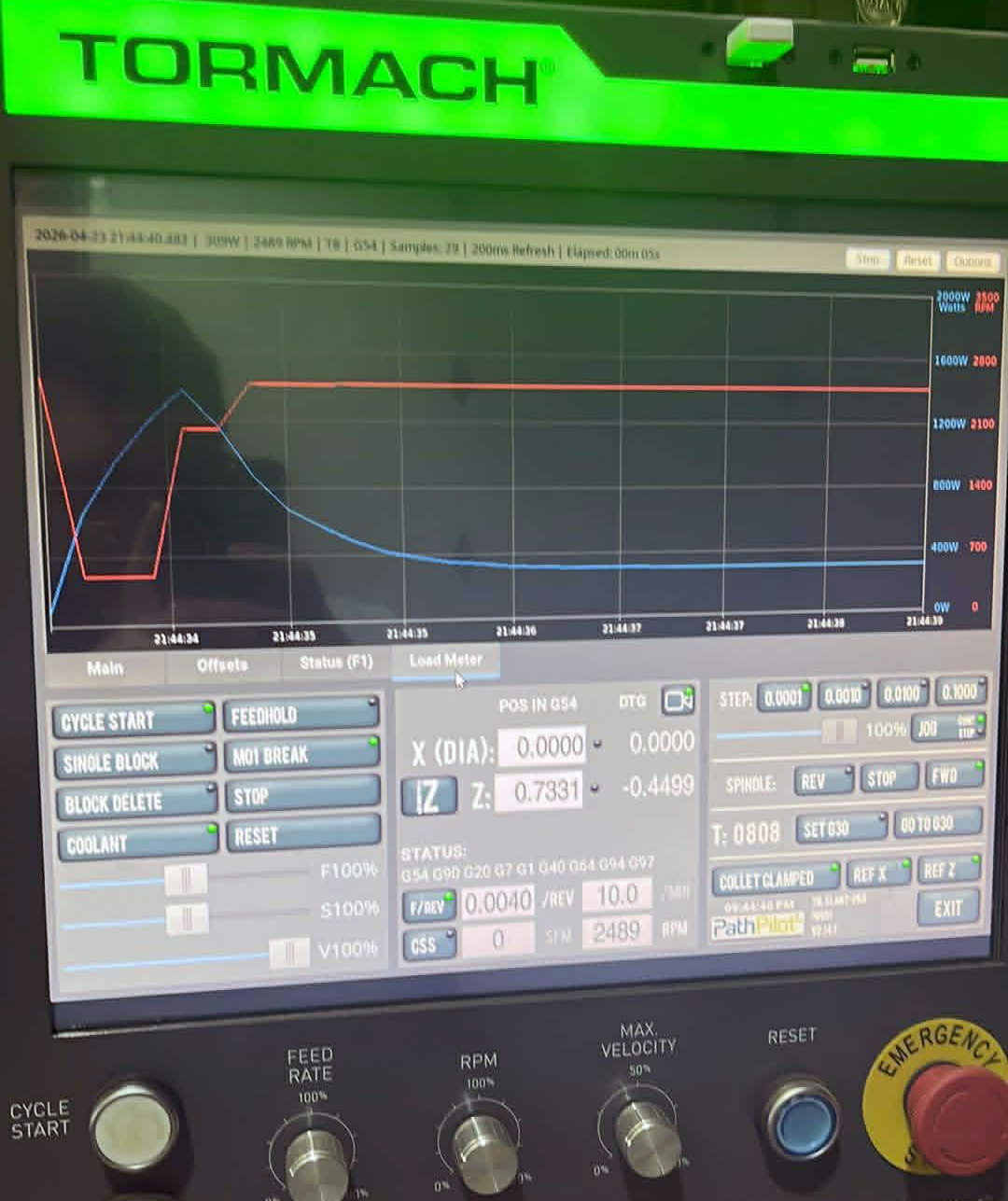
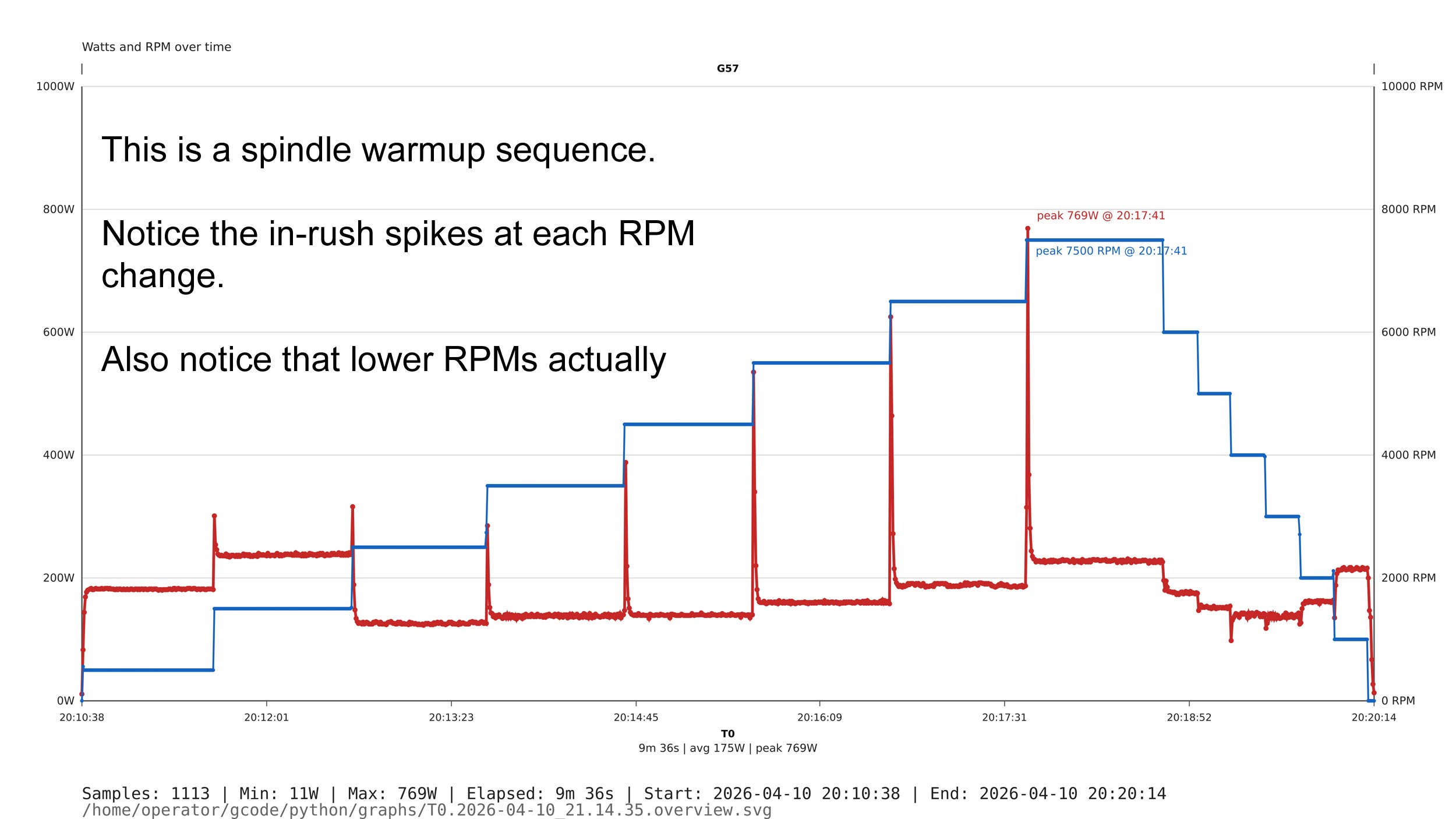
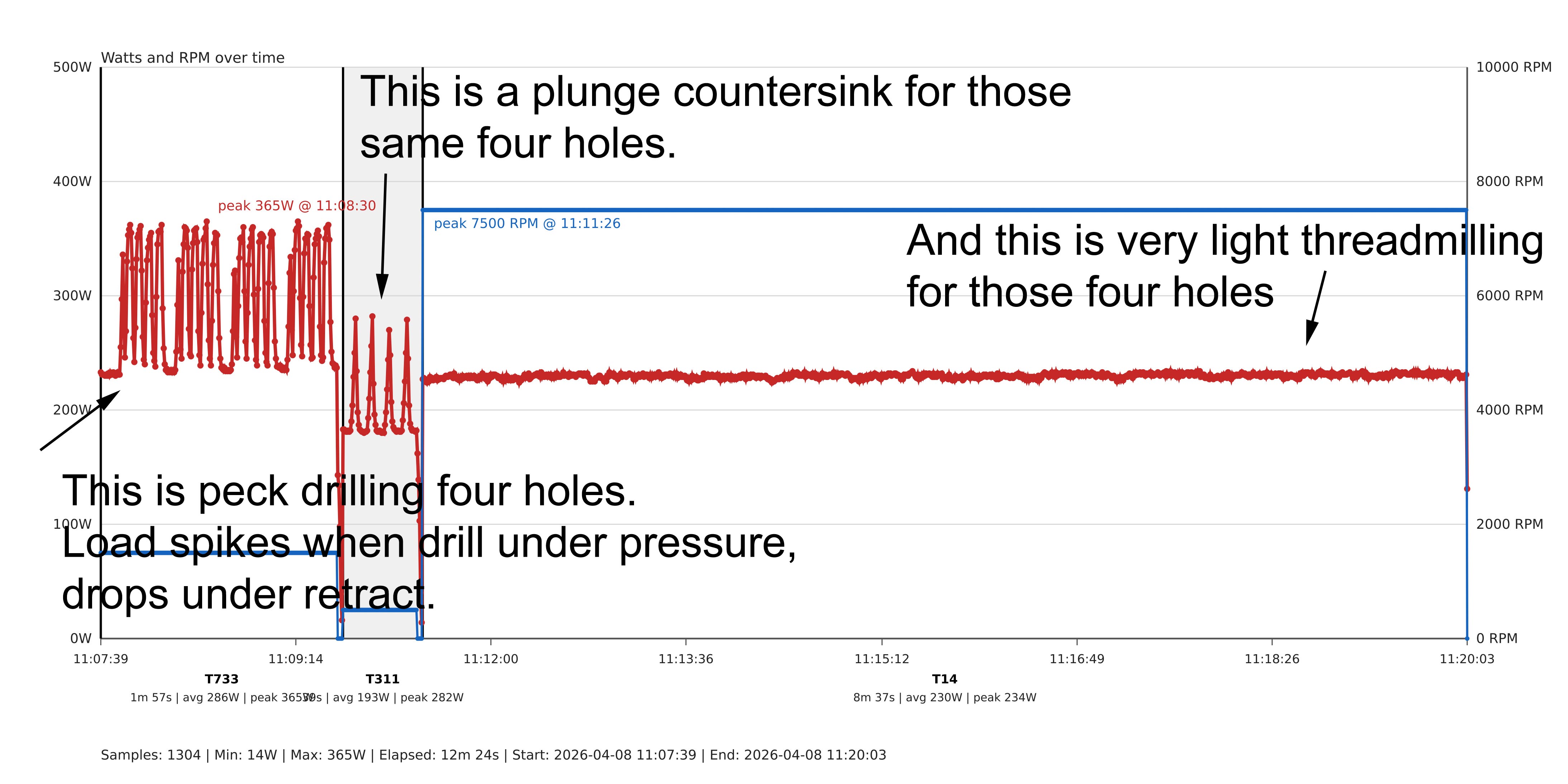
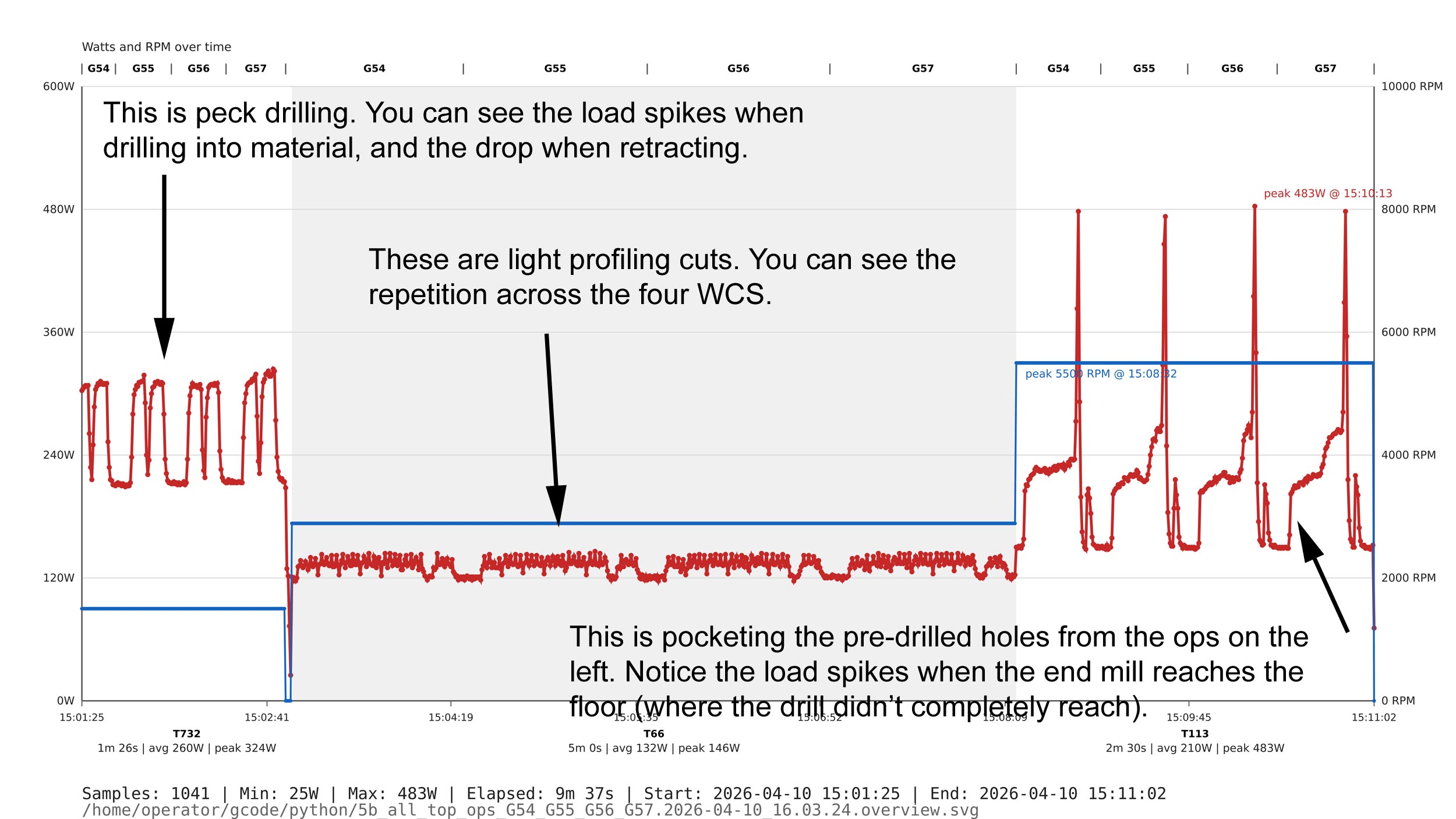
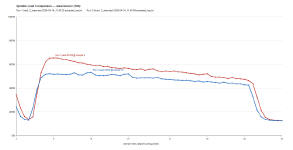
=== The graphing utility makes
comparisons easy to visualize. You can graph any tool run, ===
=== any NC program,
at any time or you can watch spindle load being graphed in real time. ===
|
Not only do you get the load meter, but you
get a graphing utility where you can graph your load across time.
The
real strength of the Load Meter isn't just the load bar, but the advanced
graphing capabilities. You can see the effects of tool wear over time,
compare against different RPMs and feed settings, etc. You can
graph individual NC programs (show me the load of widget.top.ops.nc and
widget.bottom.ops.nc) and/or individual tools (show me the load of all usage
for T125).
Several different graphing
utilities are included.
-
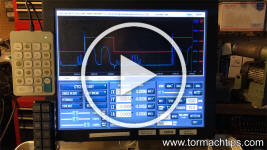
A live, real-time grapher
as an extra tab right inside PathPilot.
-
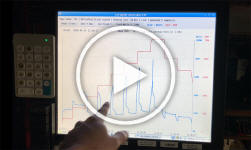
A
standalone, real-time grapher that runs as a separate app. This gives you
full-screen viewing.
-
A grapher to graph
previous runs. These can be entire NC programs, snippets from NC
programs, manual certain tool runs, etc.
-
You can overlay two
runs on the same graph for comparison.
-
See this separate page for comparison
data.
Incidentally, Tormach
sells an analog-only meter, that does not interface with PathPilot at
all, has no graphing capability, requires invasive installation and is only
compatible on certain, older machines for $152 + shipping. My price is
competitive for a much more advanced product.
The software-only option below will include
all required code and a BOM to source the parts you'll need. You do have
variable options and don't have to select exactly what I use, but in the
end, they're all the same.
|