|
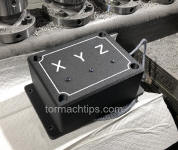
The LED Axis Indicator gives you a simple, easy-to-see
physical indication of which machine axis is being commanded.
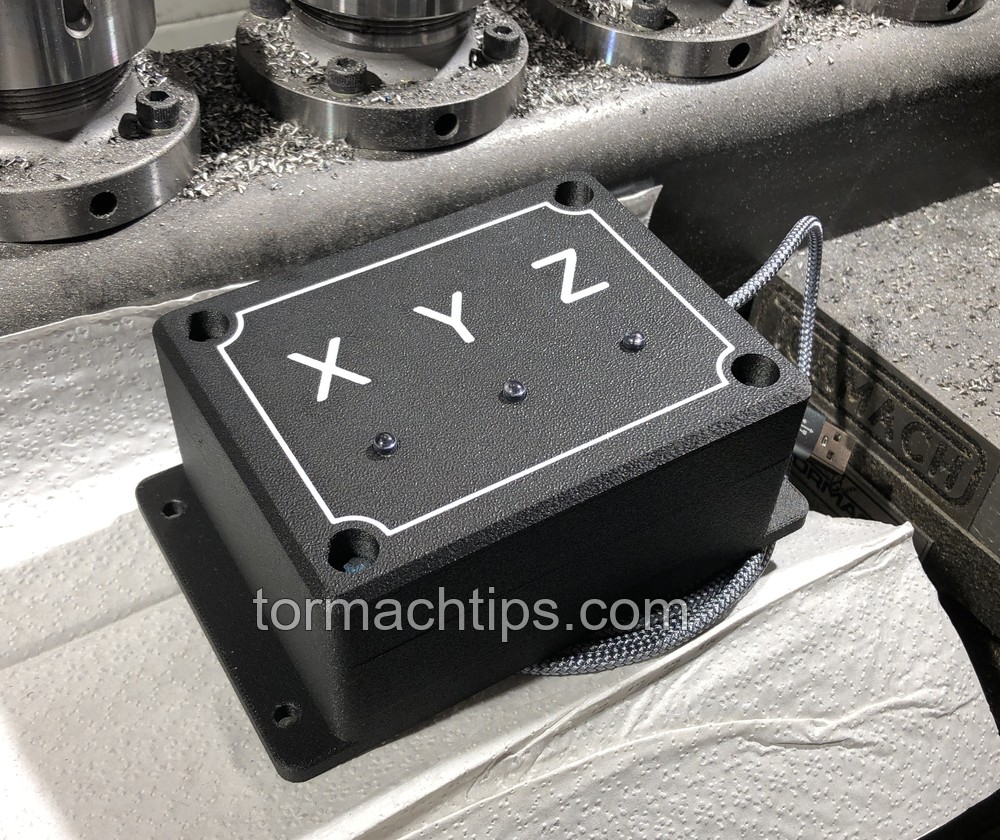
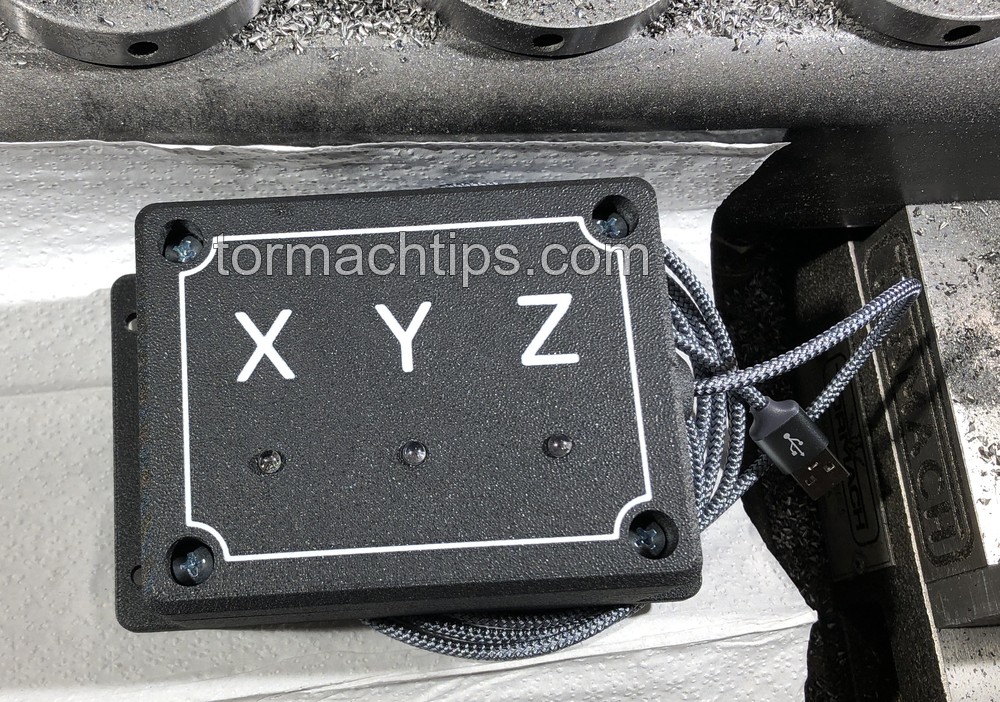
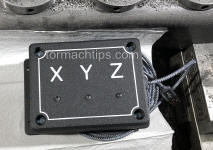
Three individually positioned LEDs correspond to the X, Y and Z axes
and operate automatically from PathPilot.
It works on supported mills and lathes running PathPilot and is
compatible with or without the Tormach Operator Console.
At-a-Glance Axis Activity
Whether you're proving out a program, watching a probing routine,
running an MDI command, or simply monitoring machine movement,
the indicator gives you a quick visual reference for X, Y and Z
activity without having to study the PathPilot screen.
|
Four-Axis Versions Available
Four-axis units with an additional A-axis indicator are available
upon request.
|
Optional Spoken Axis Confirmation
The software can also provide audible axis confirmation through
an external USB speaker, allowing you to hear
"X," "Y," or "Z" as the corresponding axis is indicated.
The USB speaker is not included with the standard Axis Indicator,
but compatible speakers are available separately.
|
|
Key Features
-
Individual X, Y and Z LED indicators
-
USB connection to the PathPilot controller
-
Automatic operation from PathPilot
-
Works with or without the Operator Console
-
Compact enclosed design
-
Mounting flange with mounting holes
-
Braided USB cable
-
Four-axis A-axis versions available upon request
-
Optional spoken axis confirmation
-
Installation and configuration instructions included
-
Lifetime software license includes future released updates
|
Mill Support
-
440
-
770 Early Series (1-3)
-
770M
-
770MX
-
1100 Early Series (1-3)
-
1100M
-
1100MX
-
1500MX
Lathe Support
PathPilot only. Not for Mach 3 or Mach 4.
|
|
|
LED Axis Indicator (Software Only)
Lifetime License - Includes Updates
$49.99

Pay via QuickBooks
|
LED Axis Indicator (Hardware & Software)
Lifetime License - Includes Updates
$99.99 (free USA shipping)
Pay via QuickBooks
|
How It Works
Once installed, the Axis Indicator runs automatically with PathPilot.
When PathPilot commands movement on an axis, the corresponding LED
provides an immediate physical indication of that activity.
|
X
|
X-axis activity is indicated by the X LED.
|
|
Y
|
Y-axis activity is indicated by the Y LED.
|
|
Z
|
Z-axis activity is indicated by the Z LED.
|
|
A
|
A-axis indication is available on optional four-axis units.
|
Optional Audio Axis Confirmation
In addition to the visual LED indication, the software can optionally
provide spoken axis confirmation through an external USB speaker.
As an axis is indicated, PathPilot can audibly announce
"X," "Y," or "Z", giving you both visual and audible confirmation
while your attention remains on the machine.
A USB speaker is not included with the standard LED Axis Indicator,
but compatible USB speakers are available separately.
Compact, Shop-Friendly Design
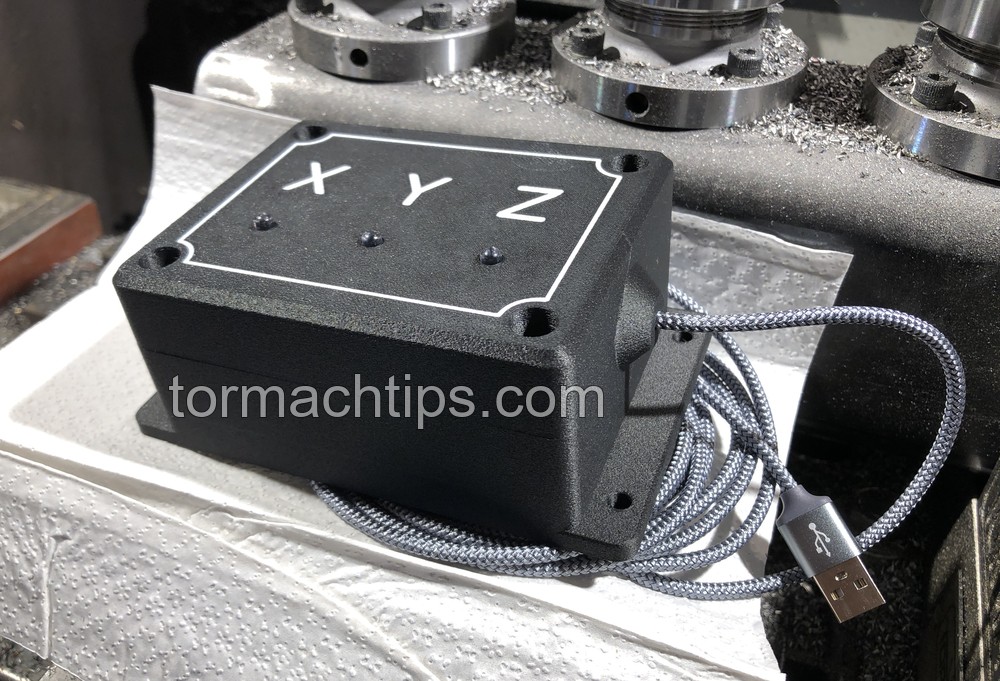
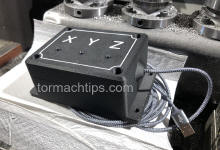
The electronics are enclosed in a black housing with a durable textured
finish. The clearly marked X / Y / Z faceplate is easy to read, the
mounting flange provides several mounting points, and the integrated
braided USB cable keeps installation clean and simple.
Simple Installation
Connect the Axis Indicator to an available USB port on the PathPilot
controller and install the supplied PathPilot software. Full installation
and configuration instructions are included with purchase.
The software-only option includes the required PathPilot code and
information needed to build your own compatible indicator hardware.
|