A blog of ideas and improvements for Tormach CNC machines.
Articles |
PathPilot Plugins |
Fusion Plugins |
About |
tormachtips@gmail.com
WebPilot |
Spindle Load Meter |
LED Stack Light |
LED Axis Indicator |
PathPendant |
GamePendant
|
||||||
| Plugins Downloader &
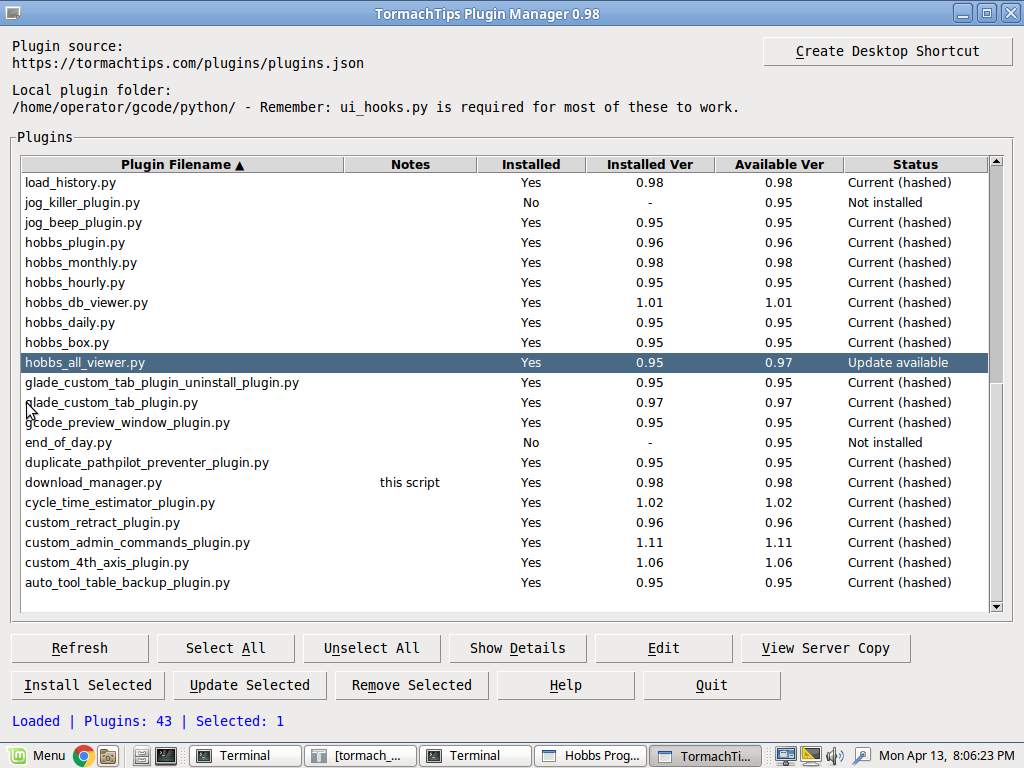
Update Manager This is a standalone utility that gives you access to the full suite of TormachTips plugins and scripts in one place. It is designed to simplify installation, updates, and other common maintenance tasks, so you do not have to manage each script manually. For most users, this is the easiest way to get started. You install or run this one script, and it can take care of installing the rest of the scripts I offer. It can also help you check for updates and keep your tools current. Your machine must be connected to the Internet for this to work. The command below downloads the installer from my website and immediately runs it. To use it, open a terminal by pressing CTRL + ALT + X on your machine, then type this command exactly: curl https://tormachtips.com/down | python A few important notes:
|
||||||
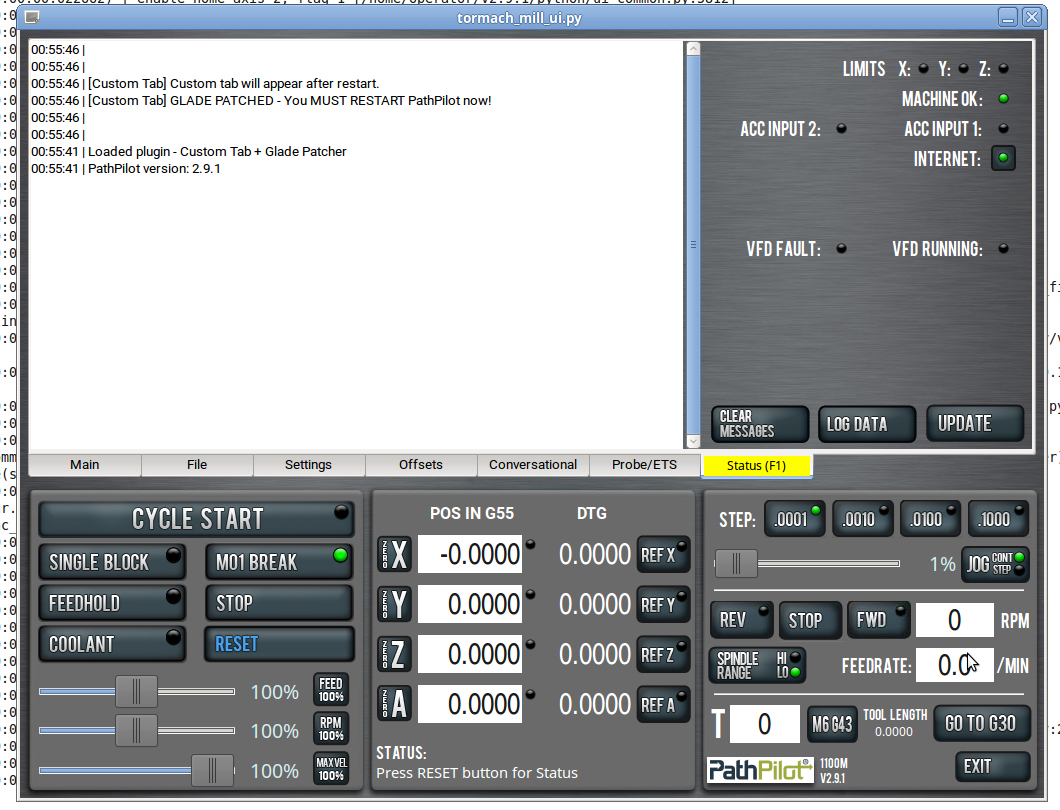
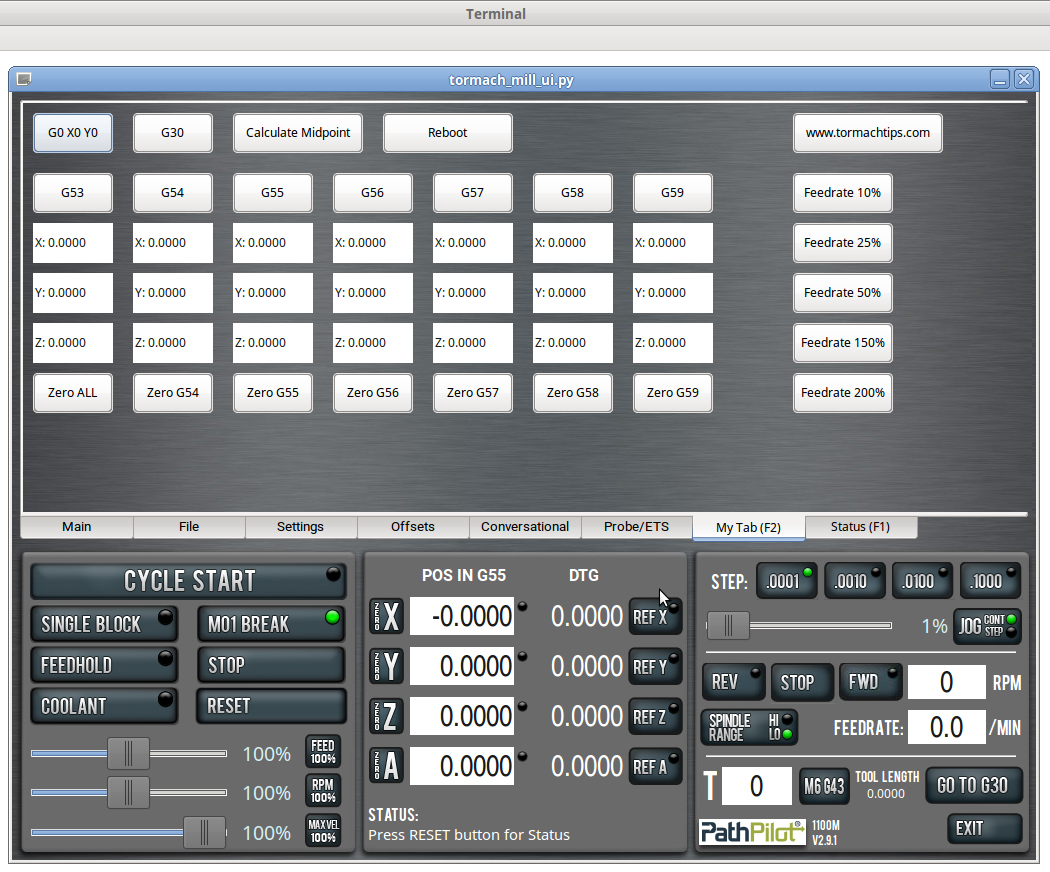
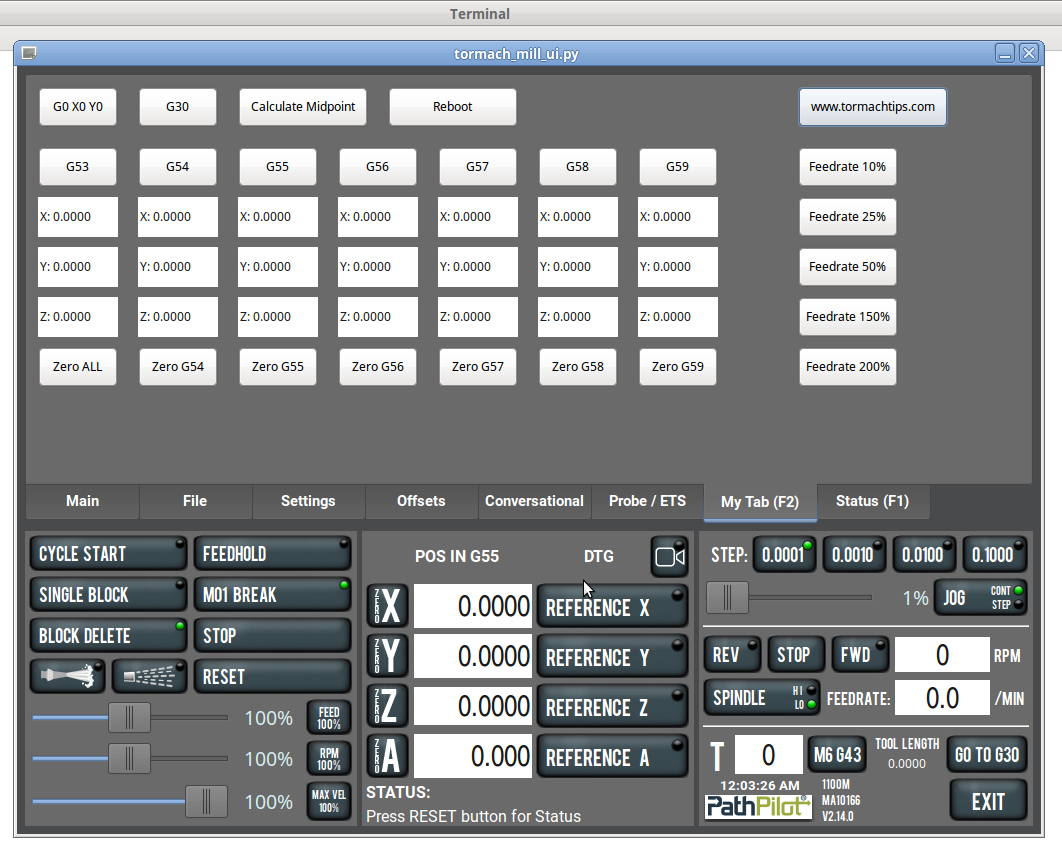
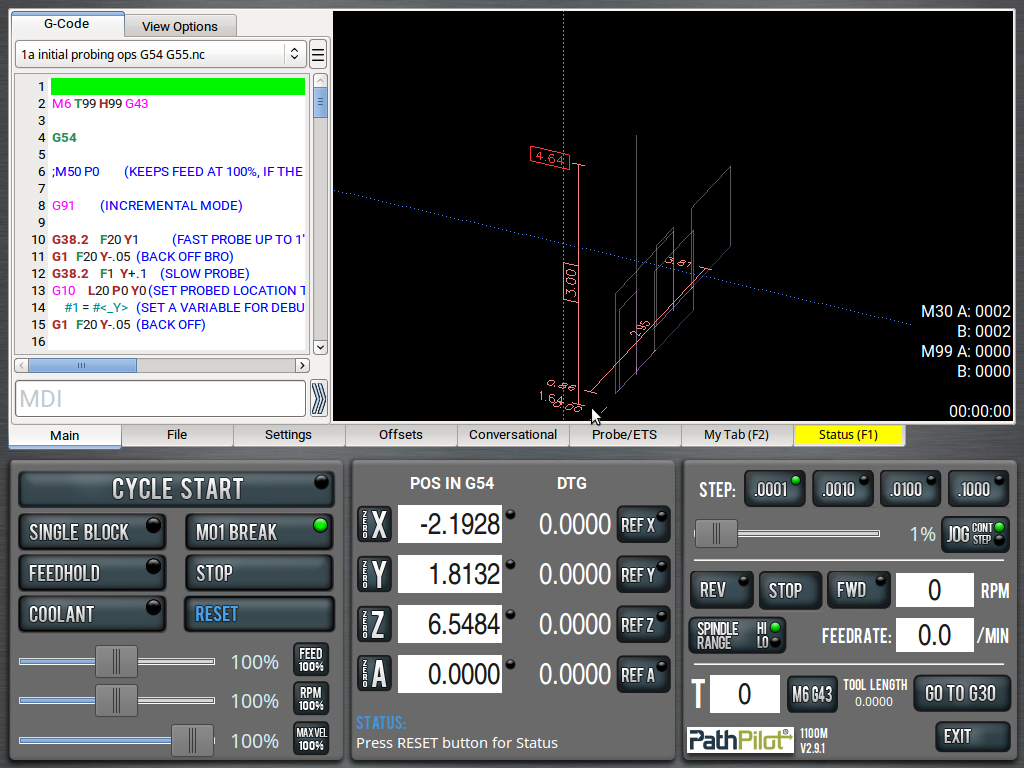
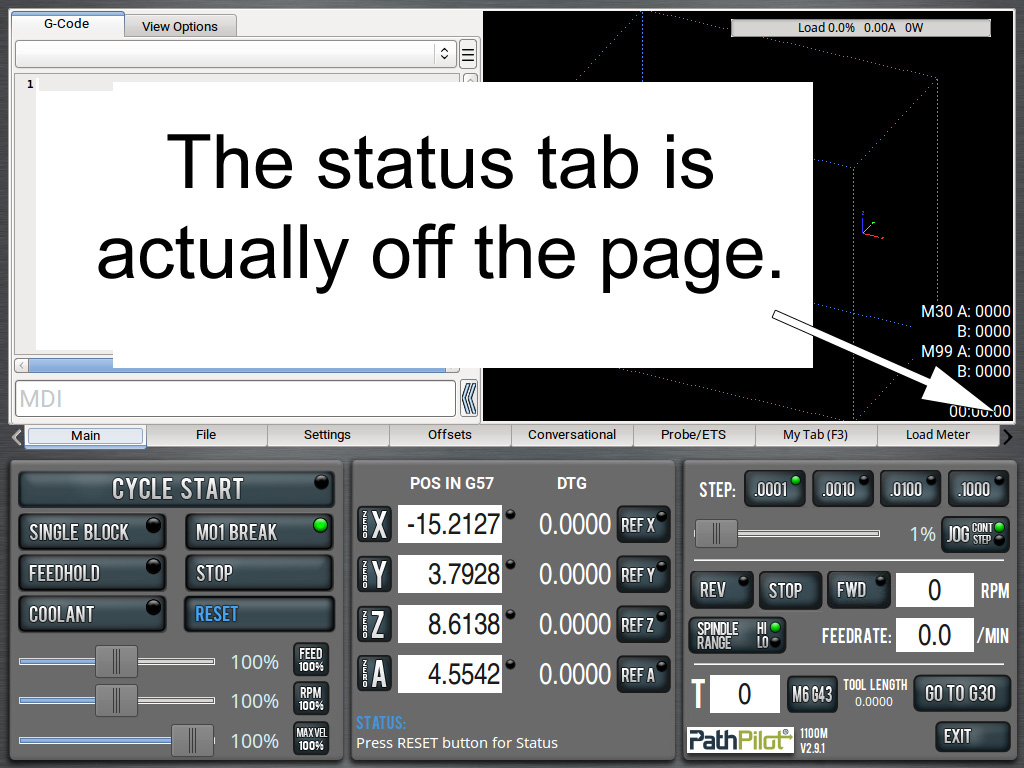
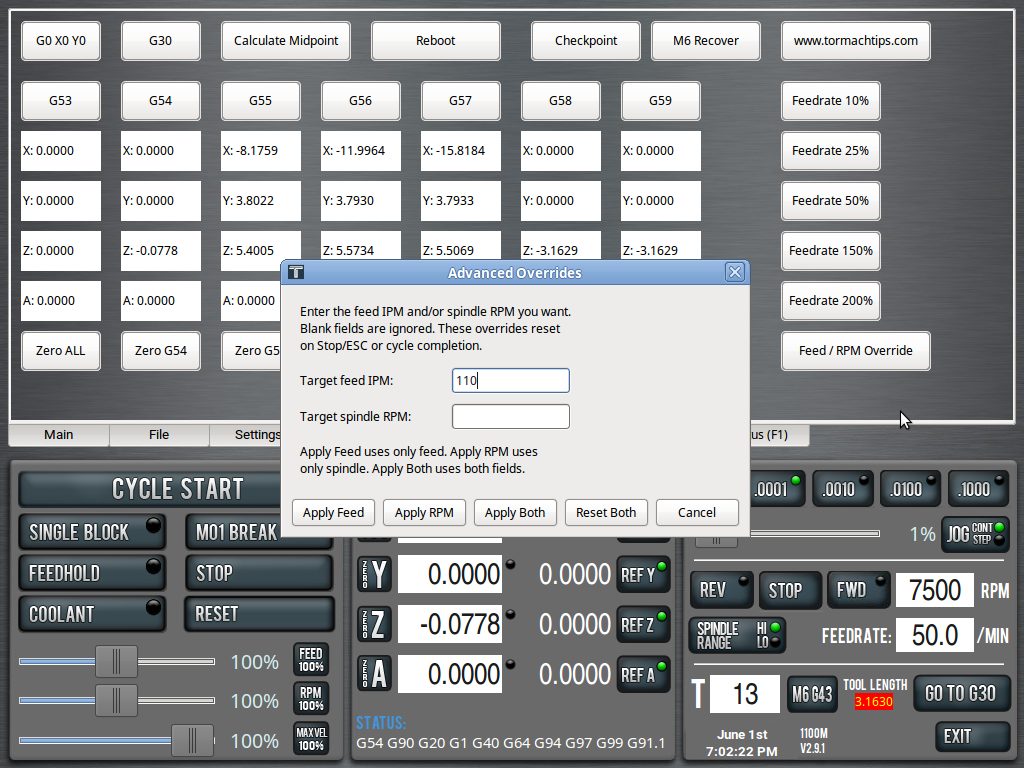
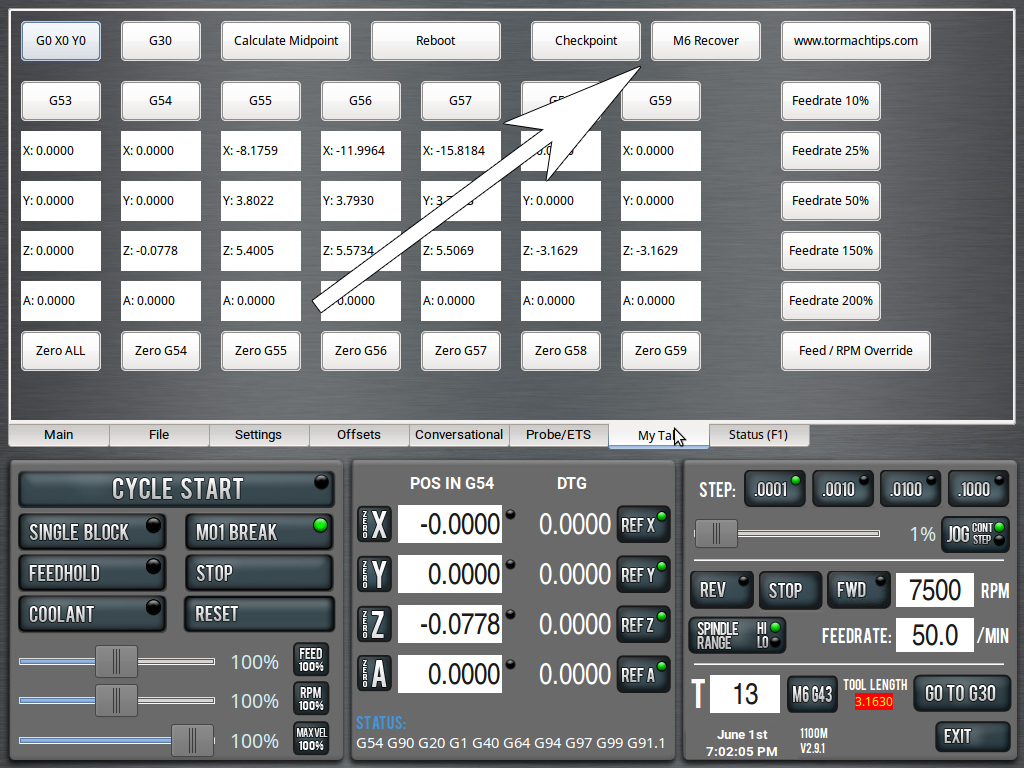
| CUSTOM TAB AND WCS ARRAY This plugin creates your own custom tab right on the PathPilot main page. It sits to the left of the Status tab. NEW: The Custom Tab now incorporates my Recovery Mode Plugin and the 200% Slider Override Plugin. You need the Custom Tab Plugin for either to work. It features a few buttons I slapped together, though you can edit this with a bit of python savvy. The big feature, though, is the WCS array, which features all X, Y, Z & A coordinates for G53 through G59. These update in real time as you move the machine. Also features buttons that switch to G53-G59, buttons to Zero each of those WCS and a Zero All button that does exactly that.
This plugin survives PathPilot updates. If you want the midpoint and reboot scripts to work, copy them into /gcode/scripts (you may have to make the scripts directory). The reboot script DOES ask you if you're sure.
|
||||||
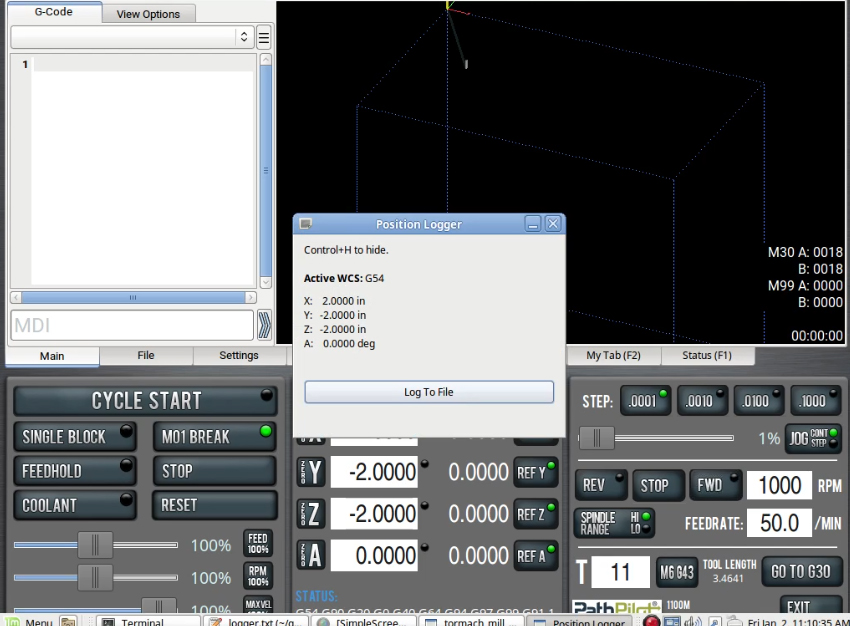
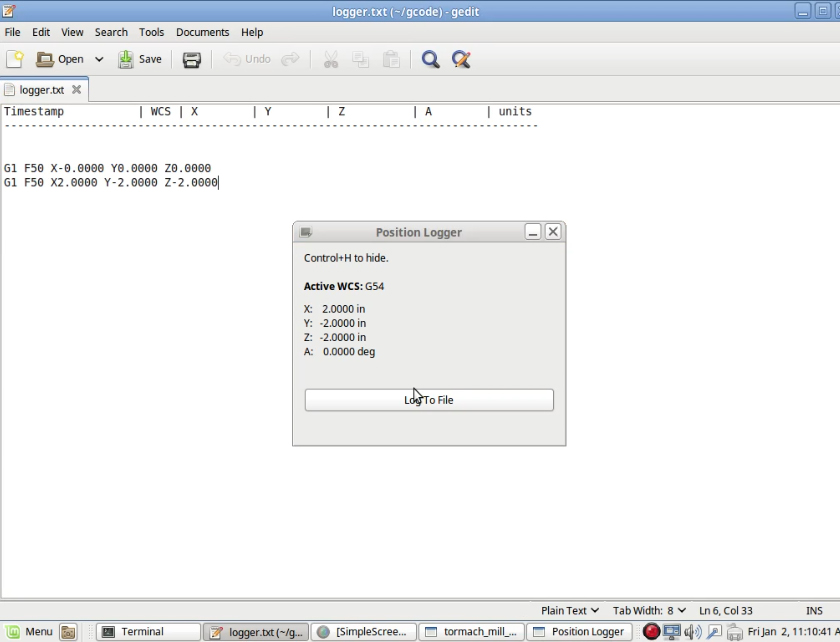
| POSITION LOGGER (TO FILE) This plugin may be suitable for those reverse engineering or otherwise building code from hand. You can move your machine to position and quickly log that position to file. It'd be useful like if you had to write a drilling cycle program and didn't want to hand type a bunch of positions in. Uses the active WCS and supports G20 and G21. Logs to logger.txt and you can change the format of what's logged (G1 F50 before the coords, G0, nothing at all, etc) with minor python editing.
|
||||||
| CUSTOM ADMIN COMMANDS FROM
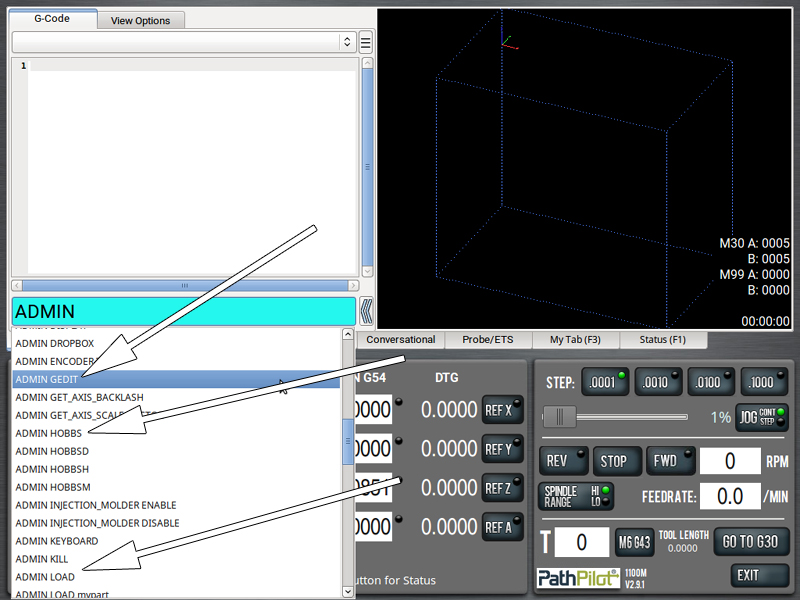
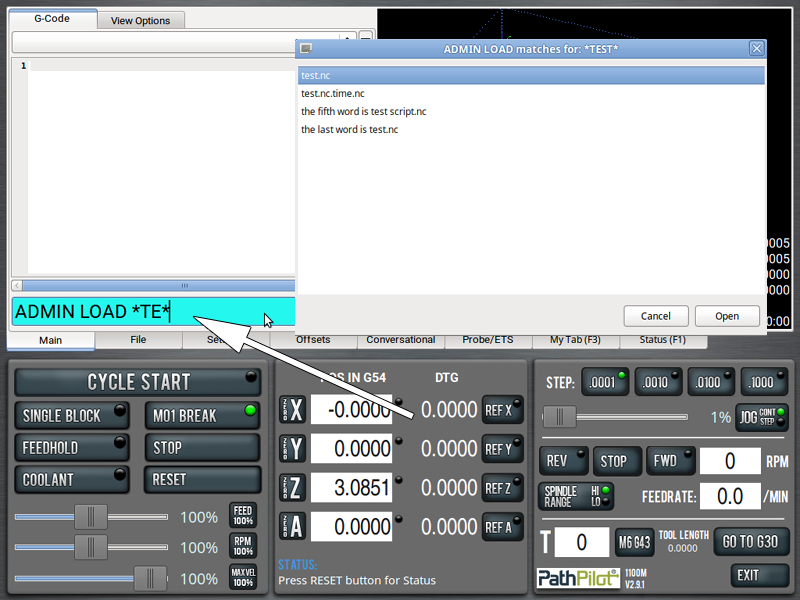
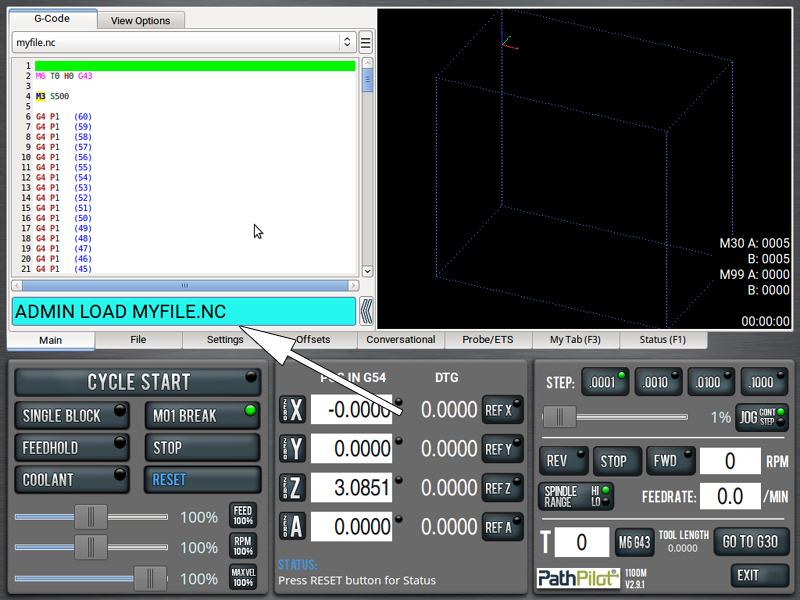
MDI LINE This plugin adds additional ADMIN commands to the PathPilot MDI line, similar to built-in commands like 'ADMIN CALC' and 'ADMIN DISPLAY'. You can easily add your own, too. Now also has the ability to load NC programs directly from the MDI line. ADMIN LOAD MYFILE ADMIN KILL (kills PathPilot) requires this script and it goes in /home/operator/gcode/scripts
|
||||||
| F1 TOGGLE KILLER PathPilot
normally uses the F1 key as a shortcut to show the Status Window. |
||||||
| KEYBOARD JOG KILLER By default, PathPilot allows jogging the machine using keyboard keys: Arrow keys (← ↑ ↓ →) move the X and Y axes Page Up / Page Down control the Z axis |
||||||
| MODIFIED PROBEGUARD Xoomspeed's ProbeGuard prevents the spindle from turning on when T99 is selected in PathPilot, which helps protect a wired probe and cable from damage. However, it doesn't protect against edge cases where the probe is still in the spindle, but the tool has been changed on the screen (in other words, you have an end mill loaded in PathPilot, but the spindle hasn't been physically changed yet). I wanted to take that protection one step further, so I added a limit switch to the probe cradle, connected to the USB I/O module. When the probe is safely stored, the switch is closed. This modified version of ProbeGuard checks for that closed circuit, and if it is open, it refuses to start the spindle. |
||||||
|
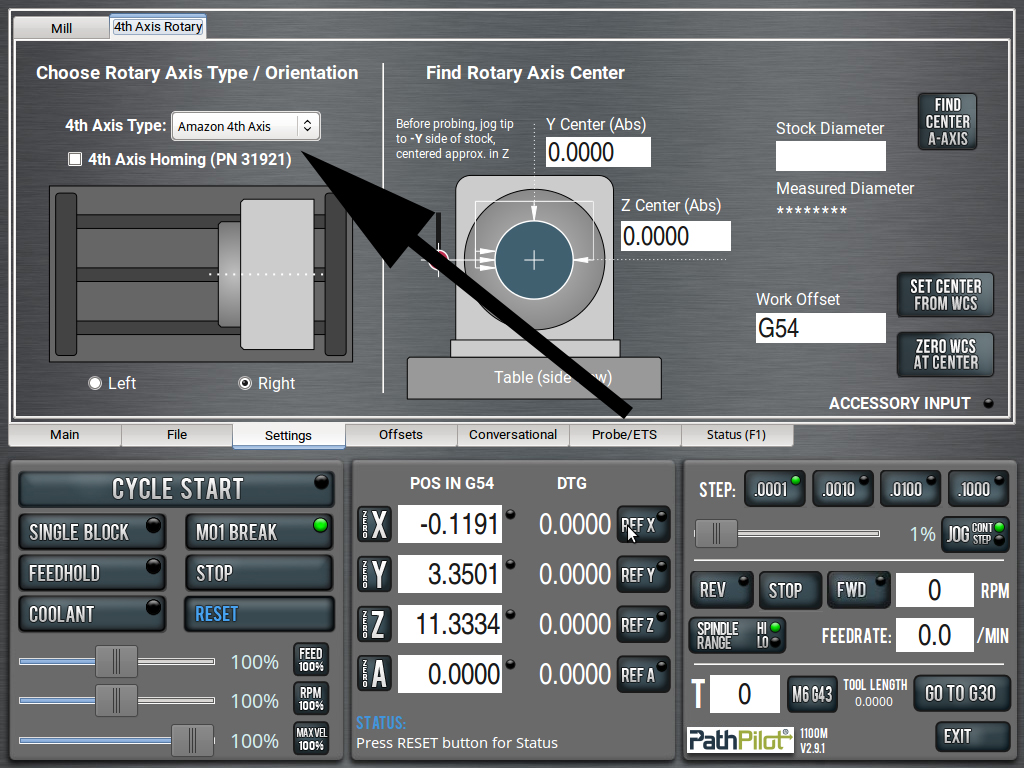
CUSTOM 4TH AXIS SCALING Third party of DIY 4th axis normally have incorrect scaling for what PathPilot expects. In other words, you command a 360° rotation in PathPilot and your rotary only turns, say, 300 degrees. This plugin fixes that.
|
||||||
| AUTO TOOL TABLE BACKUP Automatically backs up your tool table into the same style .csv files from the push-button option in PathPilot. Restorable through PathPilot. Backup frequency and storage location editable in the script. |
||||||
| Cycle Complete
Notifier + Toggle Wrote a PathPilot script today that will send notifications (or do anything) when a file completes. But not as an M code. This runs as a plugin so that it will run after every NC program completes. As such, I have it on a toggle via CTRL + H. Because it runs as a background plugin, you don't need to enter any custom M codes into your NC programs. It watches for, and will run, after every program-completed declaration. The use case is for a situation I find myself in often: I load a long program not thinking I'm going to walk away from the machine, but then end up needing to go in the house or whatever. The NC file itself doesn't have a notification built in and, because it's already running, I can't add retroactively add it. So, I'll toggle the plugin via CTRL + H and I'll get a Cycle Complete email once it's done. Thought of another way: This gives you Cycle Complete functionality on every program you run, without having to add M codes to them. This, of course, is often unnecessary, so you toggle it off via CTRL + H. To set this up, you'll need a gmail account with an App Password. This script uses the same logic and instructions from the M Code email sender. Follow those instructions and enter your settings in the included INI file. You can toggle this script with CTRL + H or by editing the INI file directly (which is what CTRL + H does behind the scenes). |
||||||
| Tool Breakage & Custom
Message Notifier This plugin monitors the status window for important or custom messages like tool breakage notifications or ETS mismatches. When a matching phrase is found, an alert is emailed to the user. For ETS use, for example. You have G37 P0.005 programmed. This checks if the currently loaded tool is within 0.005" of tolerance when the ETS is tripped. If it's too long (wrong tool or drawbar failure) or too short (wrong tool or broken tool), it will alert PathPilot and thus this script and will email you. To set this up, you'll need a gmail account with an App Password. This script uses the same logic and instructions from the M Code email sender. Follow those instructions and enter your settings in the included INI file. |
||||||
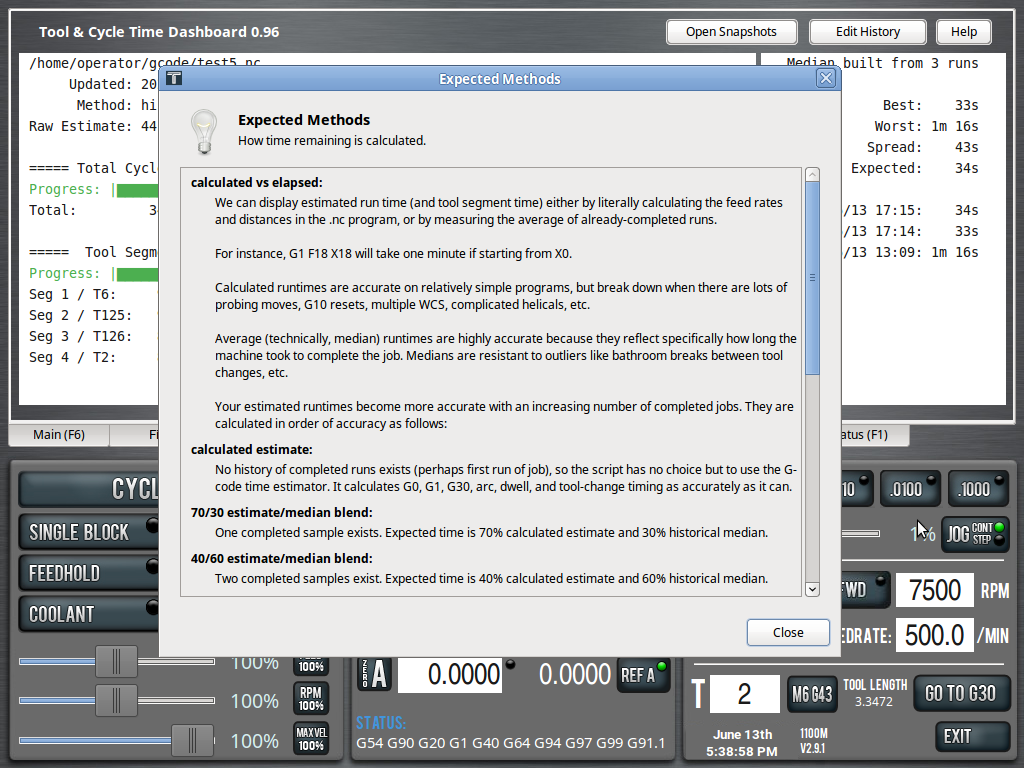
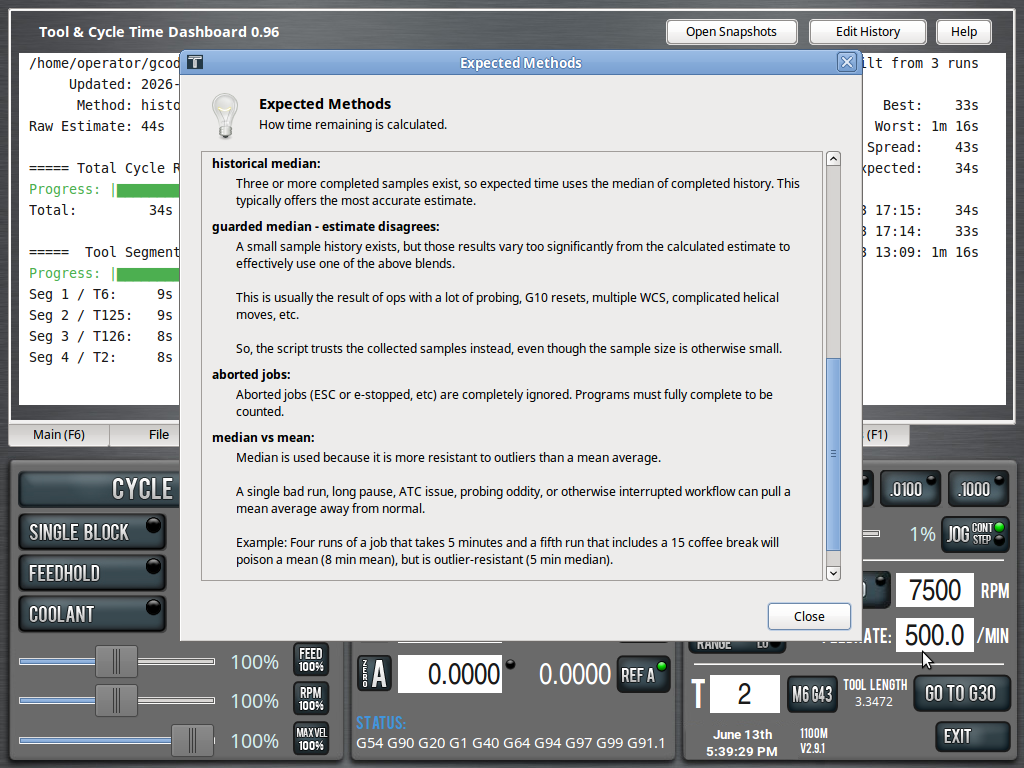
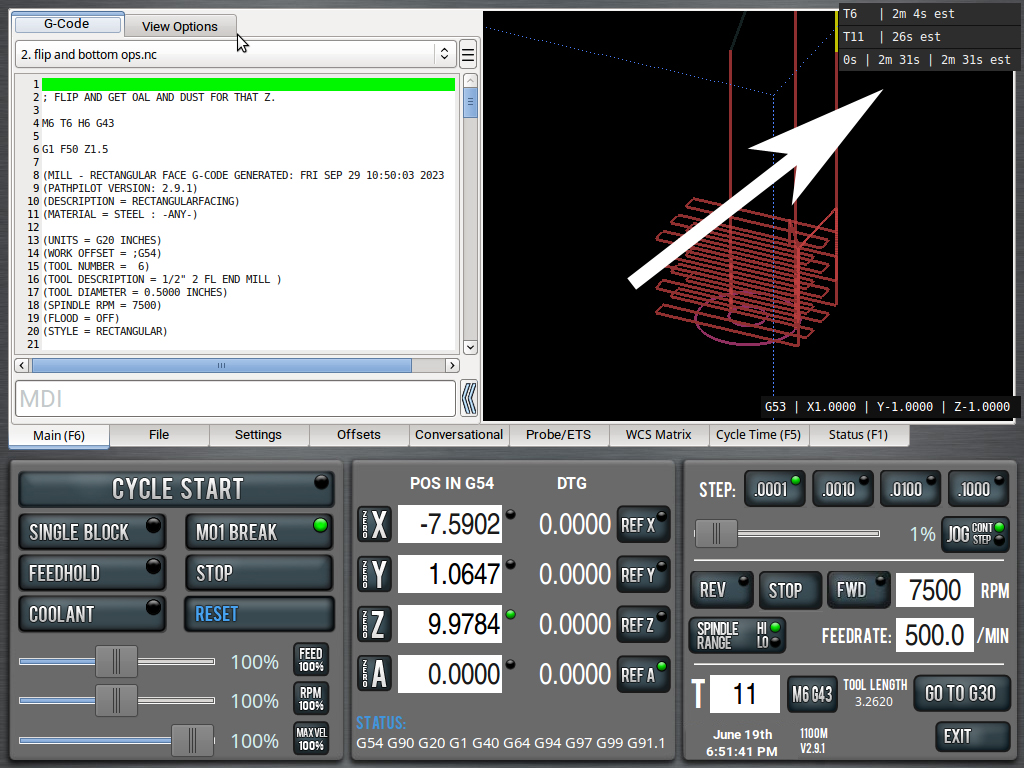
| Estimated Cycle Time and
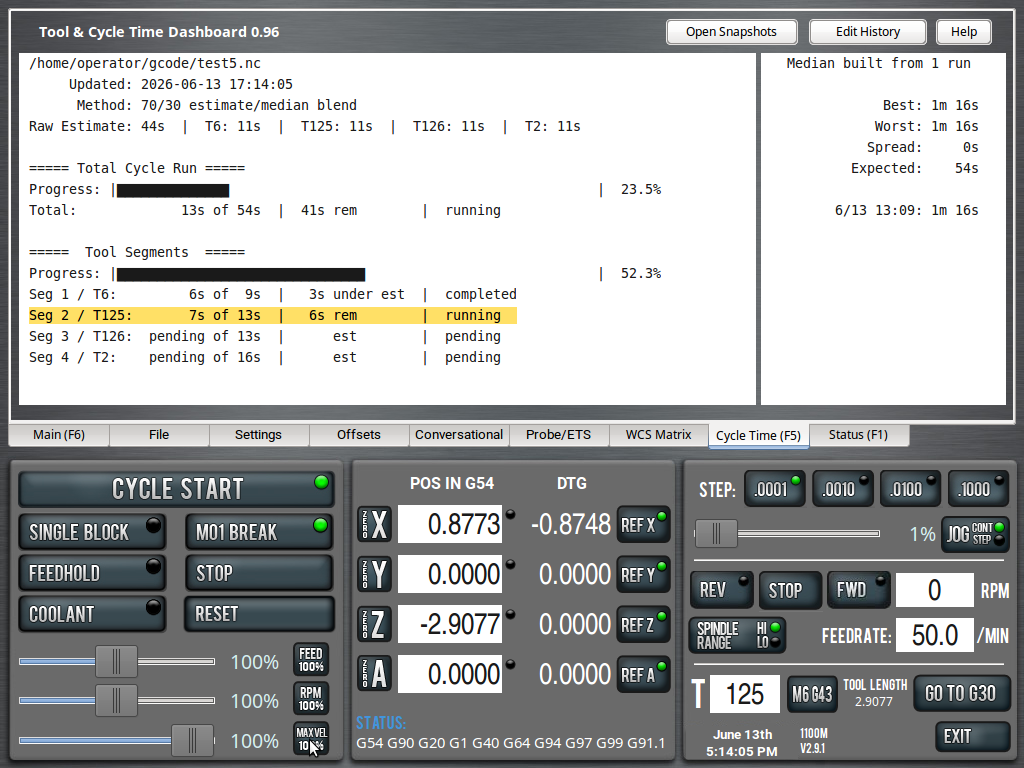
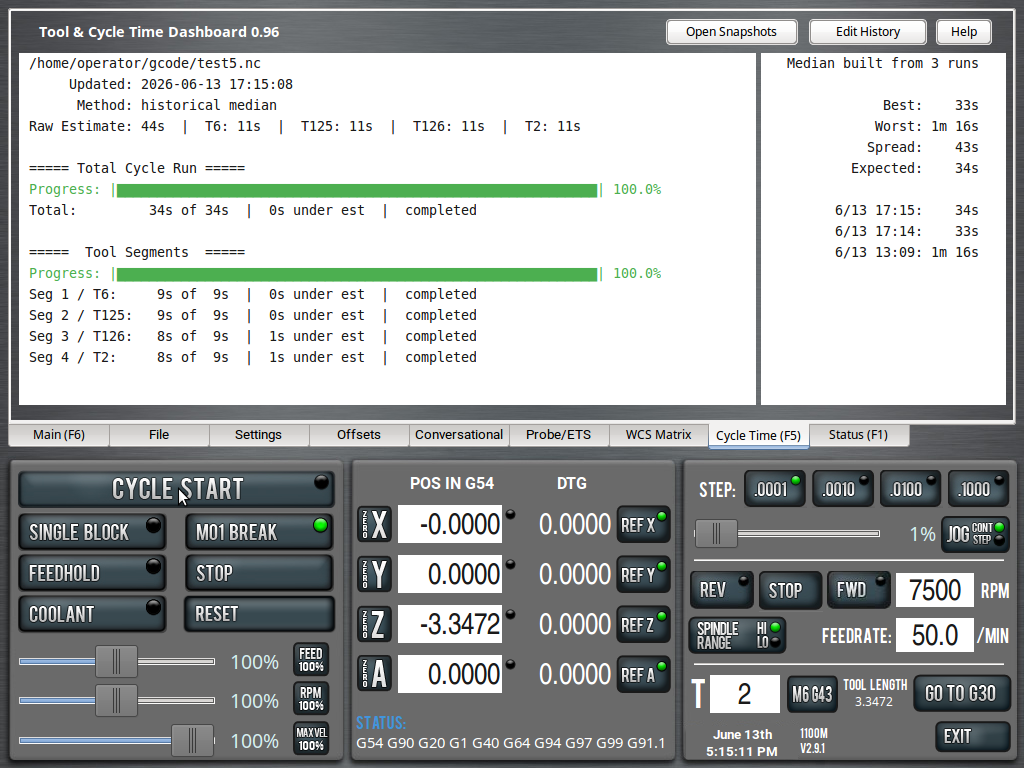
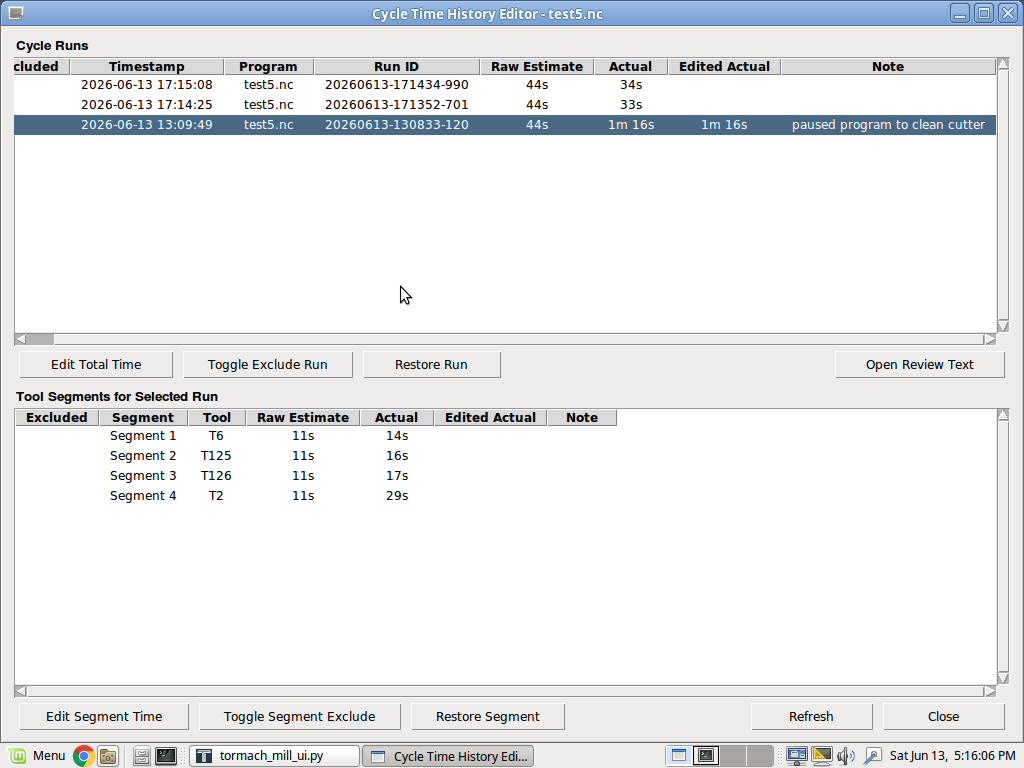
Tool Segment Time The Cycle Time script went through a major refactor in June 2026. It now lives as its own tab in PathPilot and more accurately calculates estimated time. It can also calculate tool segment time. It learns with each completed job, becoming more and more accurate. PathPilot will show the ETA of a running program, but only after it has been run once and it can log only an approximate elapsed time. If you rename or edit the file, that estimate disappears. This can be frustrating, especially for longer jobs. This plugin calculates an estimated runtime every time a file is loaded and displays it in the Status window. No need to run the file first. Default rapid speed for G0 moves is set to 100 IPM. You can adjust this in the script if your machine differs (e.g. MX, etc.).
Now lives in-tab. You should download cycle_time_plugin.py, cycle_time_tab_plugin.py, cycle_time_history_editor.py |
||||||
| G Code Preview Font
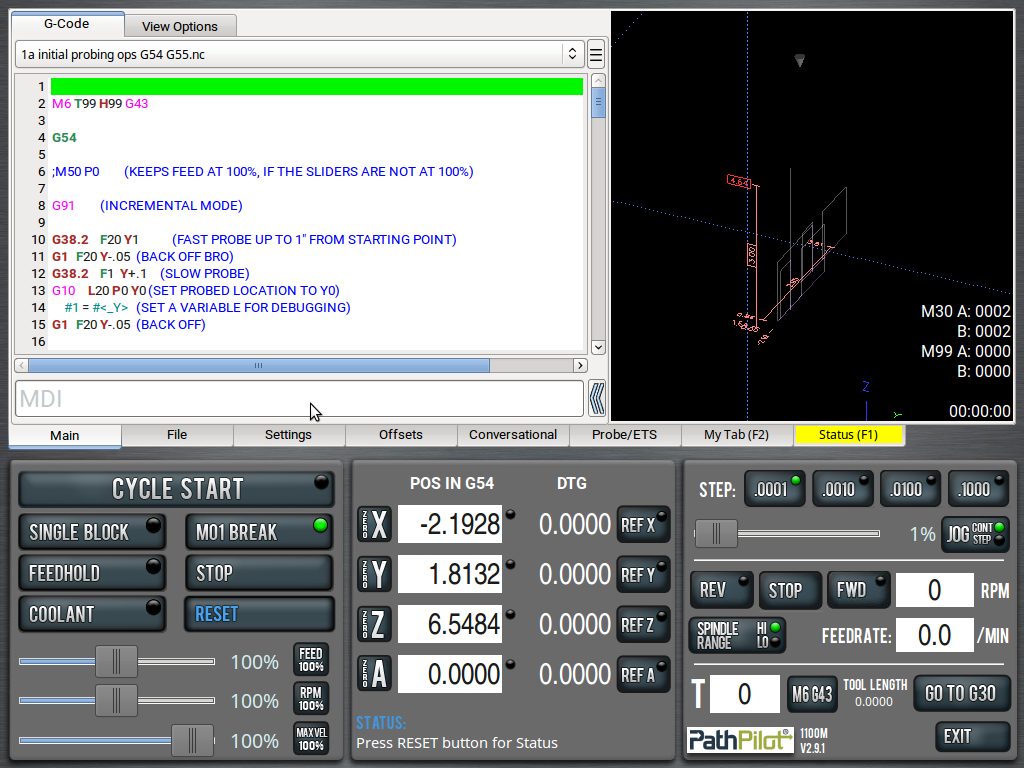
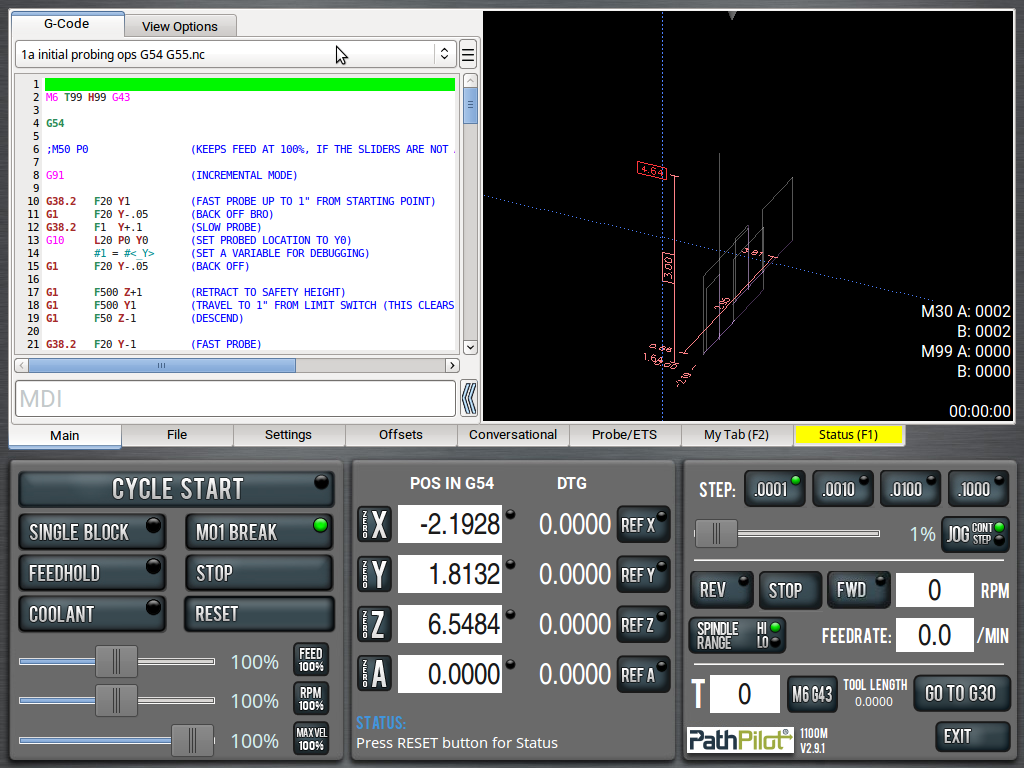
Patcher Changes the G Code preview window to a monospaced font (each letter is the same width. "I" is the same width as "W".) and fixes tab spacing. This cleans up the appearance of files that have inline comments.
|
||||||
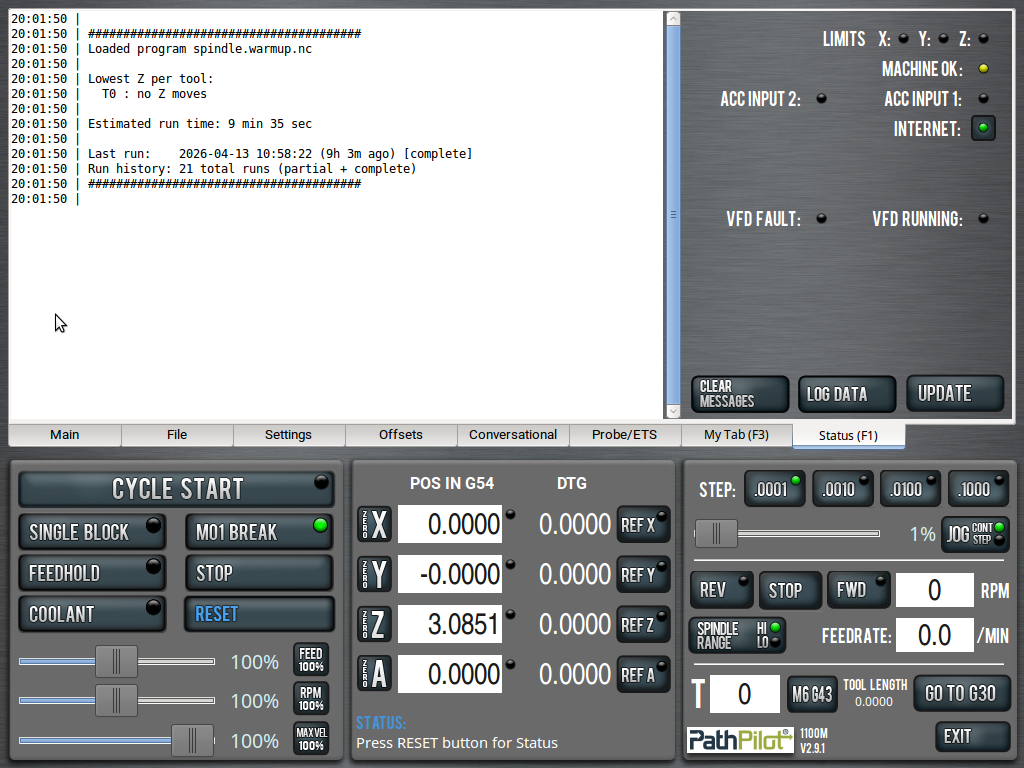
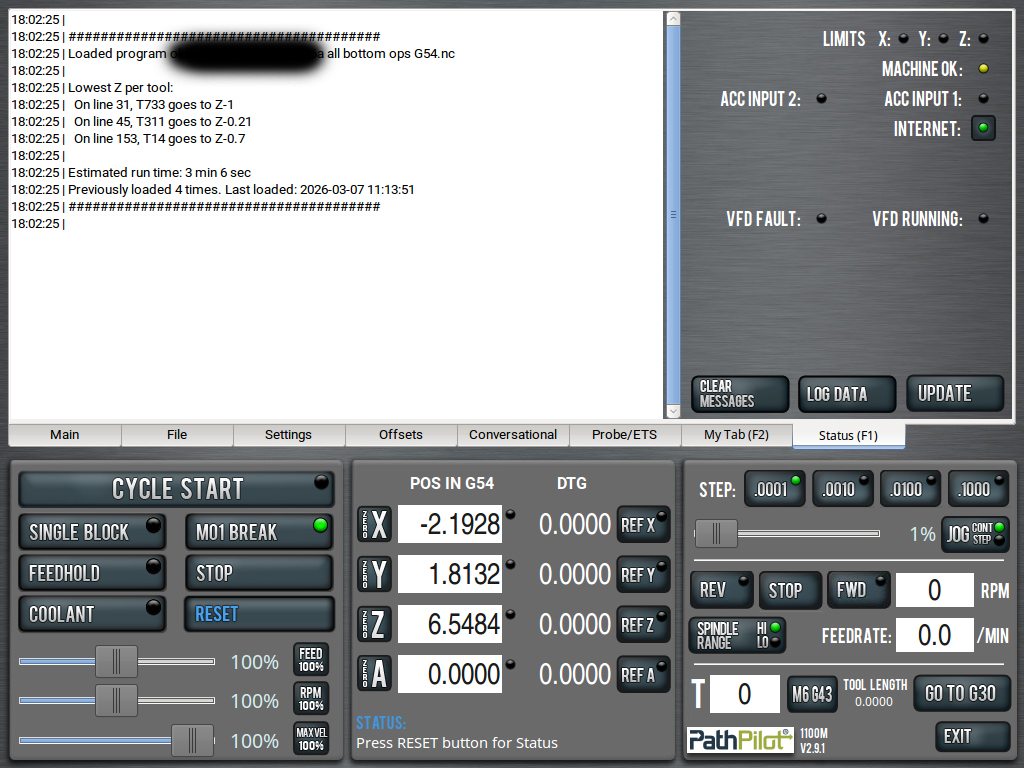
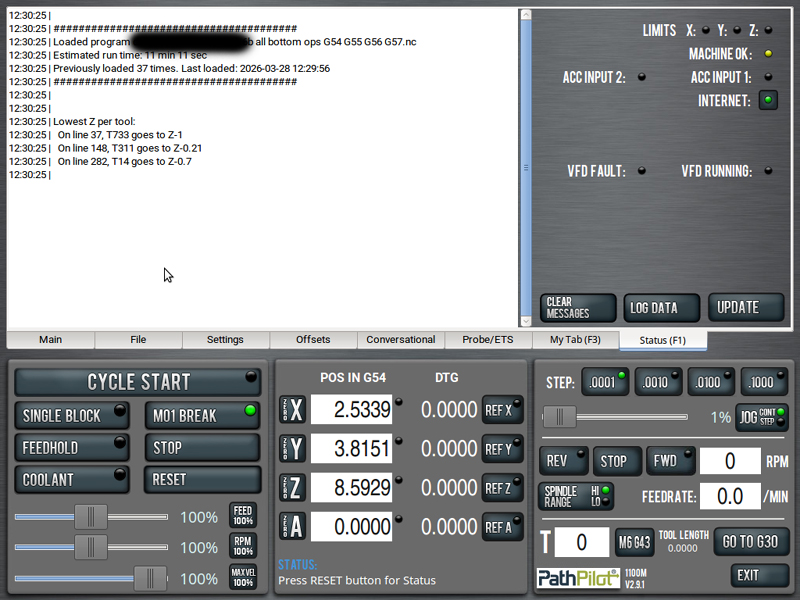
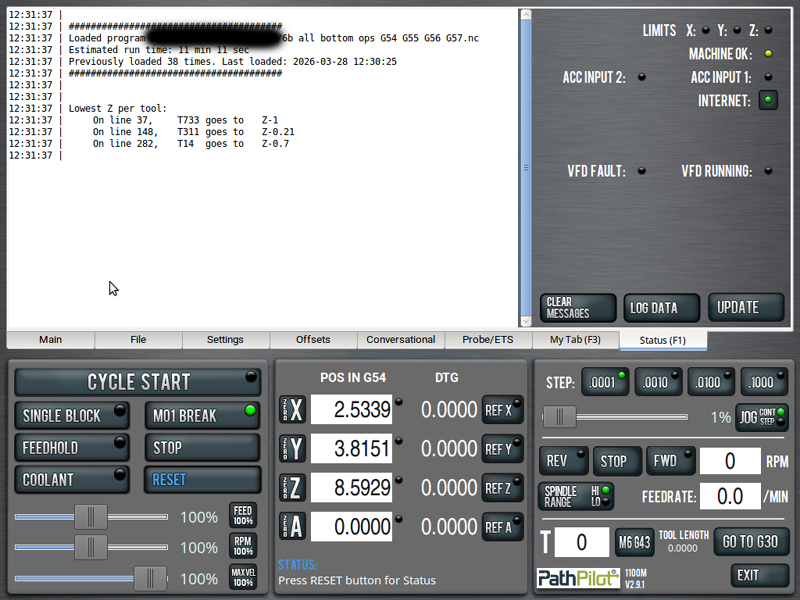
| Lowest Z Finder This plugin will show you the lowest value each tool in your loaded program will go. It also watches and reports G10 (which can reset tool offset values). I use this all the time as a sanity check to ensure I'm giving myself enough Z clearance.
|
||||||
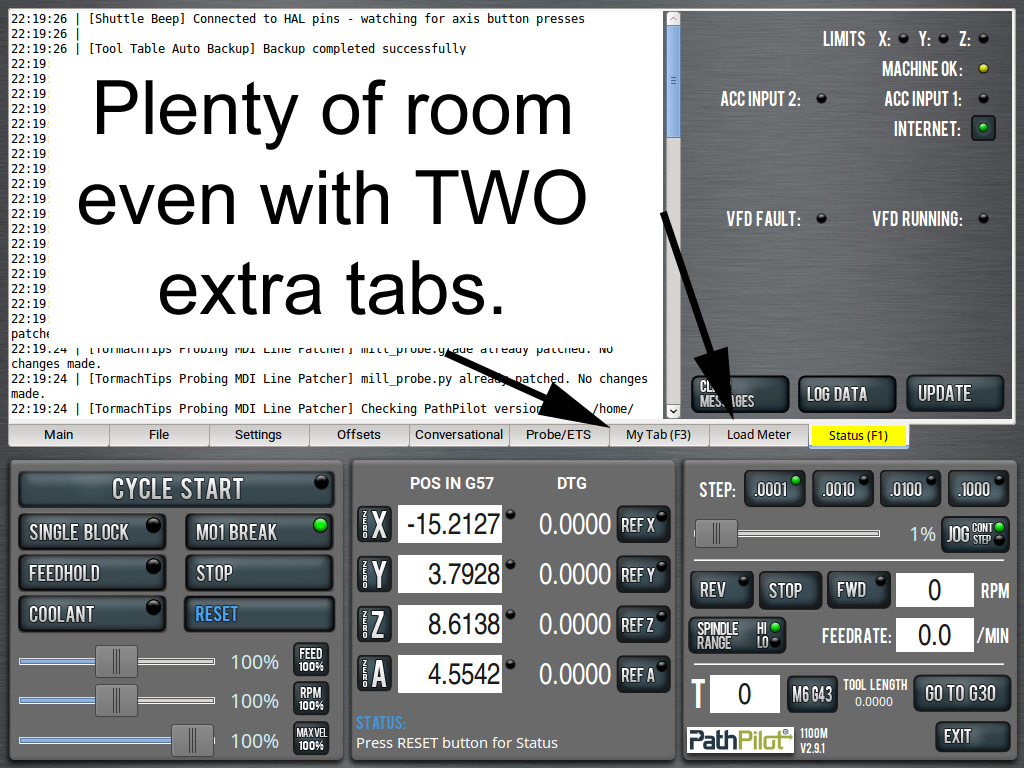
| Jog Shuttle Beeper If you use the ShuttleExpress Jog Shuttle, this plugin will provide an audible sanity check beep that you've pressed one of the four axis buttons (X Y Z A) and that PathPilot has registered that. It's good for not slamming your end mills into your work, vise or bed because you meant to move in X and instead it moved in Z, etc. Plugin is available on this regularly-updated page. Also needed: beep.wav (place this in /home/operator/gcode/images or edit the script to your custom location) |
||||||
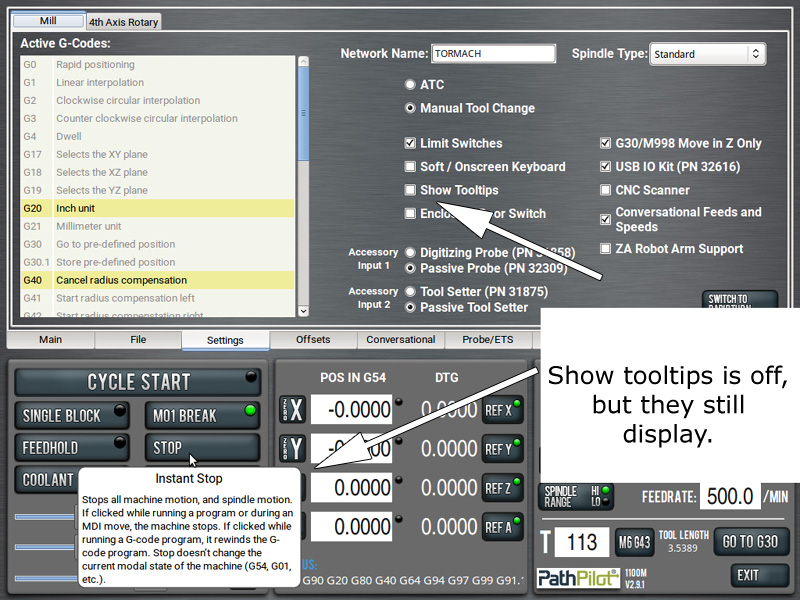
| Disable Tooltips For Good In older versions of PathPilot, even if you had the Show Tooltips box unchecked, tooltips would still display on mouse hover. This plugin fixes that. This bug has been fixed in at least 2.14.0, but if you are using an older version (like me), you may enjoy this bug fix.
|
||||||
| Spindle Hobbs Timer & Tool
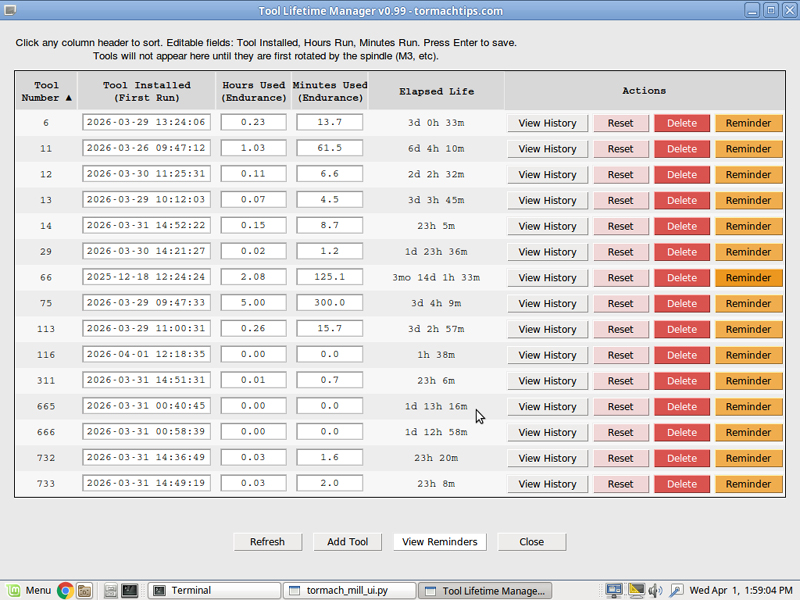
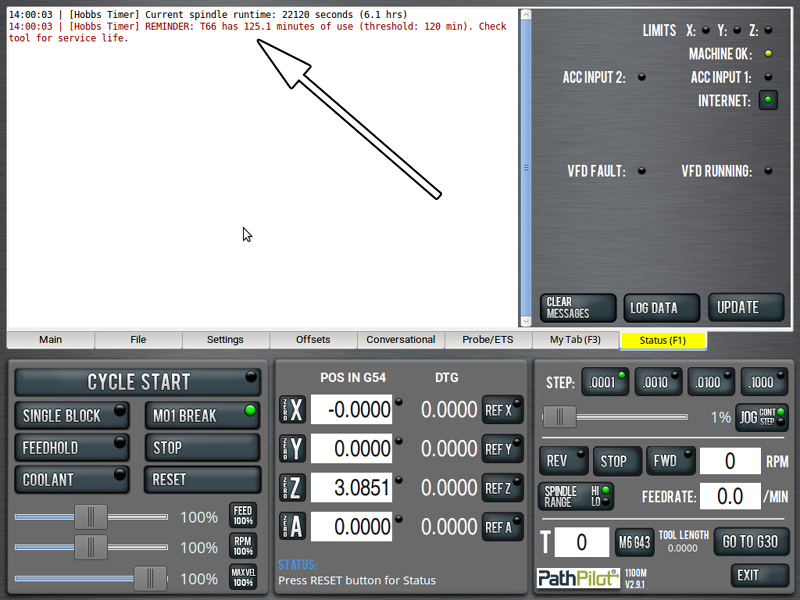
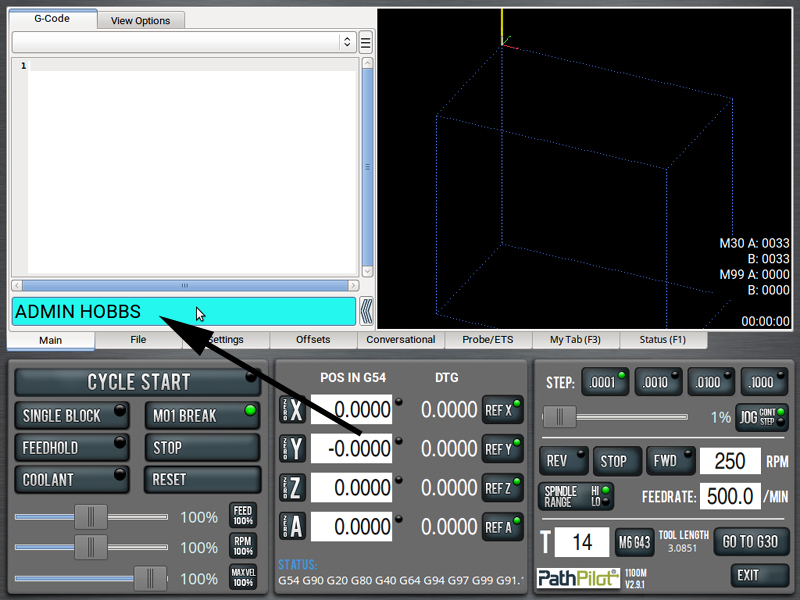
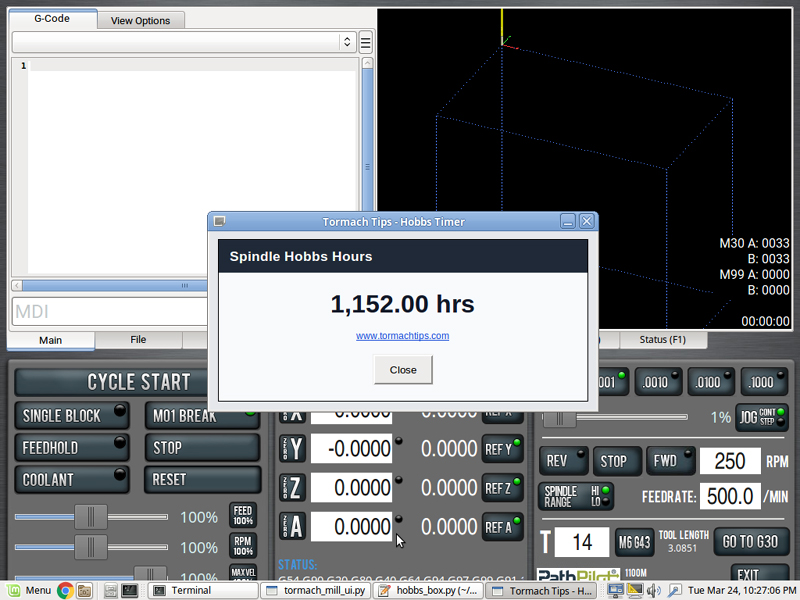
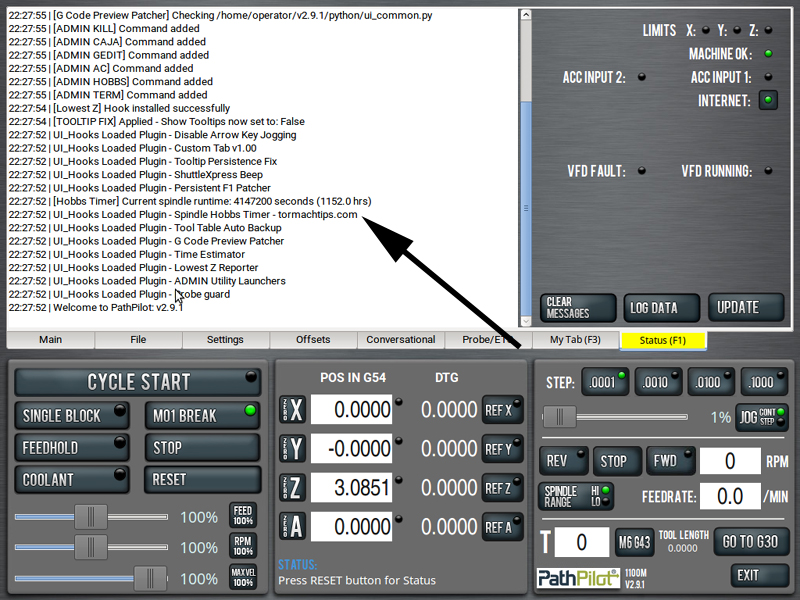
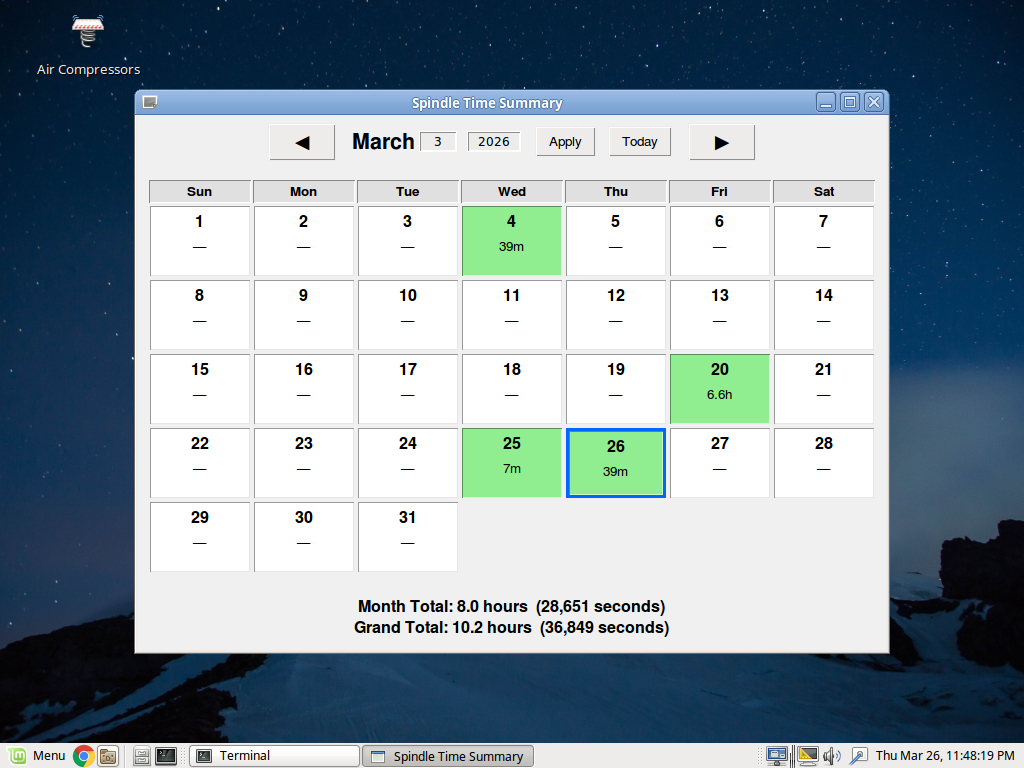
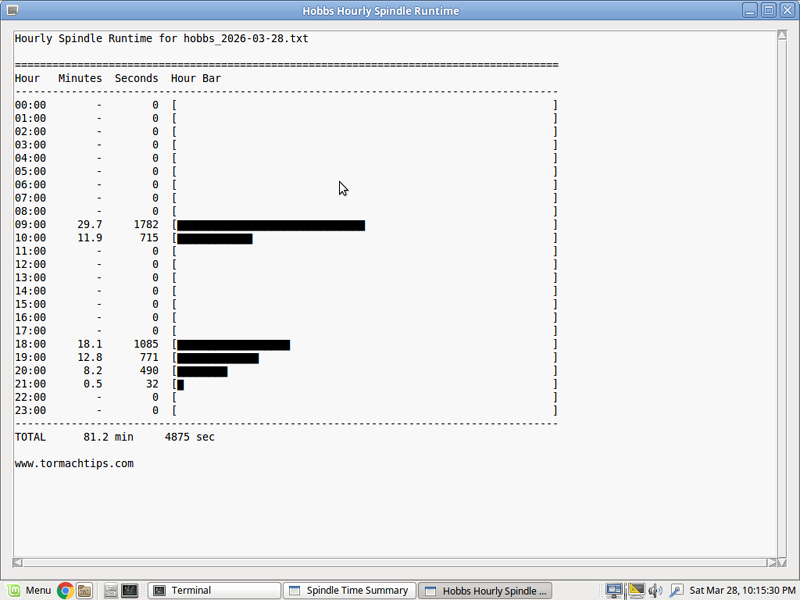
Life Manager This PathPilot plugin monitors machine state once per second and checks a single condition: whether the spindle is on. If the spindle is running, the plugin records that second of runtime. It does not measure spindle load, torque, horsepower, cutting pressure, or tool engagement. The logic is strictly binary: spindle on or spindle off. The plugin is now also a fully integrated tool life manager, showing install date and runtime. It is editable and resettable. The plugin writes to two log files and an SQLite database. The first is a master hobbs.txt file that maintains a cumulative spindle runtime total. The second is a detailed time log that records every second the spindle is active and also captures the reported RPM at that moment. A new detailed log file is created every 24 hours. The daily detail files can become fairly large over time, but they are plain text and can be deleted as needed without affecting the cumulative total stored in hobbs.txt. The cumulative runtime total is displayed in the status window each time PathPilot starts. The same runtime information can also be displayed in a popup by entering ADMIN HOBBS in the MDI line. The monthly calendar can be displayed by ADMIN HOBBSM in the MDI line. The user can be notified via Reminders. If the tool has seen xxx minutes of use, alert user.
Hobbs Spindle Timer
Custom Admin Commands Hobbs
Popup Box Hobbs Monthly Dialog Hobbs
Daily Dialog Hobbs Hourly Dialog Tool Life Manager
End Of Day Summary |
||||||
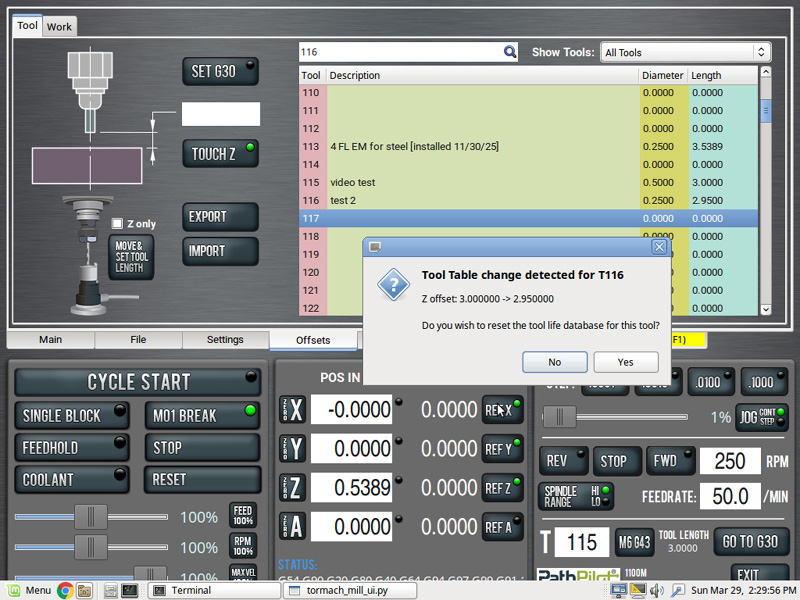
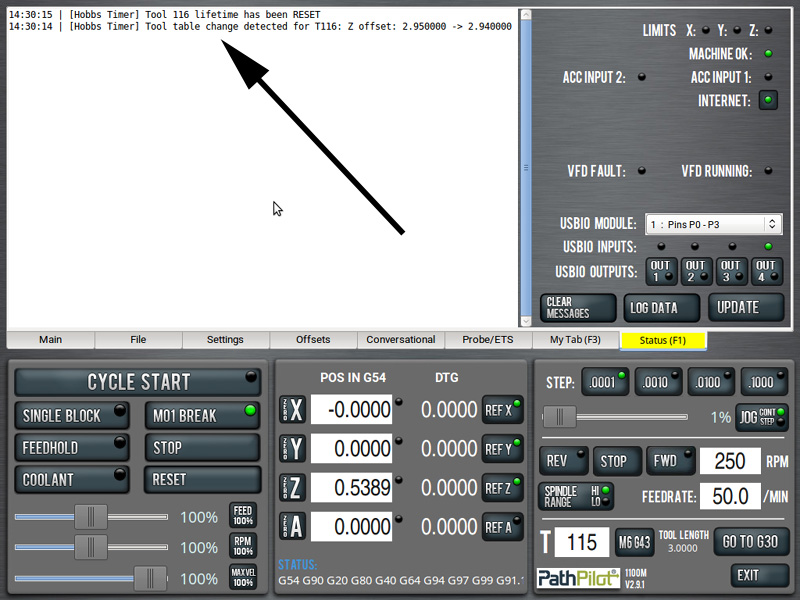
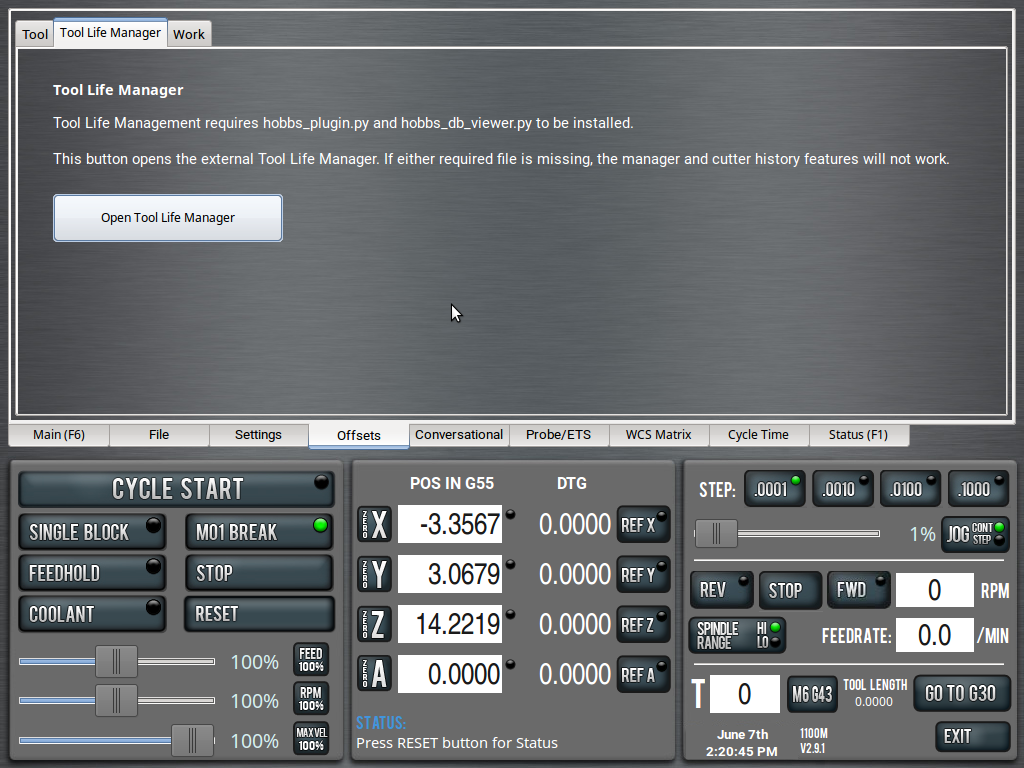
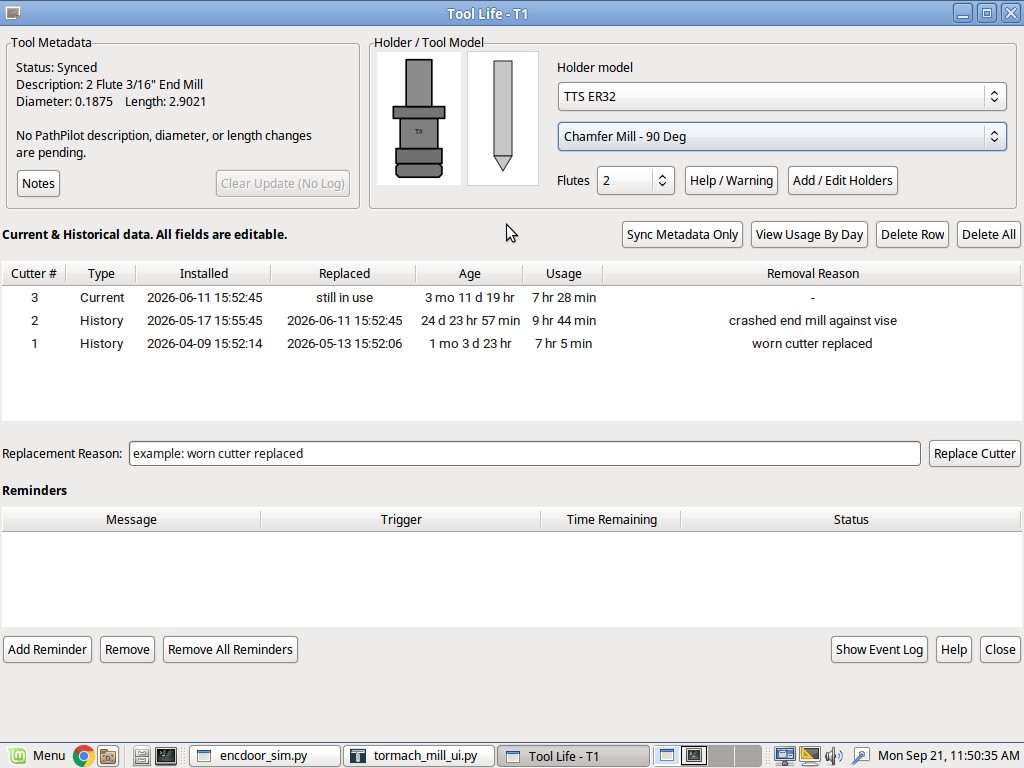
| Tool Life Manager The TLM is mentioned above, but it is an integrated-but-external database that houses and monitors tool replacement, tool life, cutter usage, reasons for replacement, tool reminders, etc. Whenever you replace a tool in PathPilot (monitored by users adjusting tool diameter and/or tool length), this database will update. For TLM functionality you need both hobbs_plugin.py and hobbs_db_viewer.py. For the sub tab button (which is optional), you need tool_life_manager_sub_tab_plugin.py. If you don't install the sub tab, you can call hobbs_db_viewer.py from a terminal window. If you have Custom ADMIN Commands installed, it's available as an MDI ADMIN command.
|
||||||
| Status Window Patcher Like most of PathPilot, the status window does not use clean tab spacing or a monospaced font. For any type of text based column organization, this provides an ugly, counter intuitive display. This script fixes that. It changes the font to one that is monospaced and cleans up the tab spacing.
|
||||||
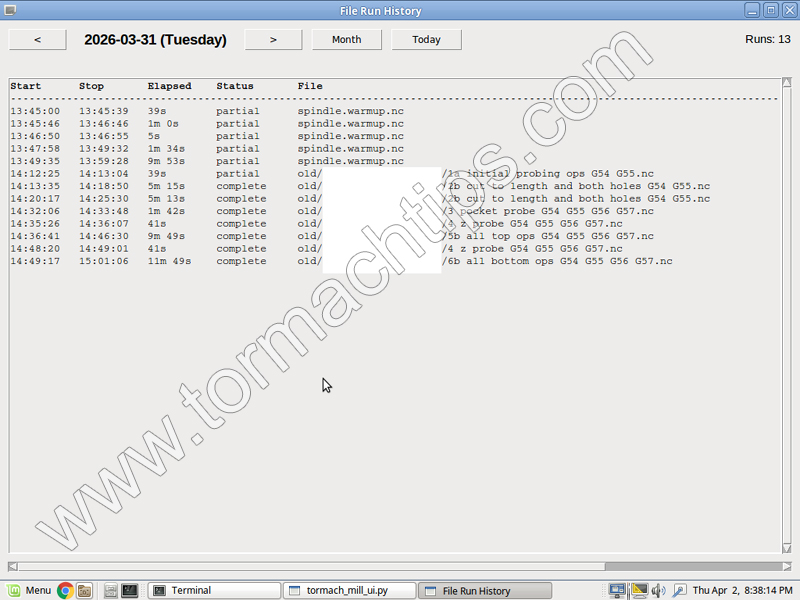
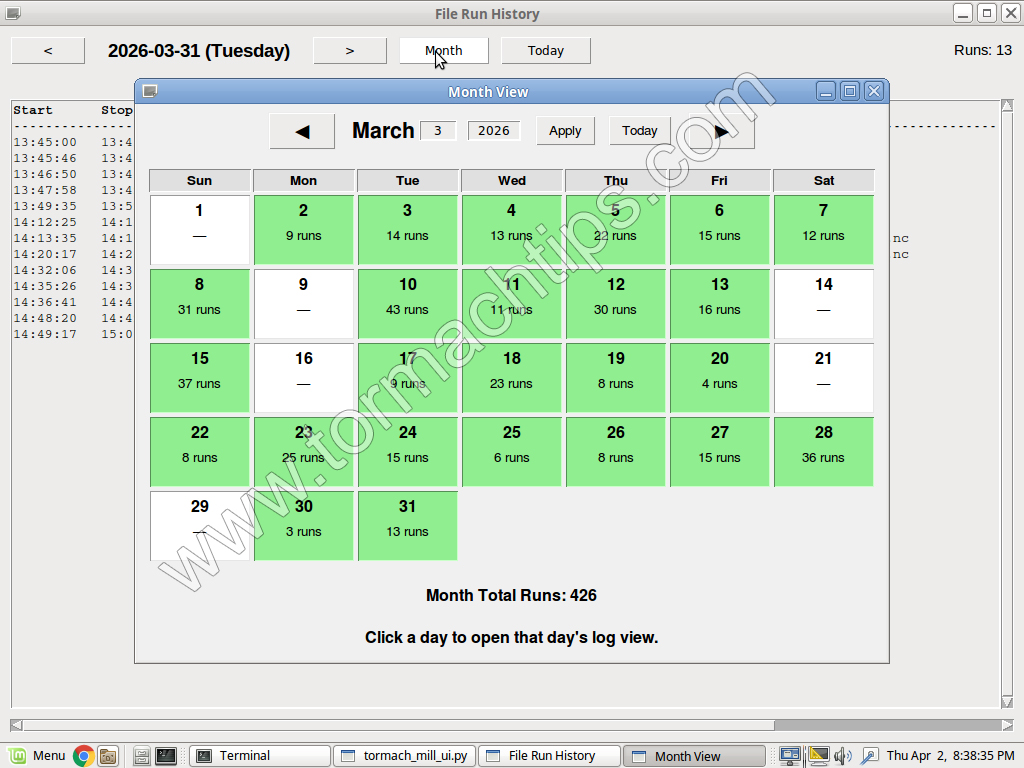
| File Run History This script will parse a log file that contains the NC programs you have opened and run. It will display elapsed time and if it was a Partial or Complete run. It is sorted by Day and you can view whatever day you want. If you have Custom Admin Commands (and required file) installed, you can reach it via ADMIN HISTORY. Otherwise, run it from terminal.
|
||||||
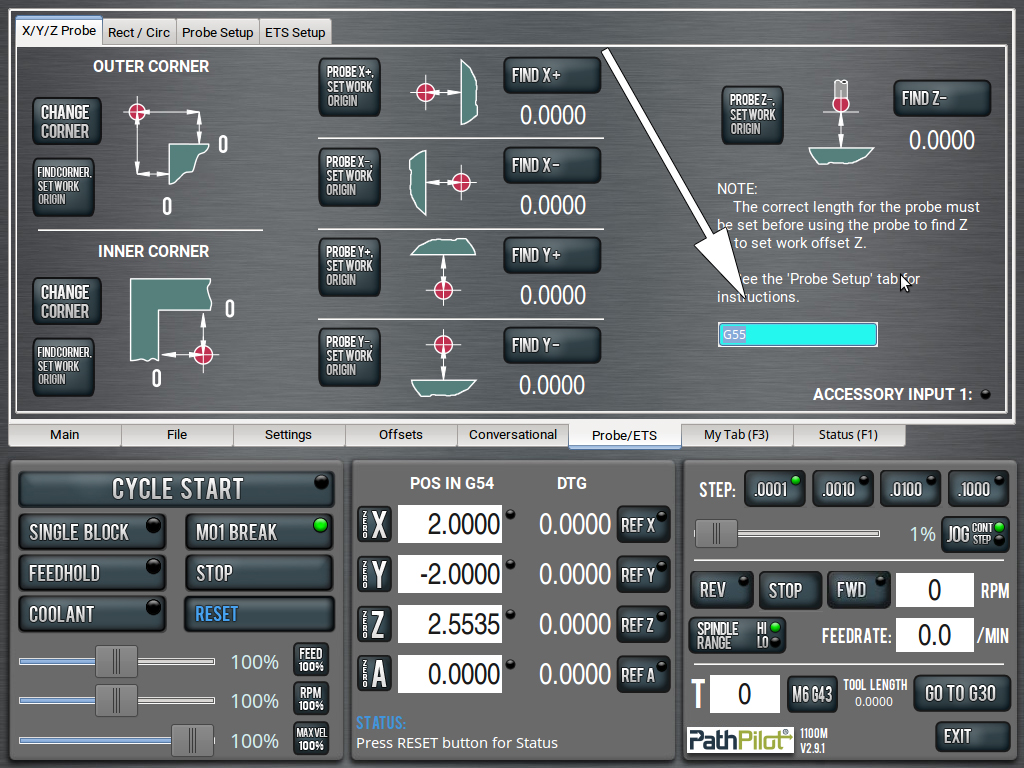
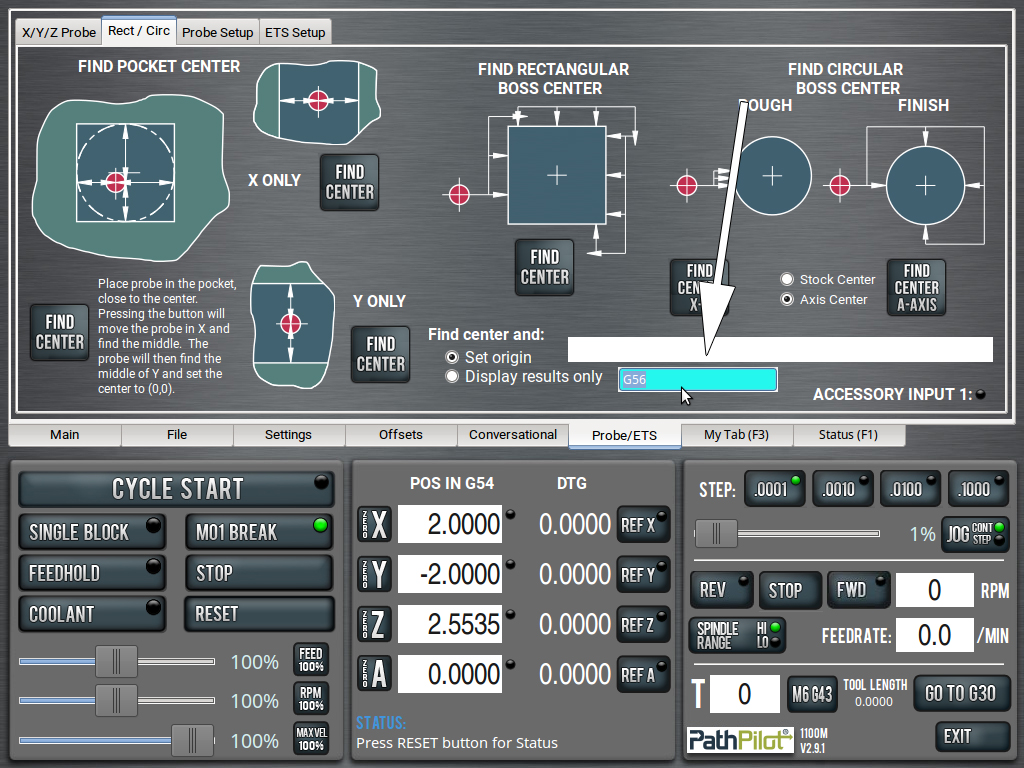
| MDI Line in Probing Tabs A user requested MDI lines in the probing tabs so that he doesn't have to keep switching back to the main tab when setting up multiple WCS.
|
||||||
| Plugins Downloader &
Update Manager This is a standalone utility that gives you access to the full suite of TormachTips plugins and scripts in one place. It is designed to simplify installation, updates, and other common maintenance tasks, so you do not have to manage each script manually. For most users, this is the easiest way to get started. You install or run this one script, and it can take care of installing the rest of the scripts I offer. It can also help you check for updates and keep your tools current. If your machine is connected to the internet, you can run the downloader remotely. This allows you to pull the latest version directly from my server each time, so you are always using the newest available release. To do that, open a terminal by pressing CTRL + ALT + X on your machine, then type this command exactly: curl https://tormachtips.com/down | python This command downloads the installer from
my website and immediately runs it.
|
||||||
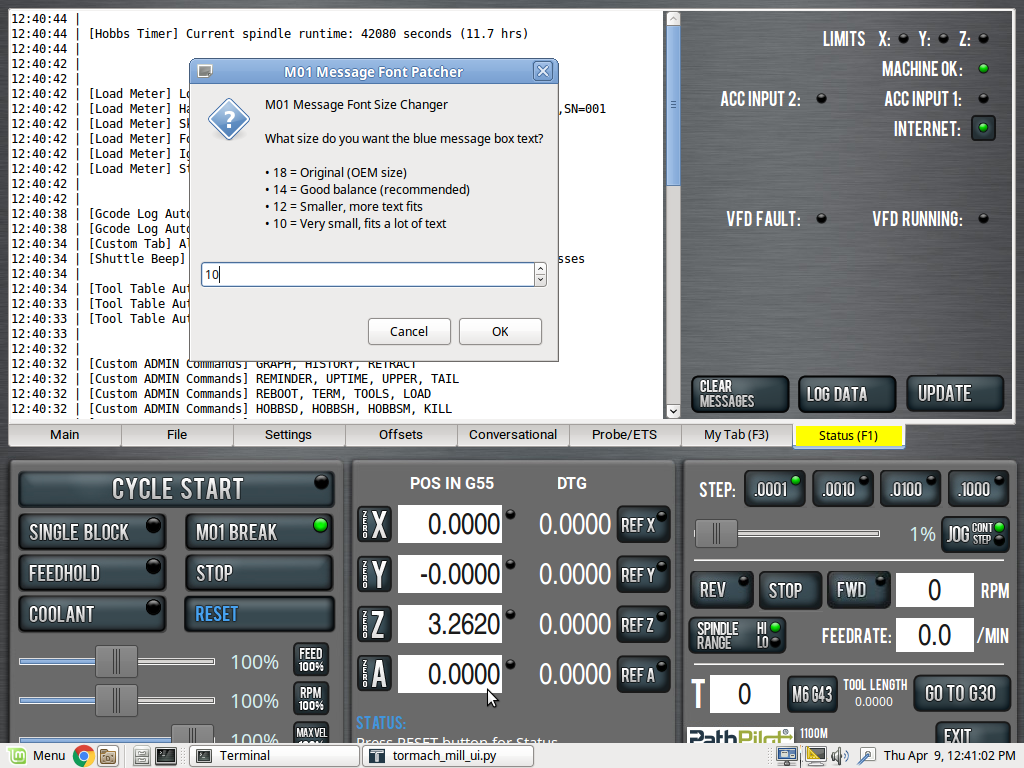
| M01 Message Line Font Size
Changer Changes the size of the font in the white-on-blue messages that appear when you call M01 (some message here)
|
||||||
| Duplicate PathPilot
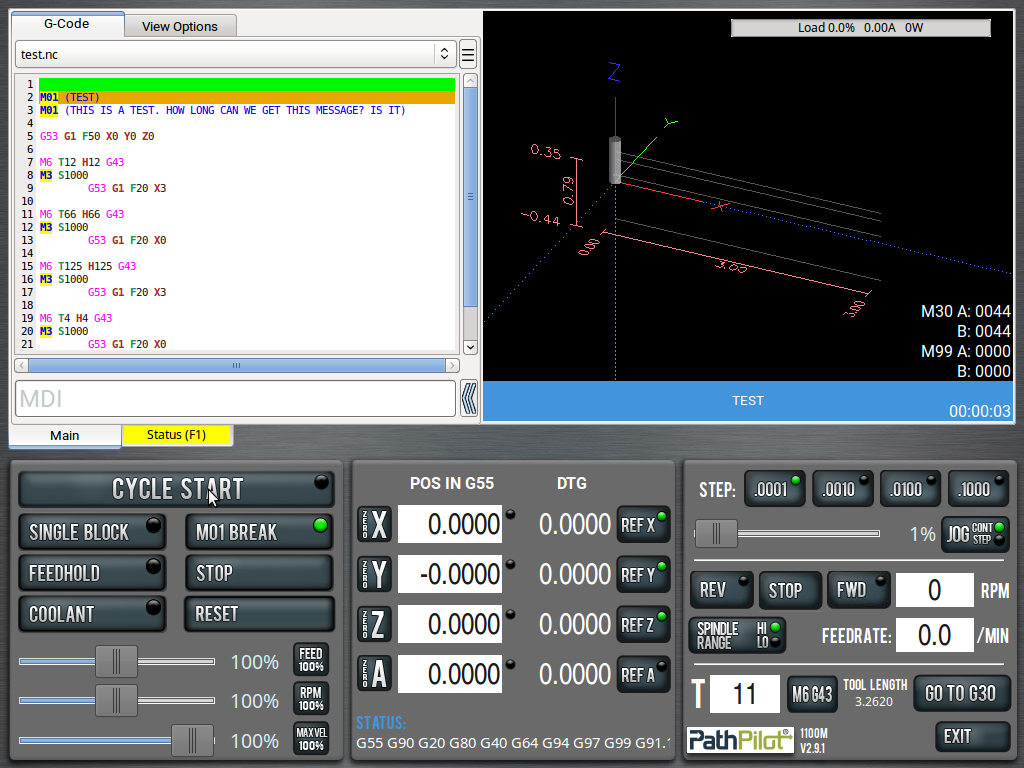
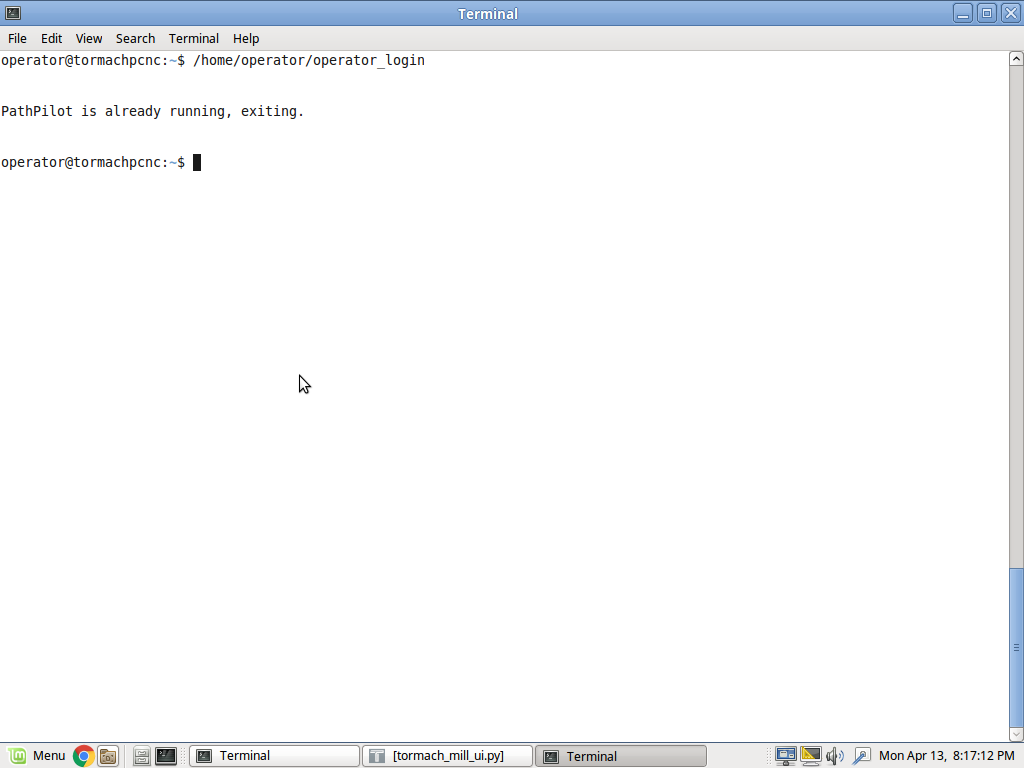
Preventer If you open PathPilot in a terminal, and are always tinkering around, you may often try to open PathPilot twice. PathPilot hates that and will crash. This attempts to fix double-runs. Plugin is available on this regularly-updated page.
|
||||||
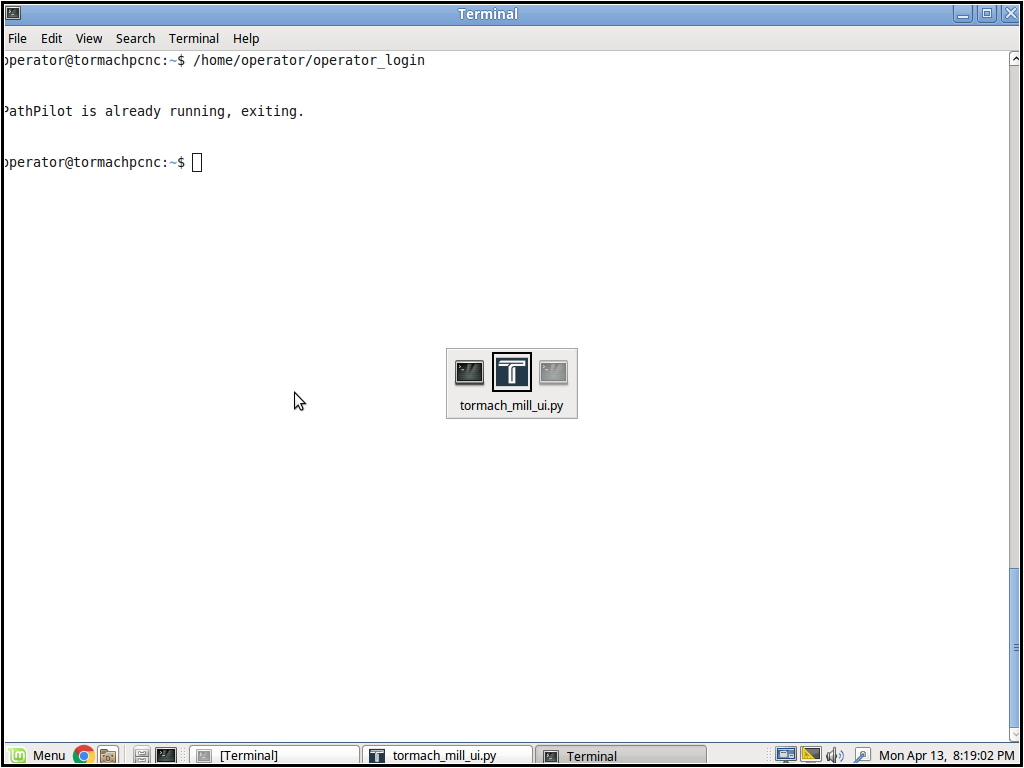
| Tab Icon Patcher Provides better icon when ALT + TABBING, like on Windows. I created a professional Tormach logo icon. Requires PathPilot to be run in a terminal.
Plugin is available on this regularly-updated page. Also needed (or DIY): |
||||||
| Custom Pocket Retract
Distance A small plugin that temporarily reduces the probe’s lateral retract distance when pocket probing tight holes or small bores. It helps prevent the probe from retracting too far after contact and striking the opposite wall. The user runs ADMIN RETRACT from MDI, enters a temporary retract value, performs the probing operation within a short time window, and the script then automatically restores the default retract behavior. |
||||||
| Custom Tab Width Change the width of all your tabs. Individual widths are in the plugin itself. Enjoy.
|
||||||
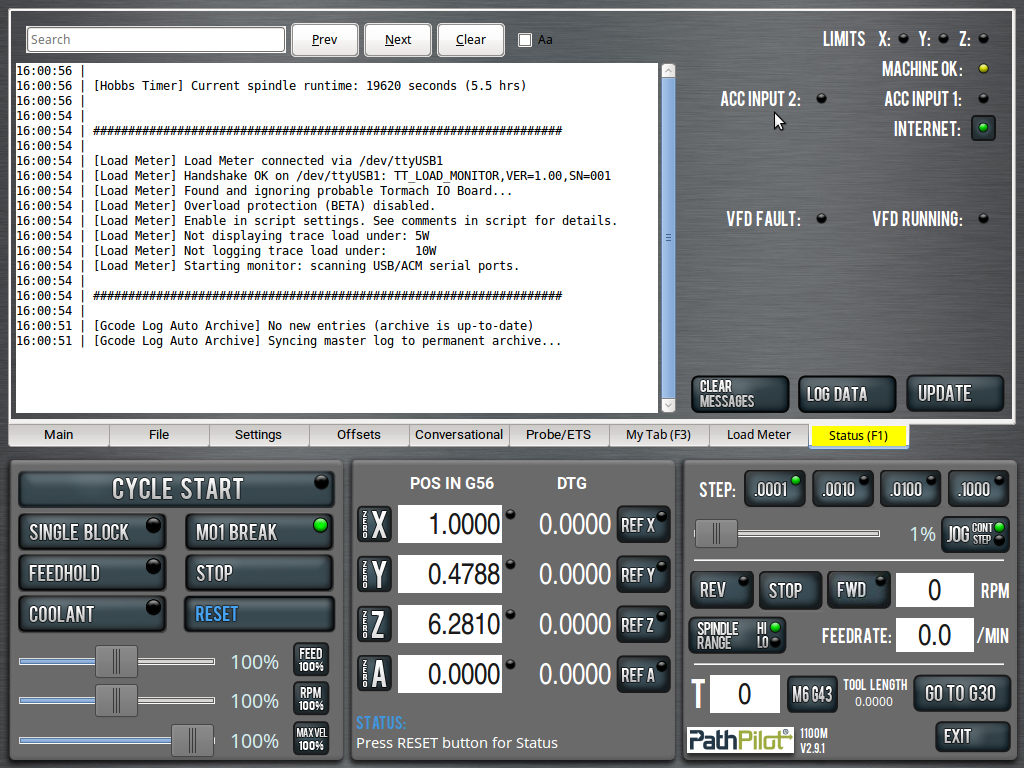
| Status Window Search Box
|
||||||
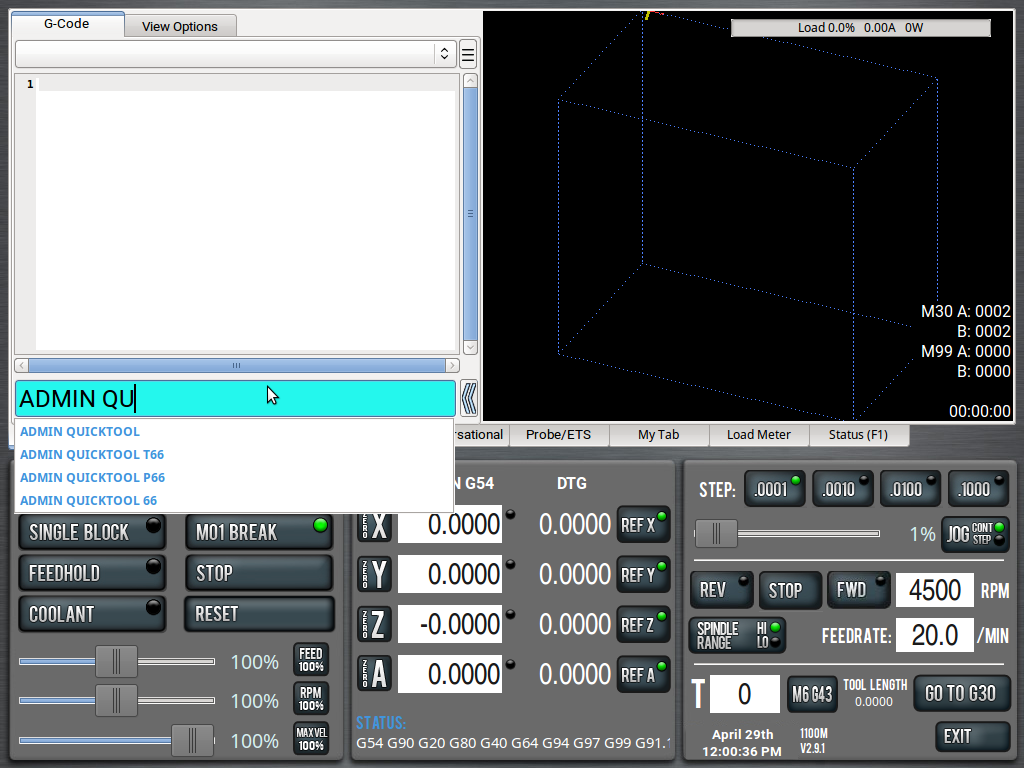
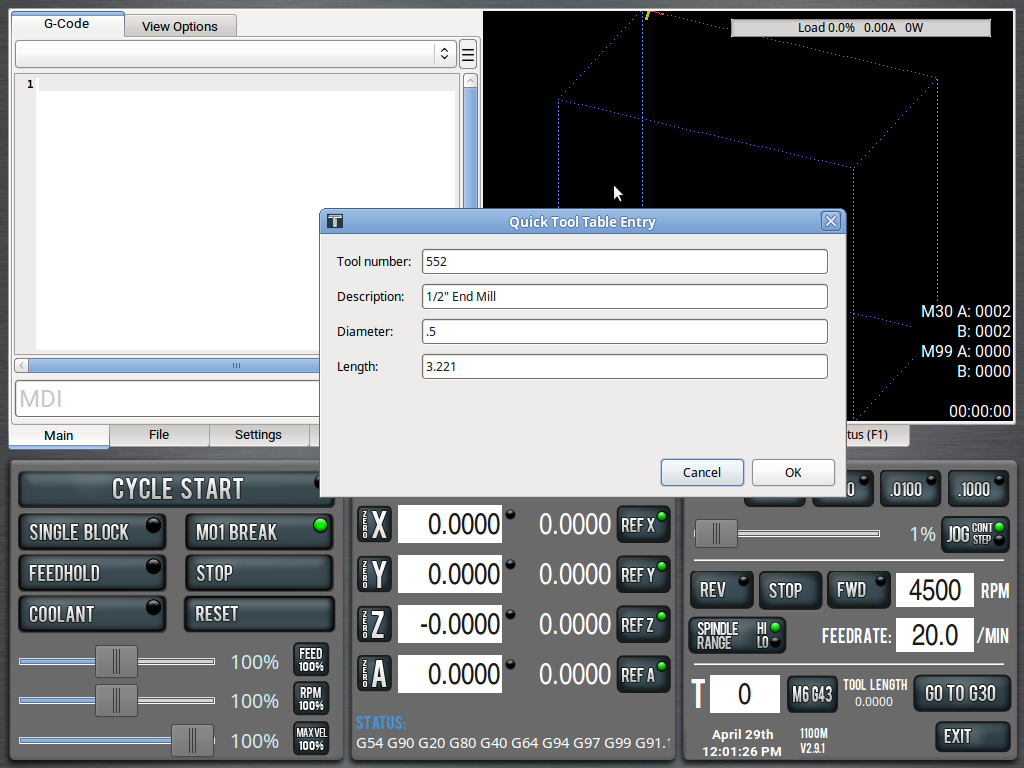
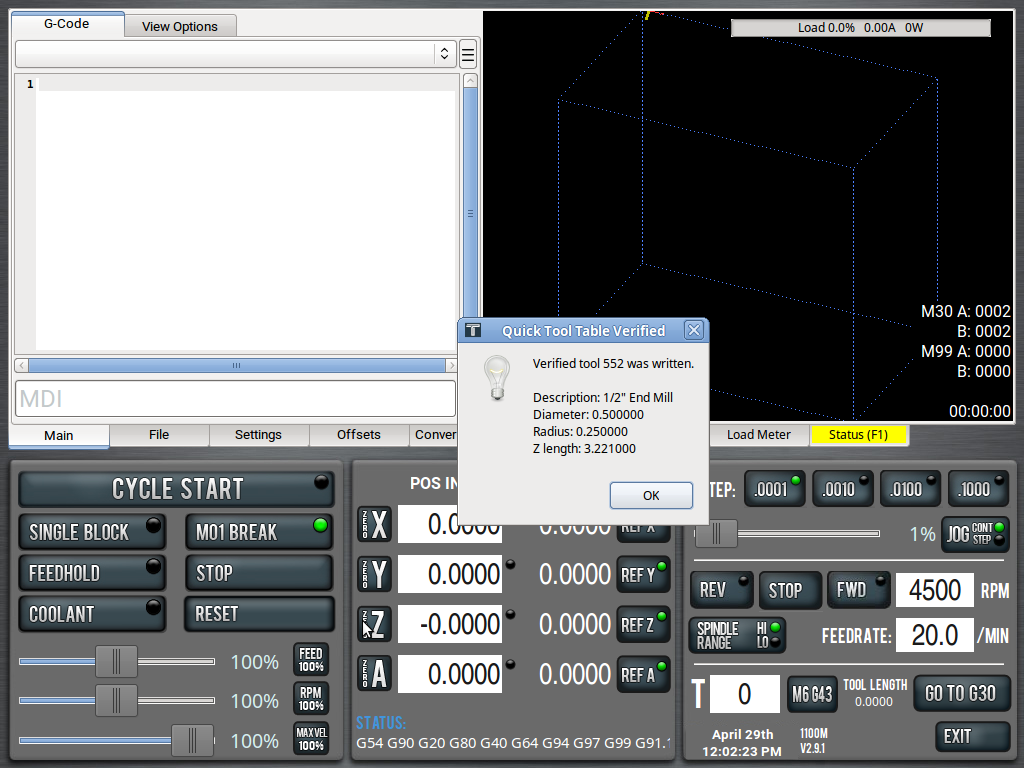
| Quick Tool Adder This script is a faster dialog, directly from the MDI line, to update tools. You should also download Custom Admin Commands for this to work properly.
|
||||||
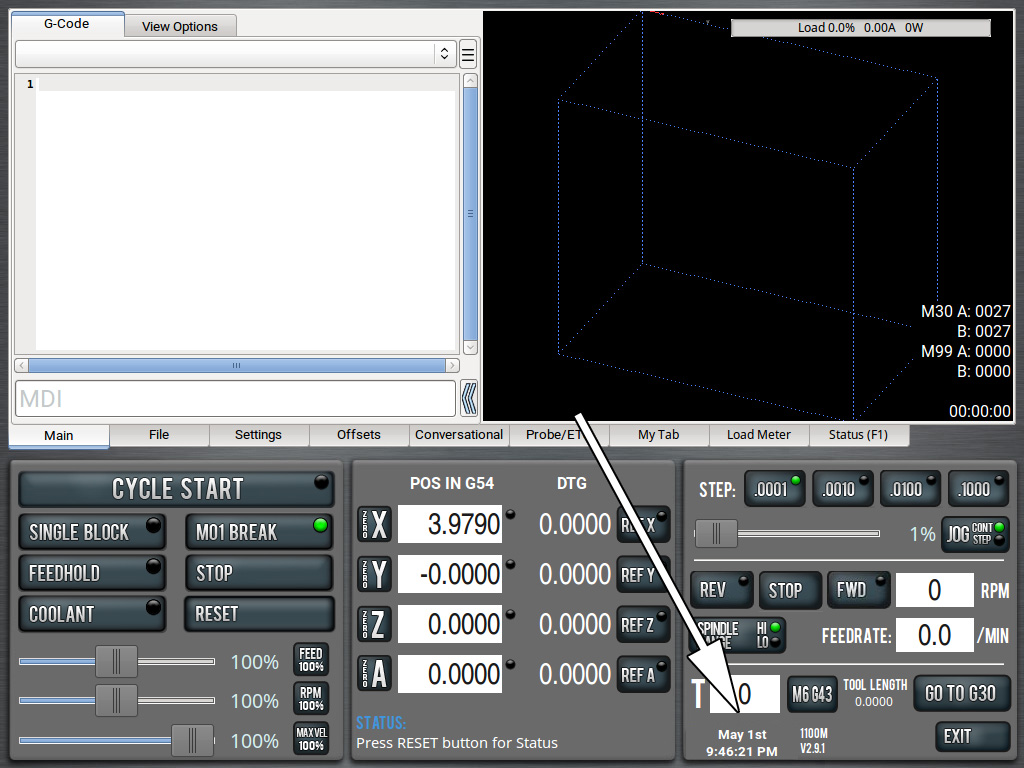
| Show Clock by Default In older versions (prior to v2.10.0 I think) the clock was hidden behind a PathPilot logo. This fixes that and shows the full date, as well.
|
||||||
| Open Scripts In Gedit In PathPilot's file tab, certain file types open in their respective viewers. PDFs open in a PDF viewer. Images open in an image viewer. Log files open in the text editor. This script forces anything clicked on from /home/operator/gcode/python to open in the text editor instead of as an NC file (which they never are). |
||||||
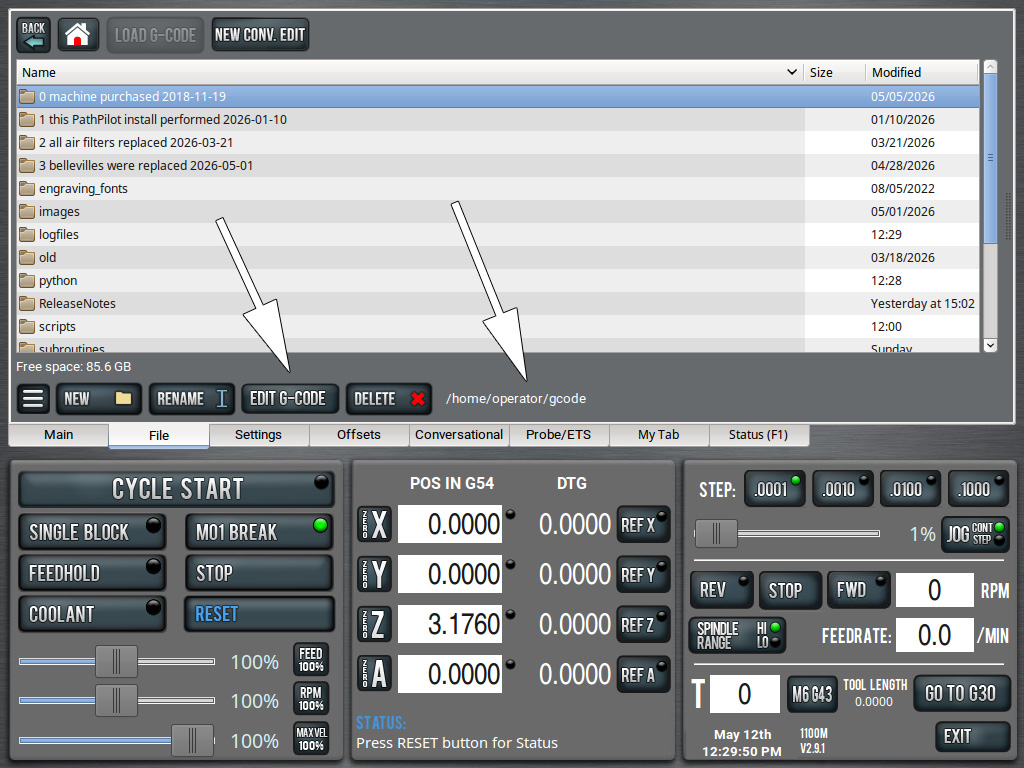
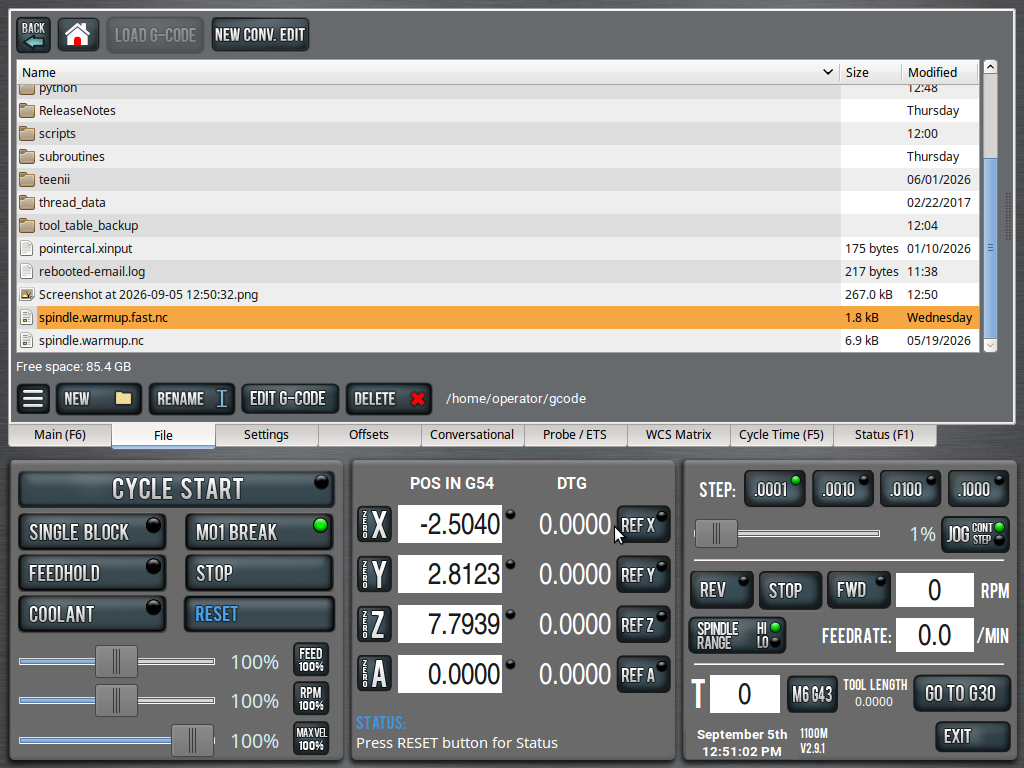
| Edit Button In File Tab,
Full Path in File Tab Gives you an edit button in the File Tab, for easier editing. Now also shows the current full path that you're in.
Also requires this image (or use your own). |
||||||
| Machine Ready Check This is a simple script I created mostly for internal use. It just checks if the machine is out of e-stop, homed and ready for work. If so, it spams "OK" to the status window. If not, "NOT OK". To be used for other projects. |
||||||
| No Hidden Tabs After Cycle
Start Prevents PathPilot from
hiding valid notebook tabs after Cycle Start. |
||||||
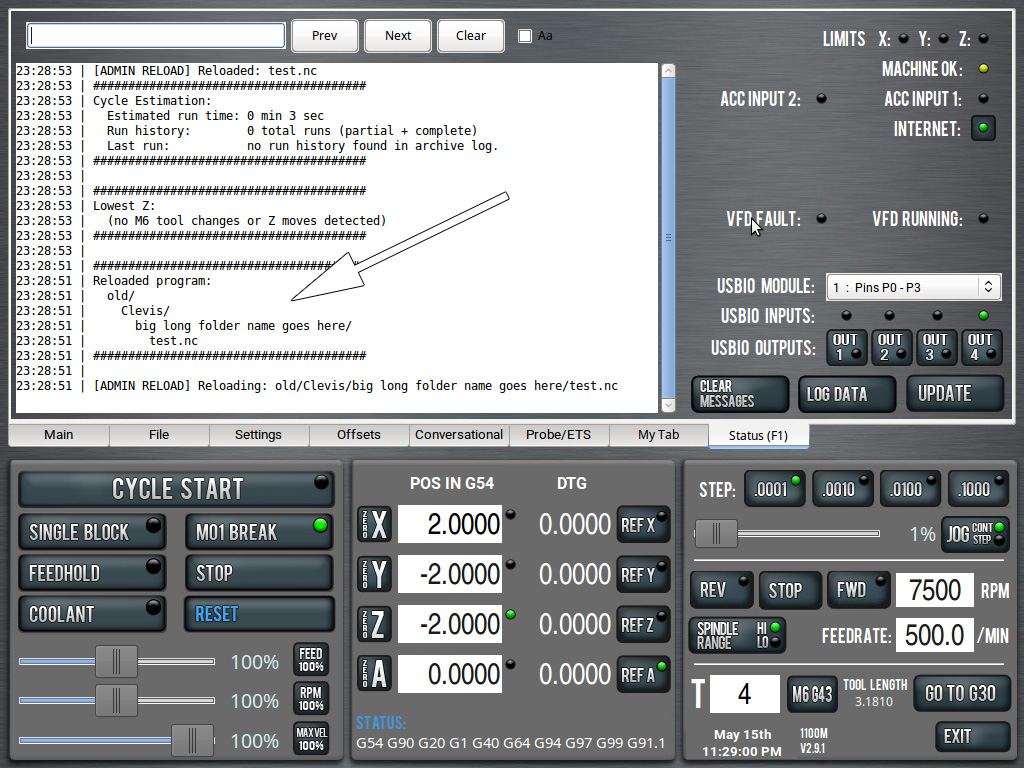
| Status Window Full Path
Cleaner Upper The Loaded Program snippet that displays in the Status Window often spills over to the next line, which is ugly. This fixes that.
|
||||||
| Allow Rename Allow
Deletion This script allows you to rename and/or delete currently loaded gcode files. Currently, from the File tab, if you try to do either you'll be alerted that you can't. This mod removes that guard. |
||||||
| 200% Slider Overrides
|
||||||
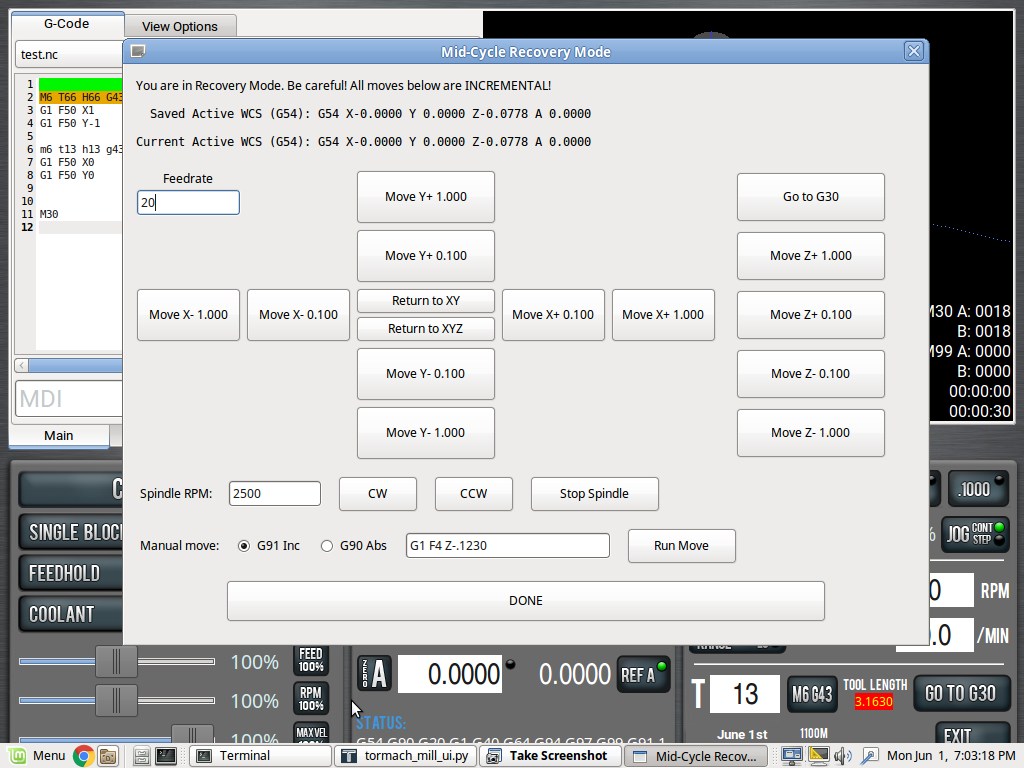
| Recovery Mode (Modes 1 and
2)
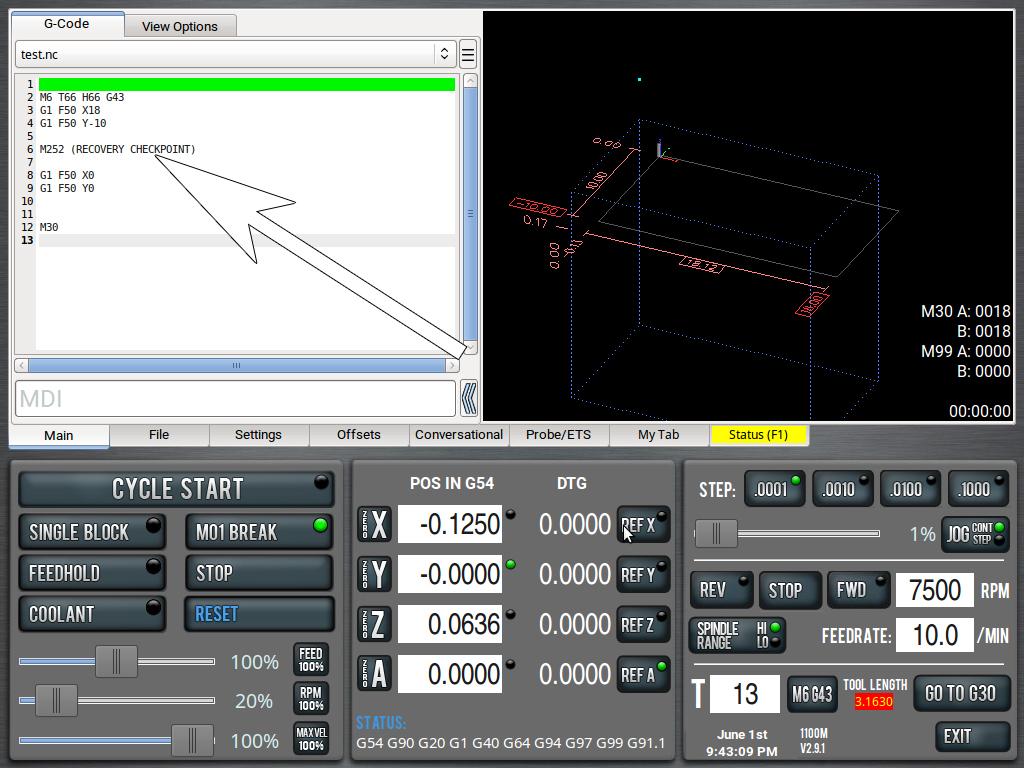
PathPilot Recovery Mode is an advanced plugin, with its own page here. |
||||||
| Blank Tab Plugin (with 16
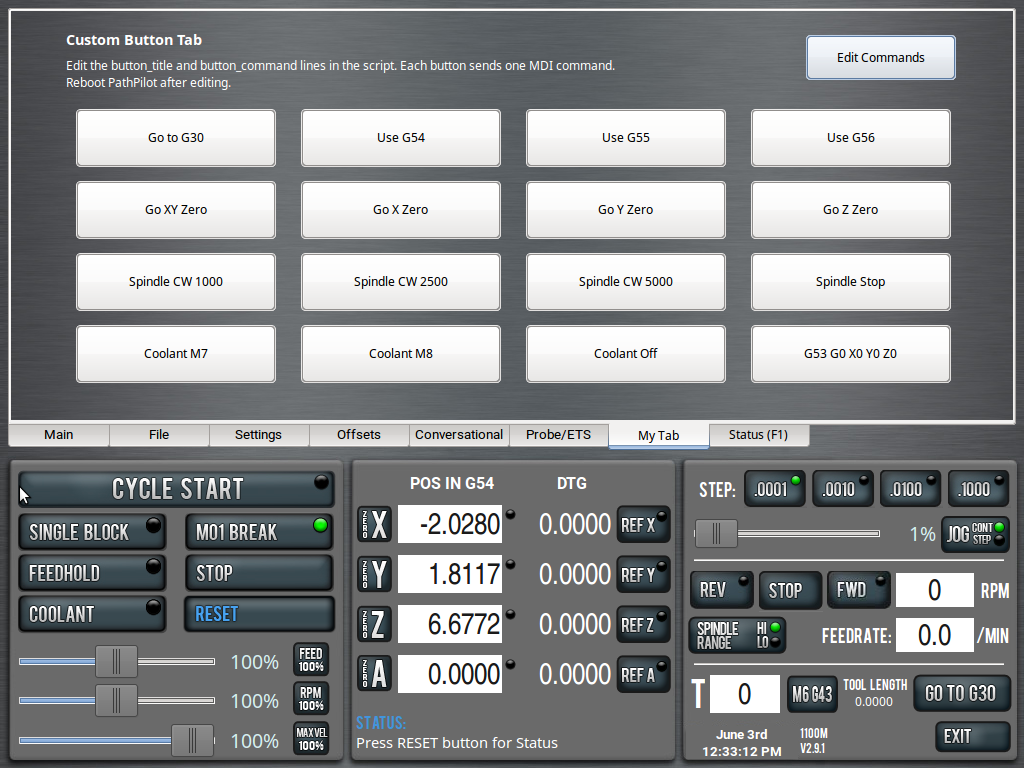
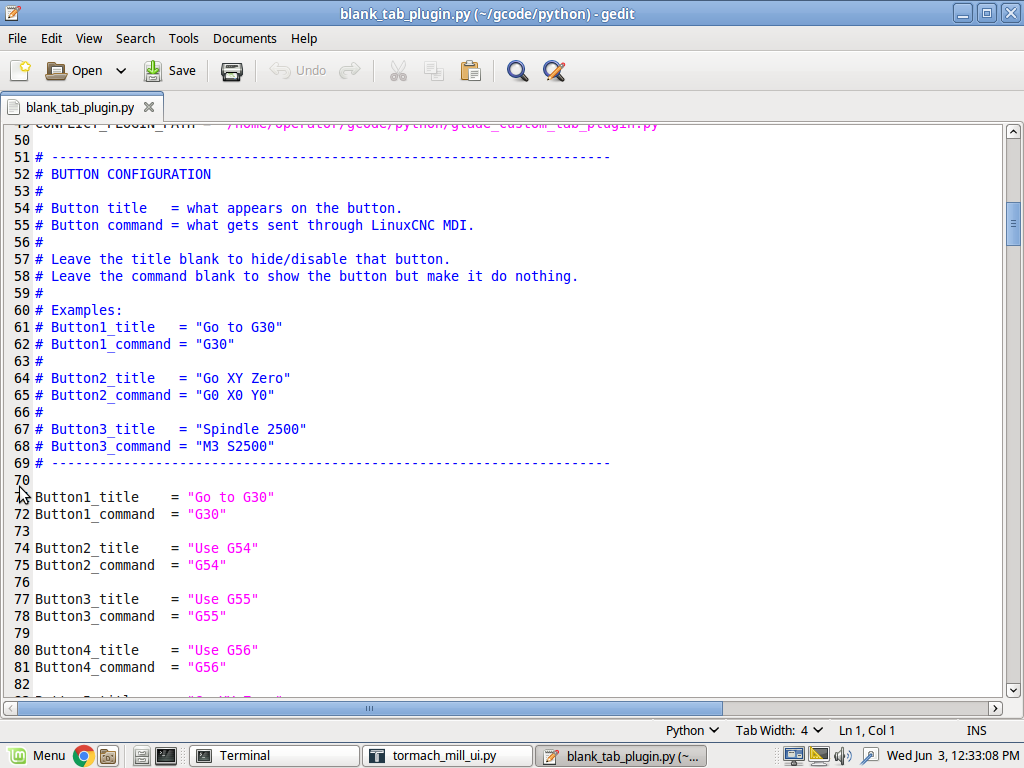
user-customizable buttons) This plugin is similar to my WCS Matrix Tab, though this one simply presents with 16 buttons that you can edit to do whatever you want. For now, it supports MDI commands. So, anything you can type on the MDI line can be a button. Simply change the CONSTANTS found in the script (see screenshot) to make the button title say, and do, whatever you want. I will, later, increase the functionality of the buttons to include custom scripts, probing routines, etc.
|
||||||
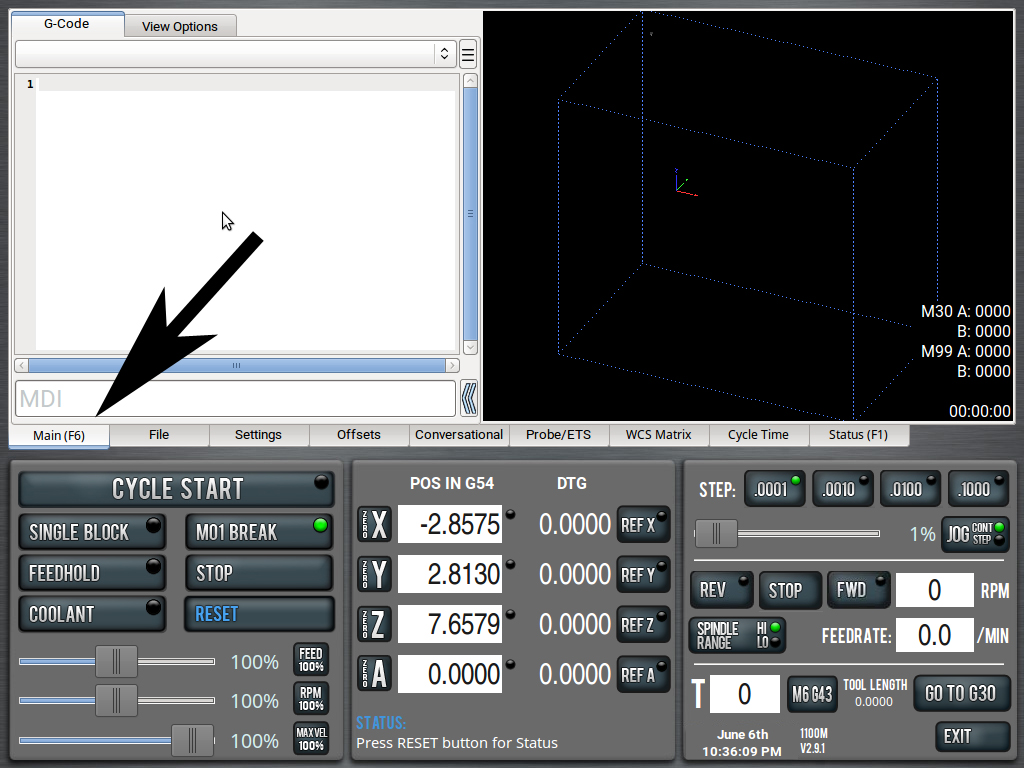
| Main Tab F Key Shortcut Allows you to set an F key (default is F6) to quickly get back to the main tab. Similar to F1 for the Status tab.
|
||||||
| Auto Load G-Code at
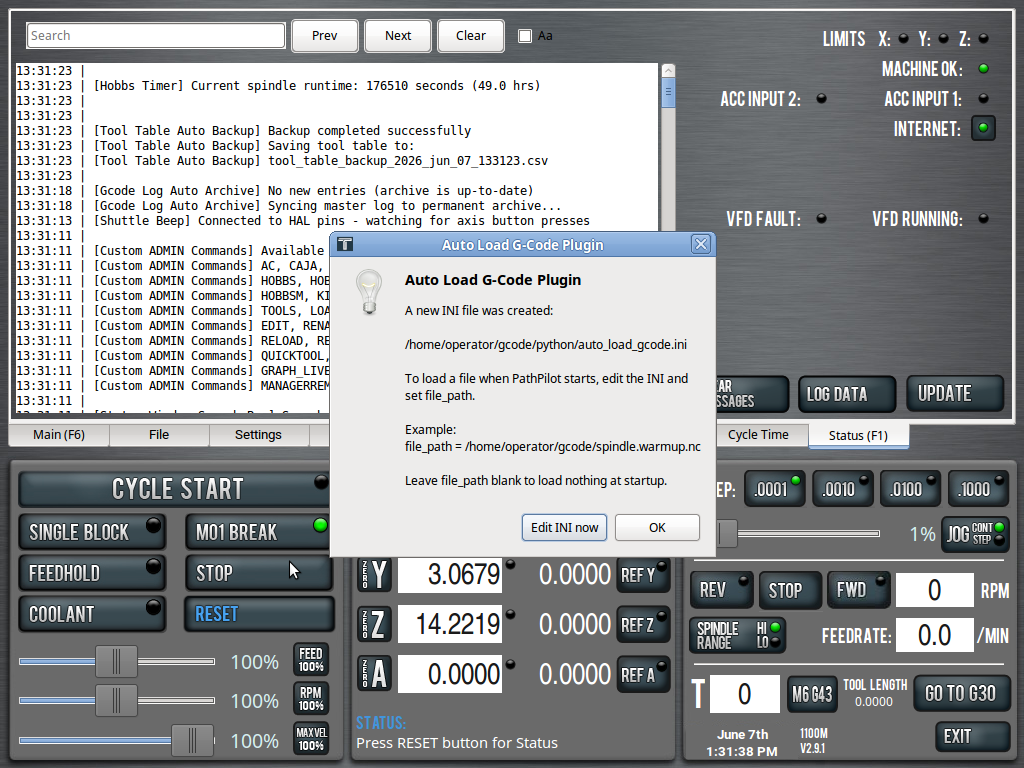
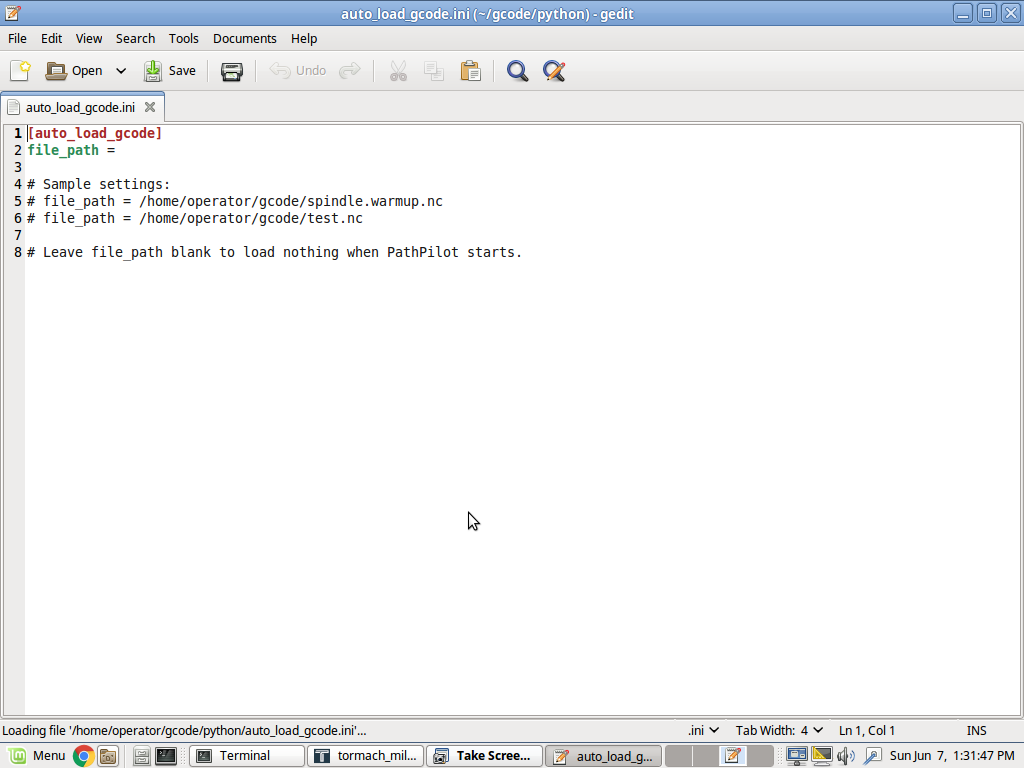
PathPilot Boot Loads an .nc program of your choice on PathPilot boot. Useful for things like spindle warmup routines or if you only ever run one program on your machine. Does NOT start the program, simply loads it into the control, saving you a couple clicks.
|
||||||
| Tool Table Focus Fixer In PathPilot v2.14.3, and likely in versions starting around v2.10.0, there is an annoying Tool Table focus bug. When editing the Tool Table, you should be able to enter a tool description, press Enter to move to Diameter, type in the diameter, then press Enter again to move to Length. Instead, PathPilot often redraws the Tool Table and forces focus out of the current field, jumping back up toward the top row. That means you have to scroll back down, then double-click or sometimes triple-click into the Length field just to continue entering your offsets. This patch fixes that redraw/focus behavior. With it installed, you can type your Description, press Enter, type the Diameter, press Enter, type the Length, and press Enter again in one clean, intuitive flow. I have not seen this issue in older versions like 2.9.1, which is one of the reasons I still keep an older, more stable version around. [ photo here ] |
||||||
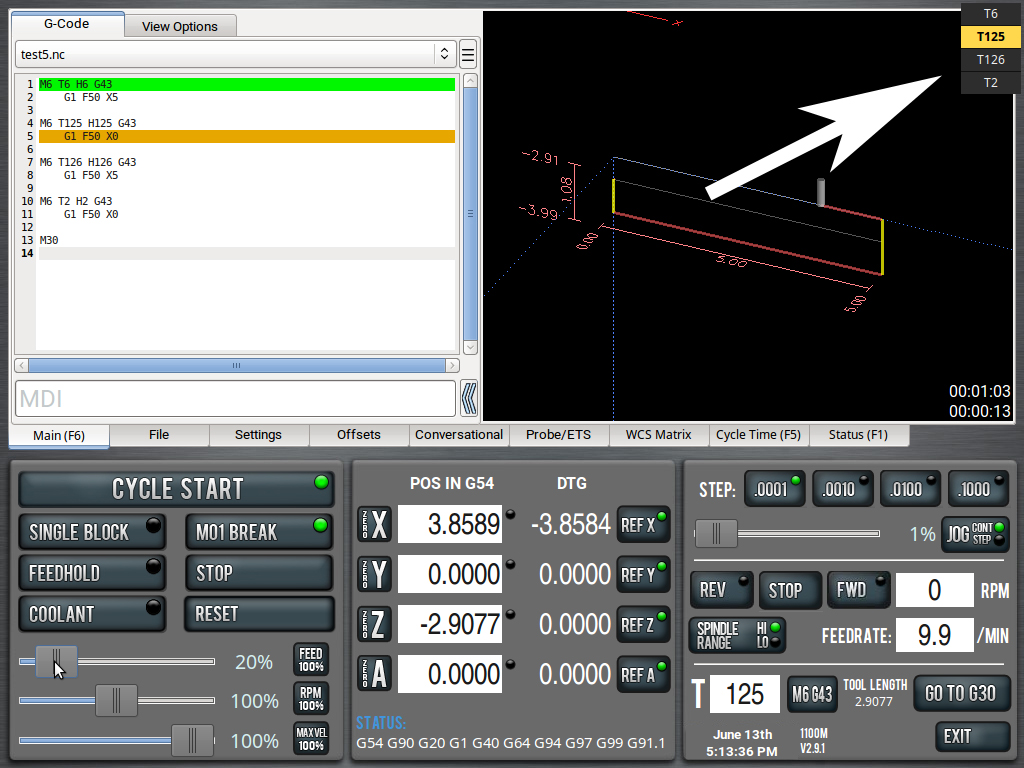
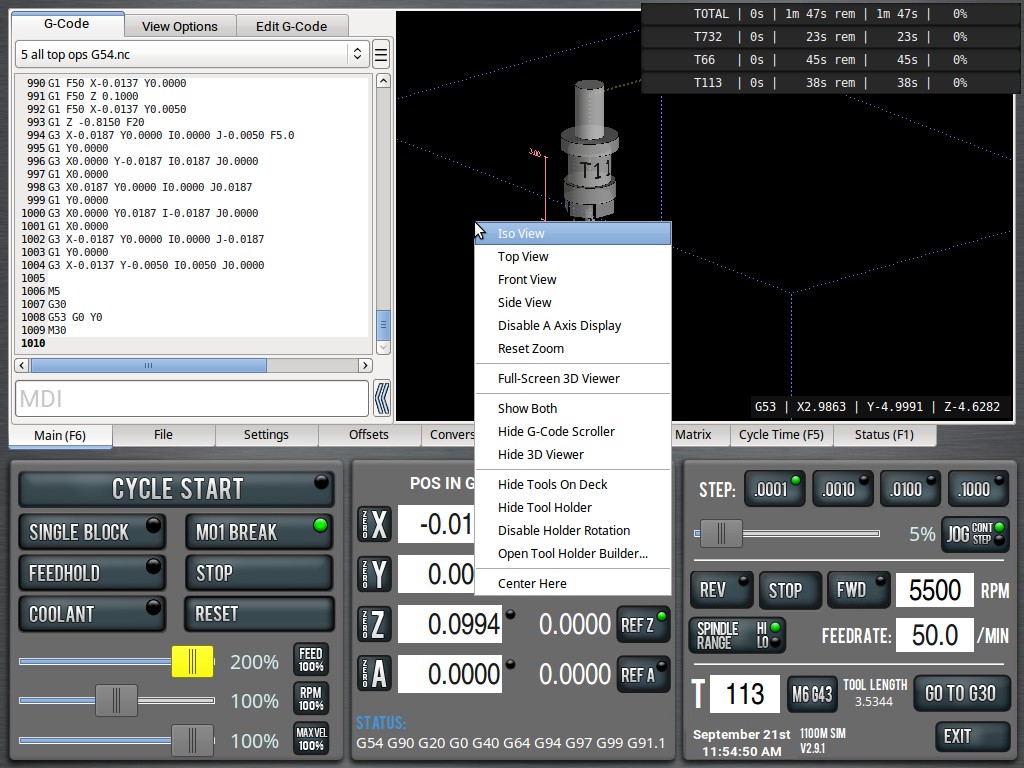
| Tools On Deck This script adds an always-on-top overlay in the upper-right corner of the Main screen. It shows the tools used by the currently loaded .nc file and highlights the active tool in yellow. If you have an ATC, unpocketed tools will display in red. It is a simple way to keep the required tools visible while a program is loaded, so you can see what needs to be ready and which tool is coming up next.
|
||||||
| Home Logger
Home Position Logger is a simple safety-net
plugin for PathPilot. Every 500 ms, it checks whether the machine is sitting
at a configured work coordinate position, such as X0 Y0, with optional Z
matching as well. When the target position is reached, the plugin writes
both the current WCS coordinates and the matching G53 machine coordinates to
a local text file. |
||||||
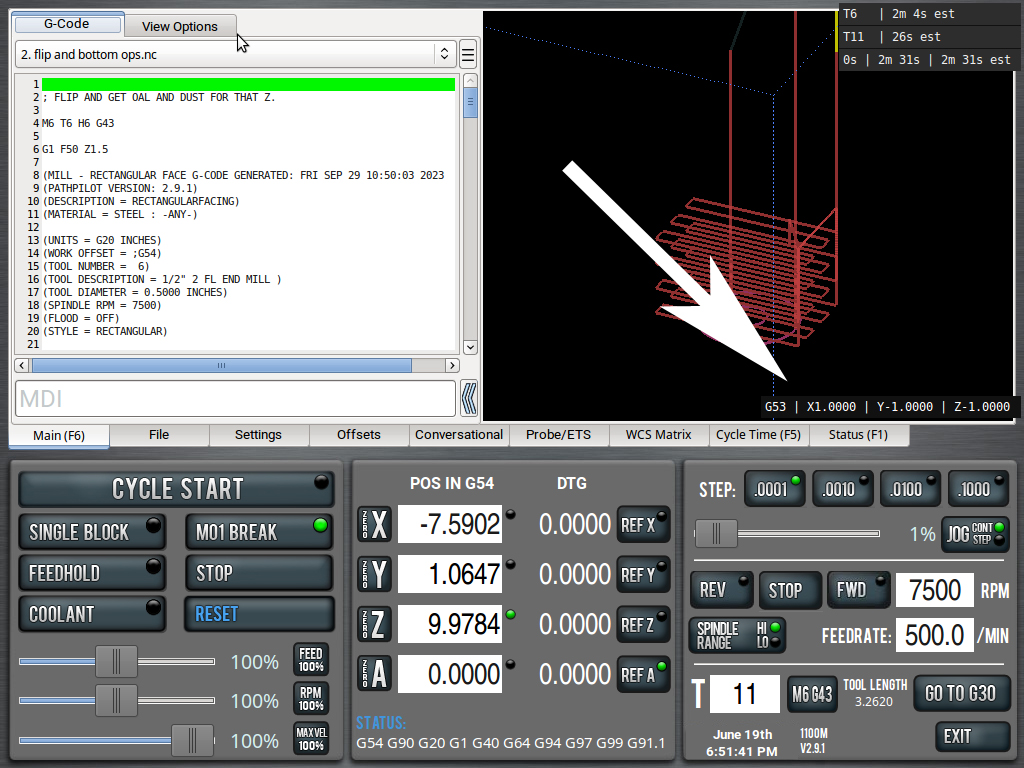
| Machine Coords Overlay on
Main Tab This simple script displays your real-time G53 Machine Coordinates on the Main Tab. In the photo below, I have them down near where the OEM elapsed cycle time goes. You can move the overlay anywhere you want on the screen, though, by editing the constants in the script.
|
||||||
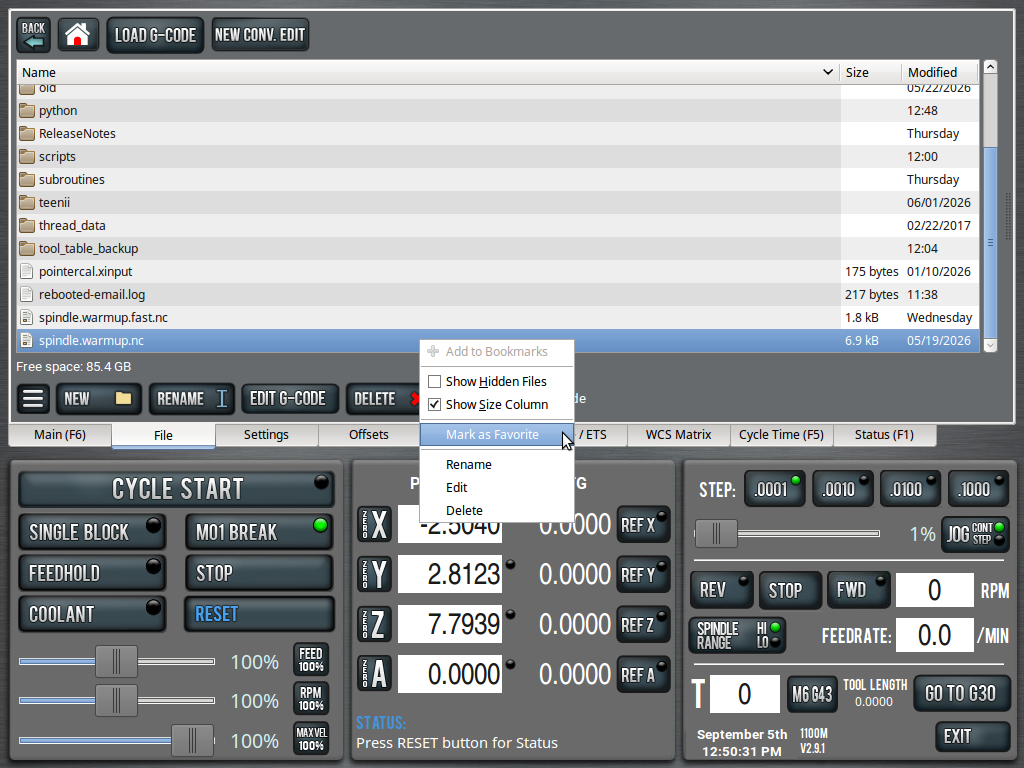
| File Favorites (with Edit,
Rename & Delete) This script will allow you to select Favorite files. The idea being, if you have a folder with probing ops, top ops, bottom ops and more, you can highlight which ones you use the most often. This is all on right-click and you also get Rename, Delete and Edit options, too.
|
||||||
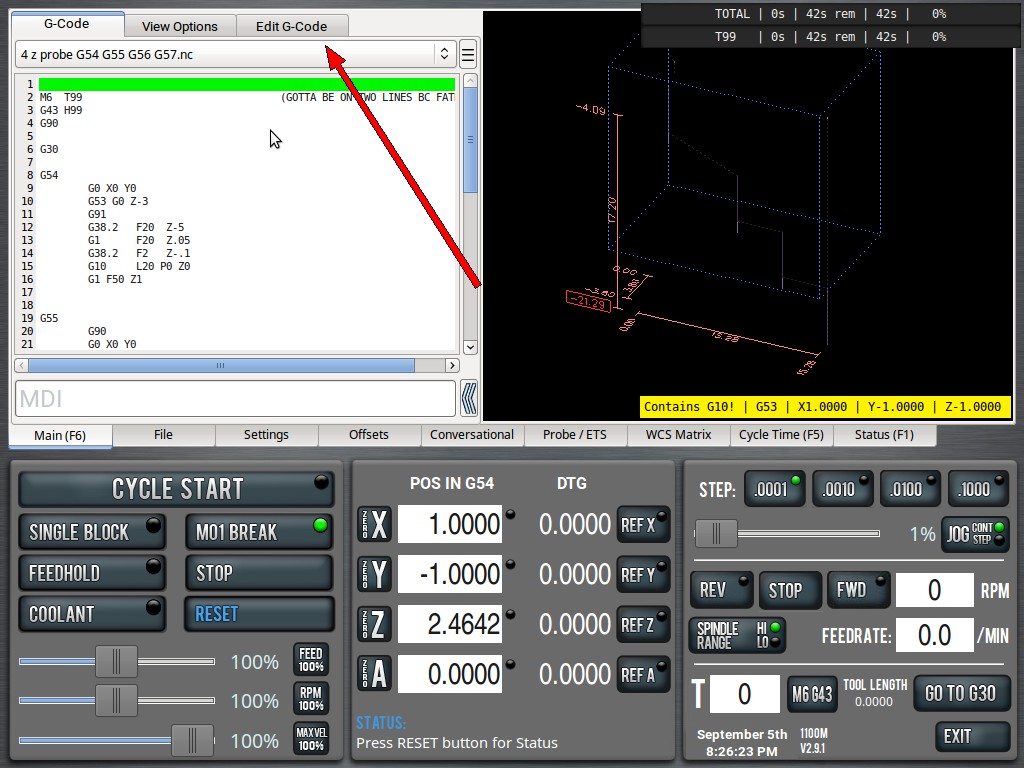
| Permanent Edit Button This script adds a third "tab" to the G-Code Preview Pane. The "tab" is actually an Edit G-Code button that will open the currently-loaded program for editing. It's the same thing as ALT + E, except the hard button can be used while the program is running. There is no harm in editing a running program, it will not "update" in real-time. When the current job is finished (or aborted), PathPilot will then ask you to refresh the file.
|
||||||
 PathPilot
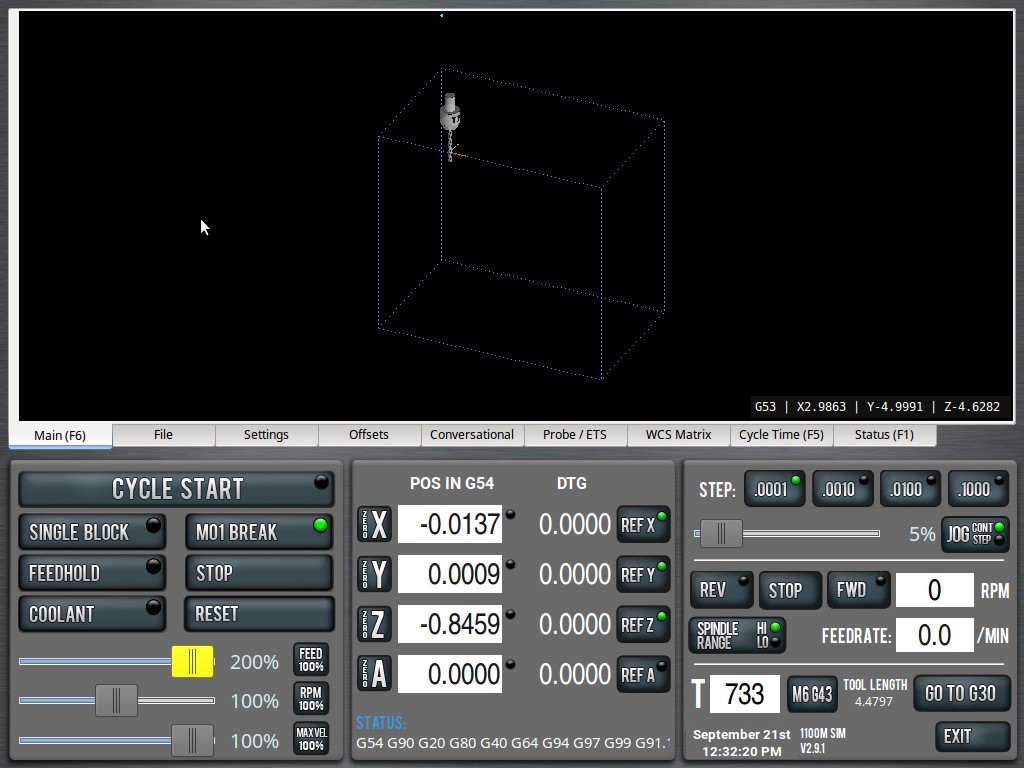
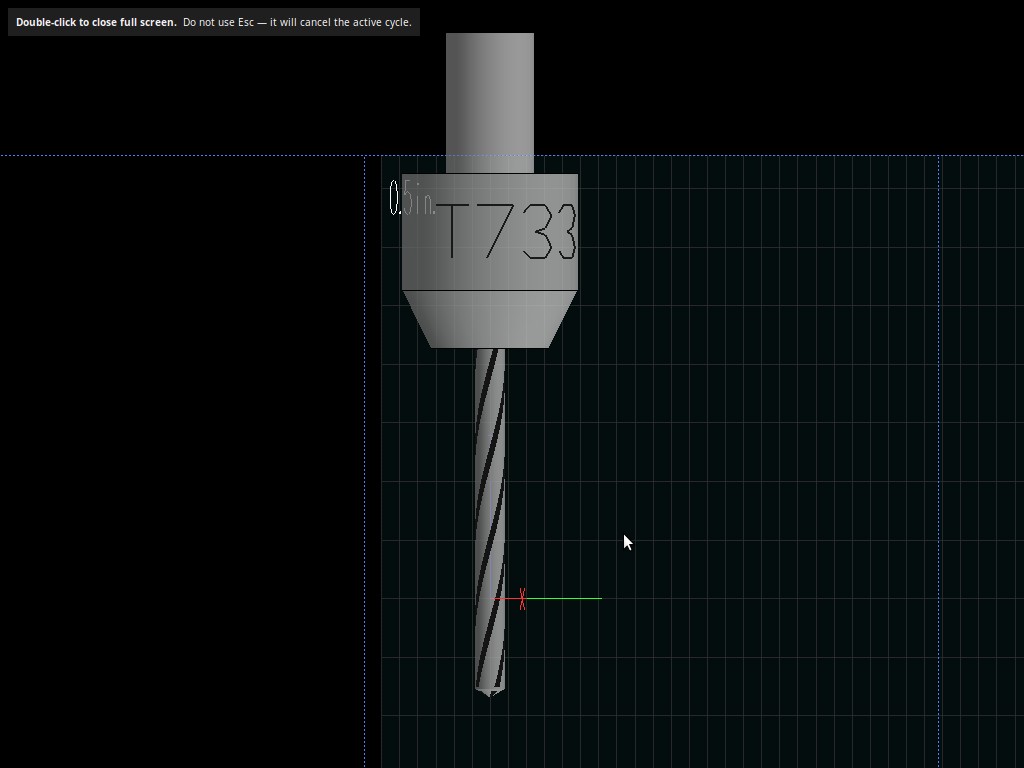
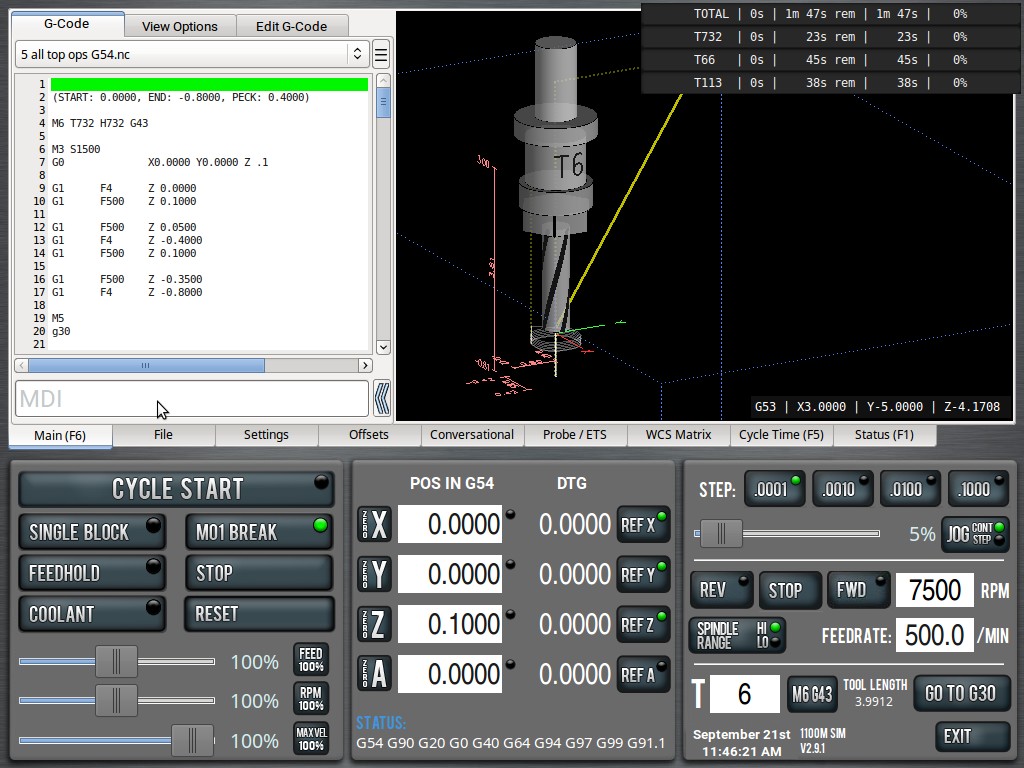
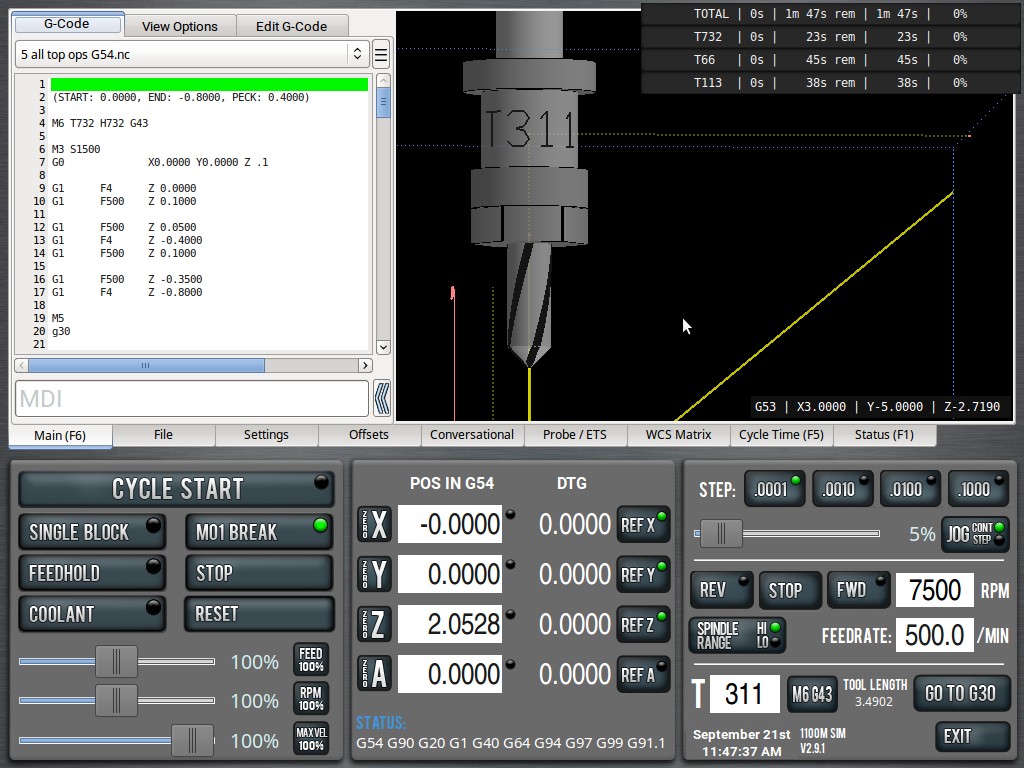
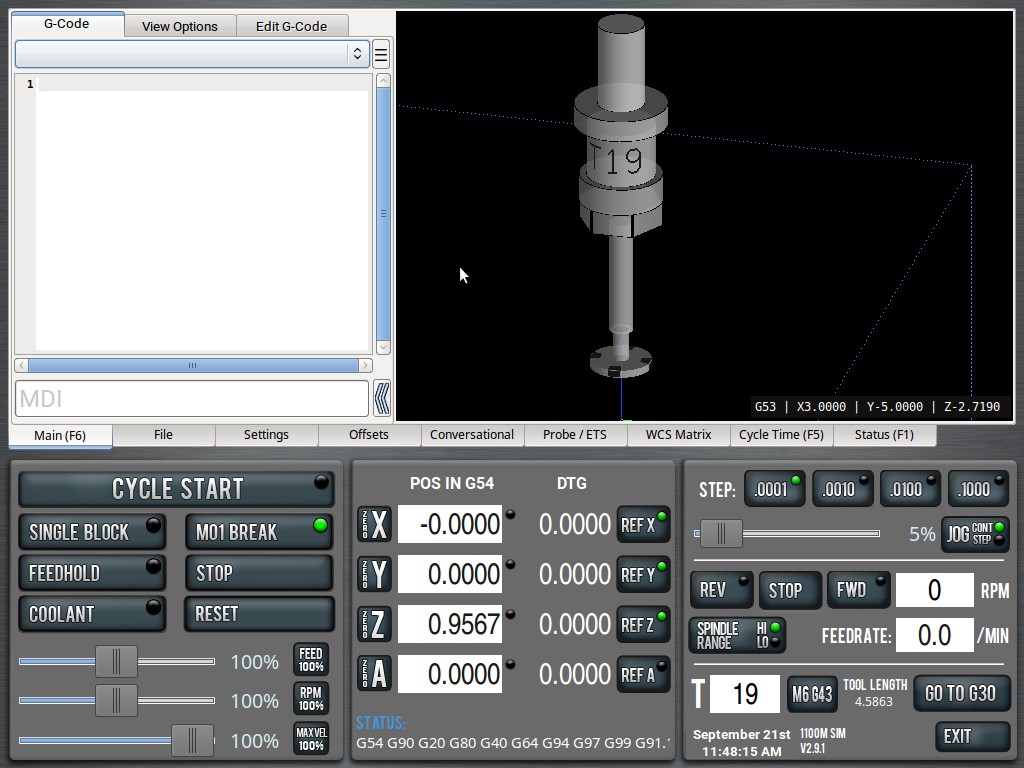
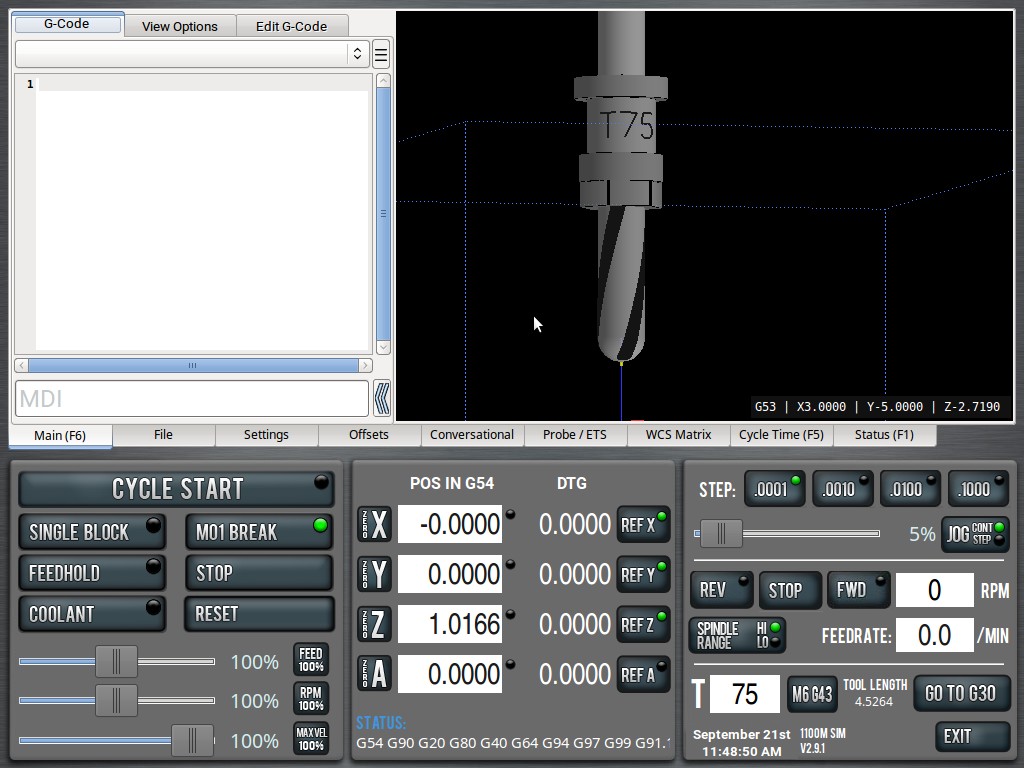
Tool & Holder Modeling, with Wide-Screen and Full-Screen 3D Viewer Modes PathPilot
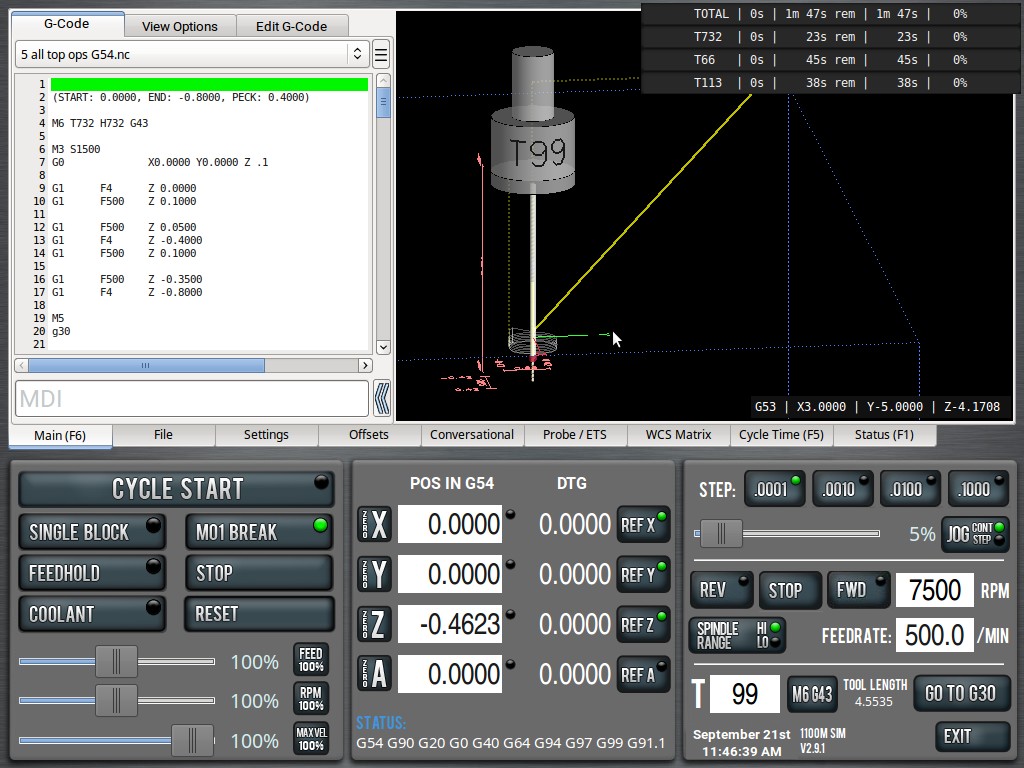
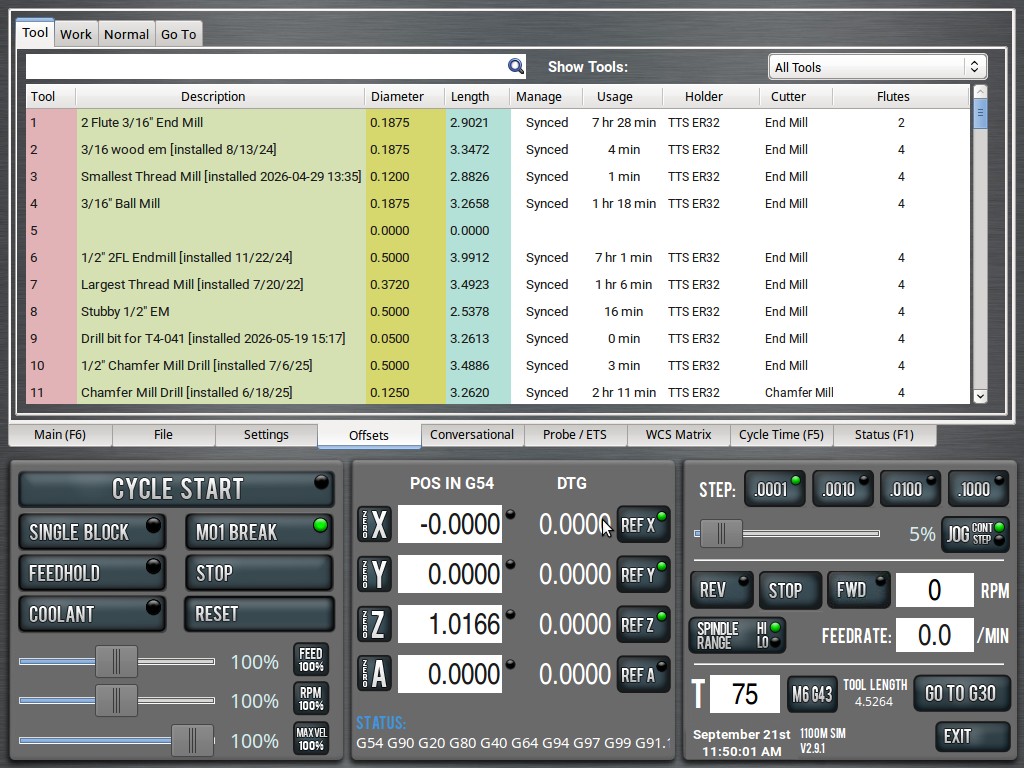
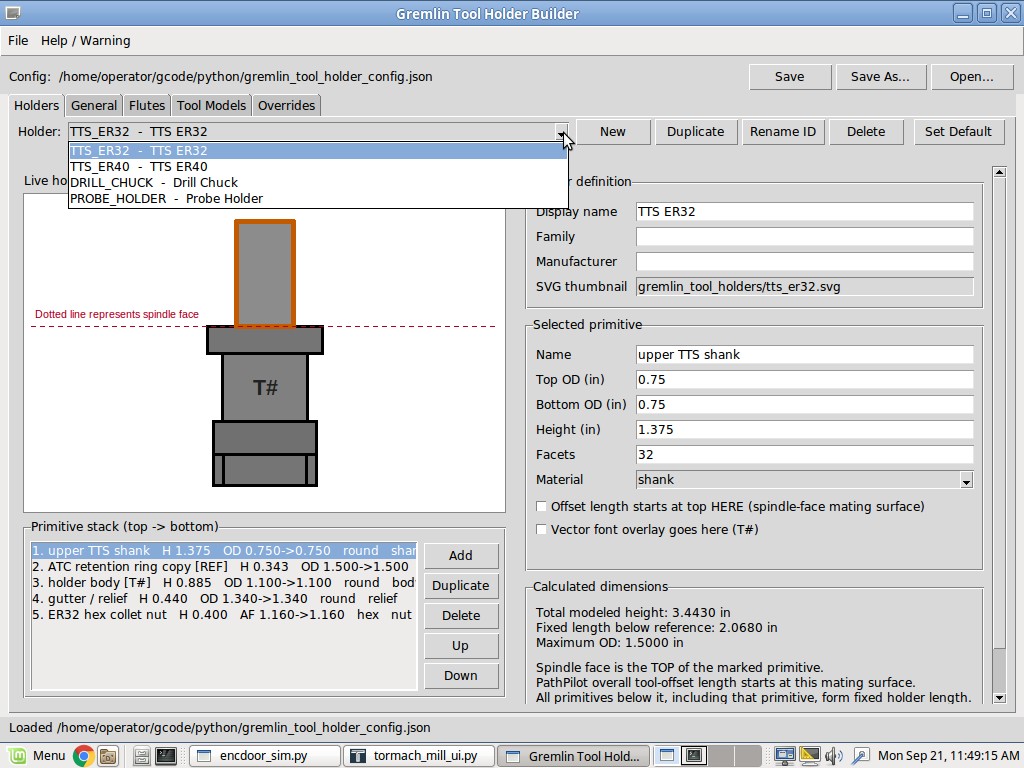
Tool & Holder Modeling, with Wide-Screen and Full-Screen 3D Viewer ModesYou can now model your actual tool holders directly in the PathPilot 3D viewer. ER32 holders, set-screw holders, probe holders, drill chucks, and many other holder styles can be created by entering their real dimensions. When the measurements are entered accurately, the resulting model closely reflects the real holder geometry inside the PathPilot viewer. A collection of common cutting-tool models is also included, such as end mills, ball mills, bull-nose end mills, drills, chamfer mills, straight and spiral reamers, keyseat cutters, dovetail cutters, thread mills, and others. You can select the flute count for each tool and adjust flute width for visualization. Flute-width scaling is configurable independently for 1-, 2-, 3-, and 4-flute tools, allowing the displayed tool to better resemble the real cutter. Holders and cutting tools also rotate while the spindle is running. The displayed rotation is intentionally slowed down so that it remains visually useful rather than becoming a blur, and the visual rotation speed can be adjusted. Tool and holder assignments are managed through my Tool Life Manager. In addition to selecting the holder, cutter model, and flute count for each tool, Tool Life Manager provides advanced tool-management features including installed-time tracking, actual spindle-use tracking, replacement metrics, reminders, notes, tool history, and other tool-related information. The holder definitions themselves are created and edited with the Gremlin Tool Holder Builder. This means you are not limited to the holder models I provide. You can build your own holders by entering section diameters, heights, shapes, materials, and other dimensions to create a representation of the tooling you actually use.
The result is a PathPilot 3D viewer that looks much more like the tooling that is actually installed in the machine.
The suite modifies only one PathPilot OEM source file:
If you run into issues, this file is backed up to that same dir and can always be restored.
|
||||||
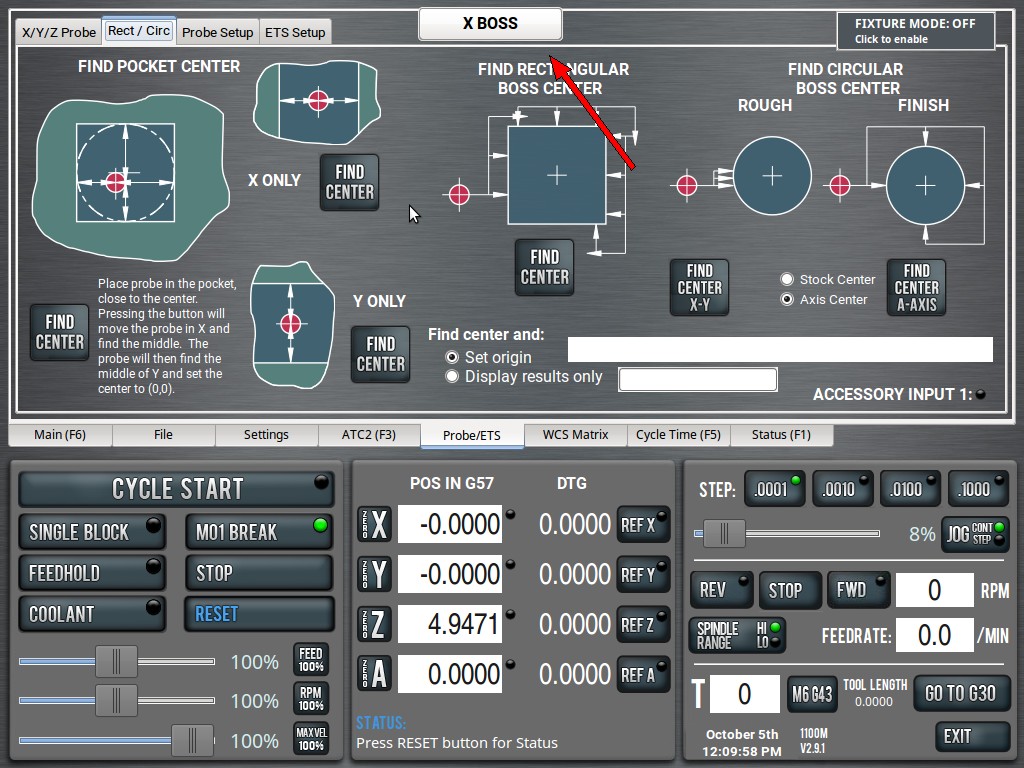
| XBOSS PROBING ROUTINE
Here's a shortcut I've wanted for a long time. It's tedious probing the center of X on projects, especially when they don't clear a vise (so you can't use the built-in Rectangular Probing Routine). You basically have to manually probe one side, rise up, jog over, probe the other side, divide by two and ugh. Not to mention that your work will be varying widths. Some days you may be on a 1" piece. Other days, a 10" piece. How would you automate that? What if someone wrote a script that asked you the approximate width of your project, then did it all with one button press? |